Use the Reports dropdown to access various Customer Reports.
To access a Customer Report:
Click the Custoemrs Tab and click Approrpirate Customer
Click the Reports menu and select the appropriate Report
Customer Pivot: Enables you to manage and analyze customer data however you like. For more information, refer to Creating and Managing Pivot Reports.
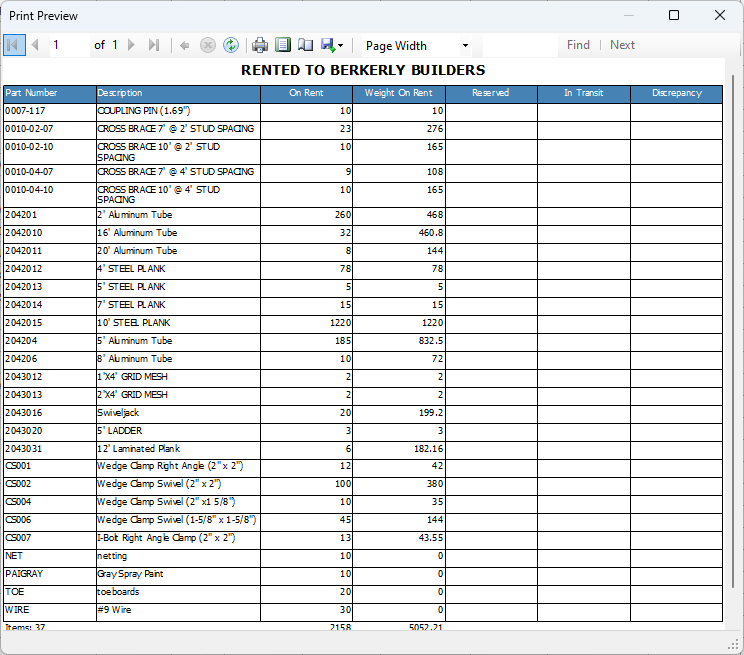
On Rent for Selected Customer -Displays items currently rented by the selected customer.
On Rent for Selected Customer by Location -Displays items currently rented by the selected customer, by all locations.
.gif)
Quantify displays the report.