Adding a Comment to a Request (IOS)
- Updated on Jul 17, 2024
- Published on Aug 4, 2023
To add a comment to a request.
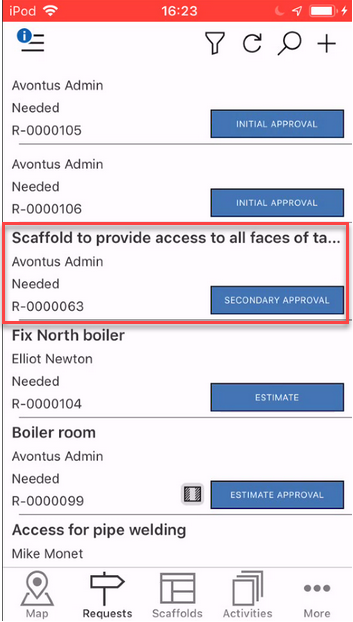
- Go to the Requests screen.

- Tap a request to add a comment to.
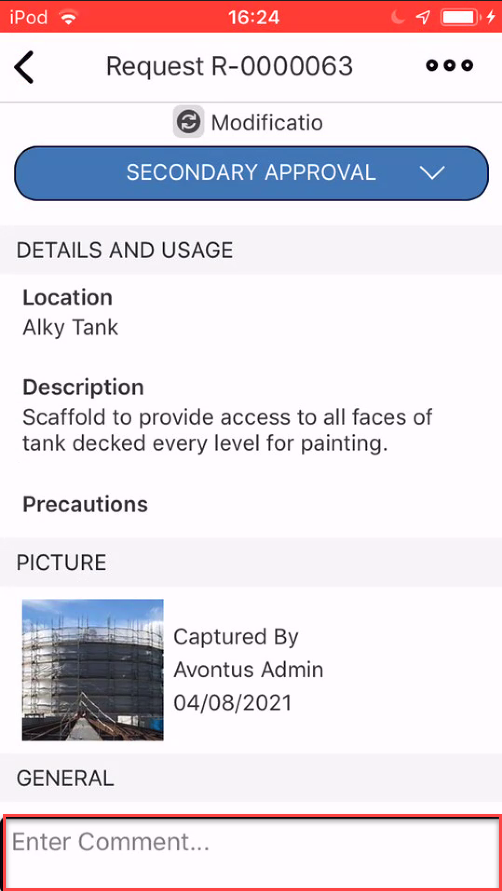
- Tap the comment box.
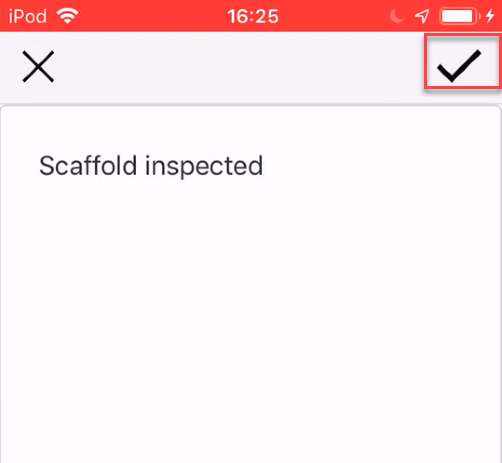
- Enter the comment and tap the tick icon.
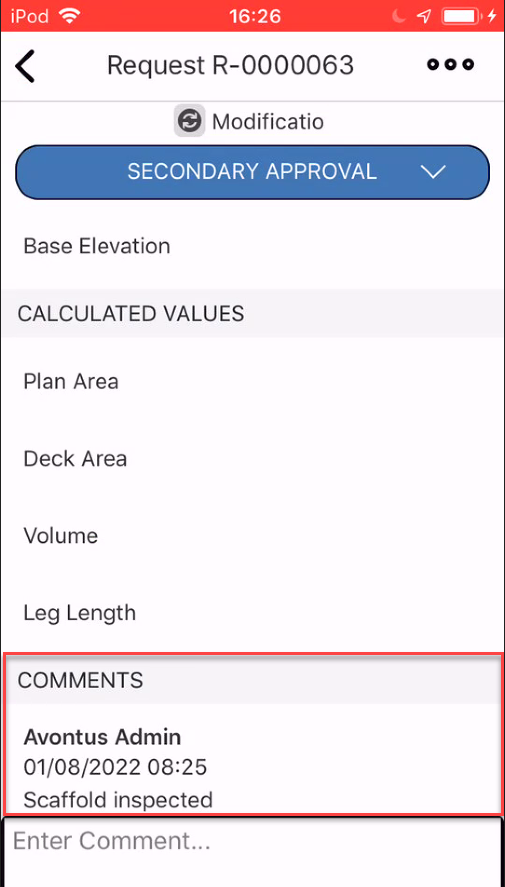
Any comments will be added at the bottom of the Request screen.
Was this article helpful?