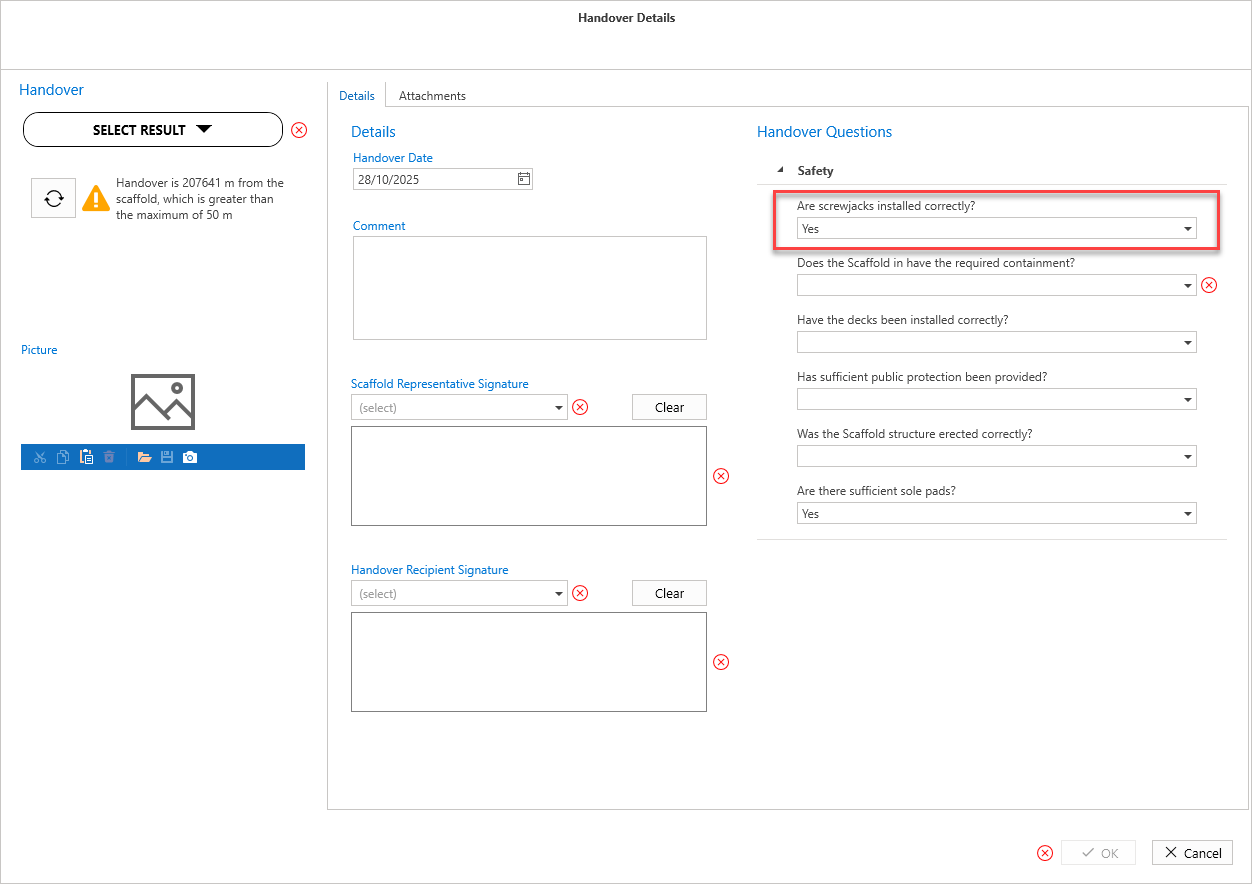
You can create Handover questions, and apply them to a Handover. These will be answered by a user handing over a scaffold.
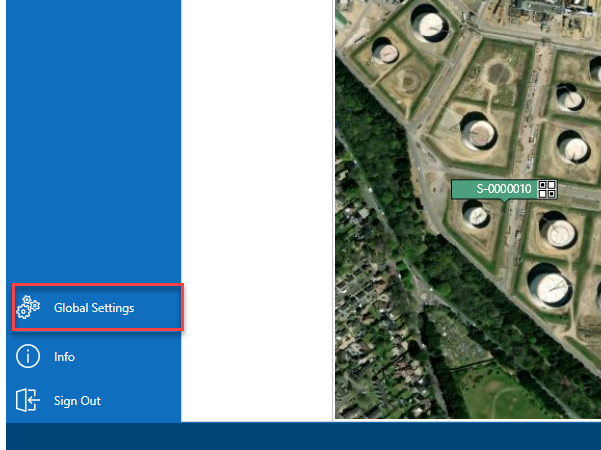
From the Map screen, select Global Settings
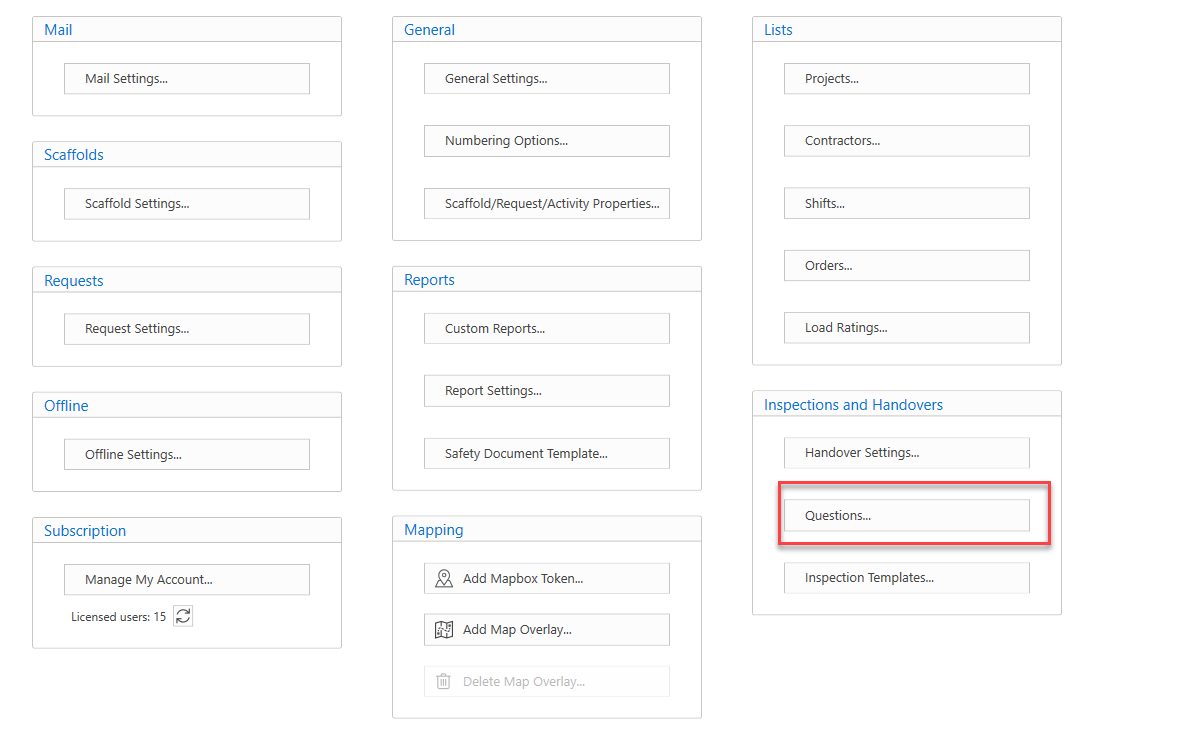
Select Questions….
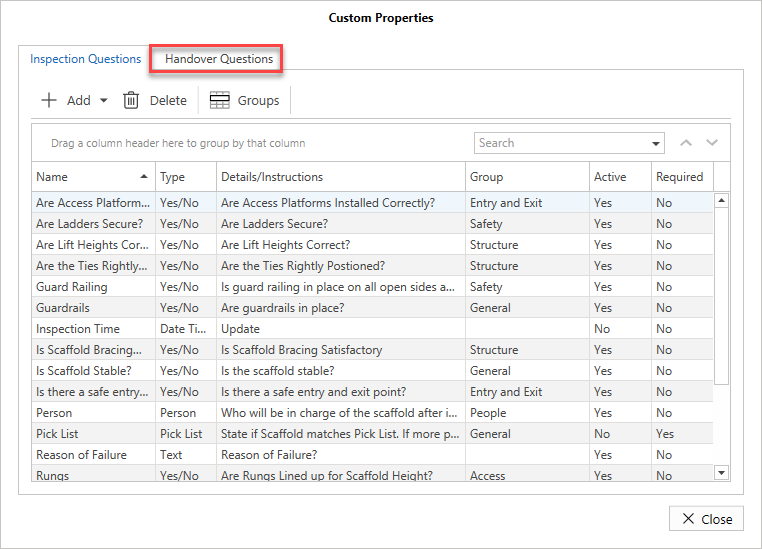
Select Handover Questions
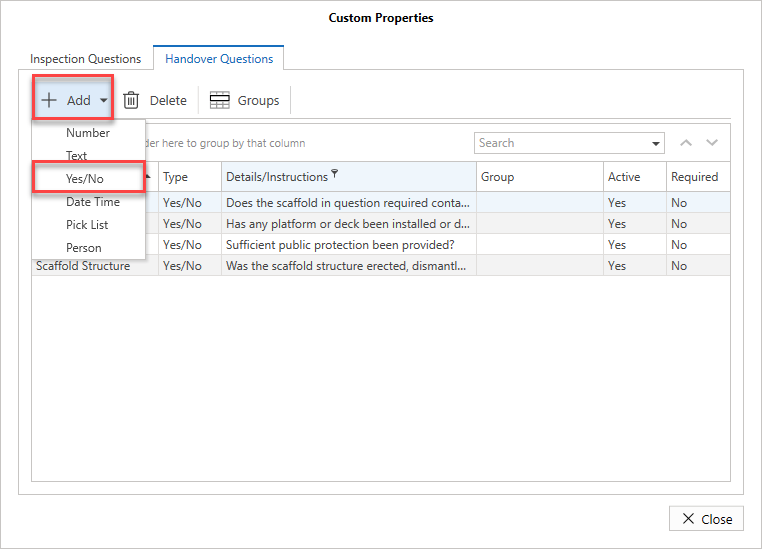
Select the Add button and select the question type. In this example, we will select Yes/No
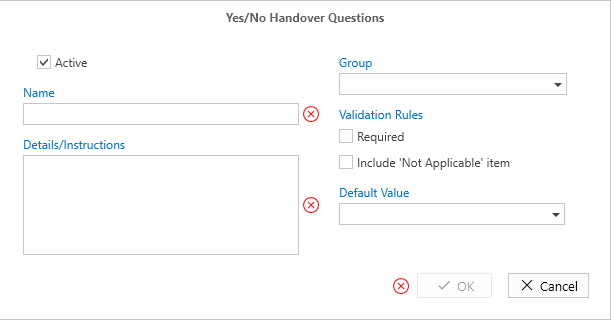
Enter the details of the question
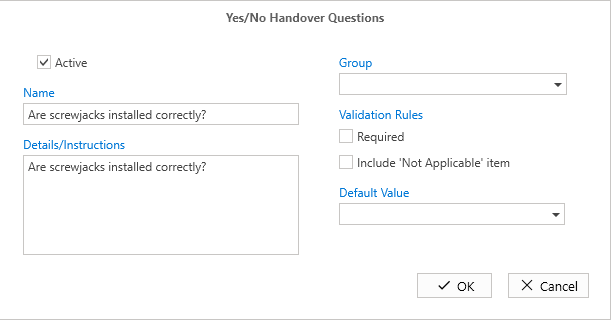
Select the group to assign the question too
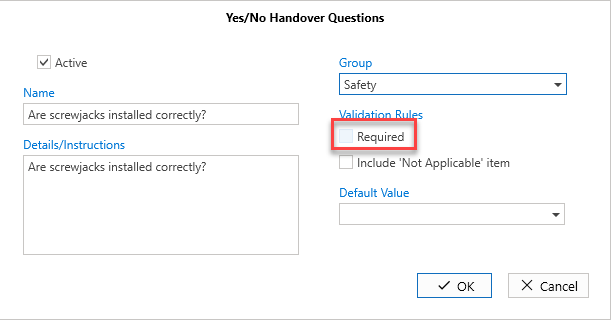
Specify whether this question is mandatory by putting a check in the box
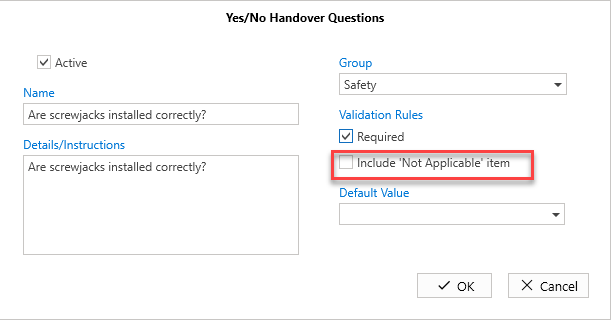
Specify whether to include a not applicable item
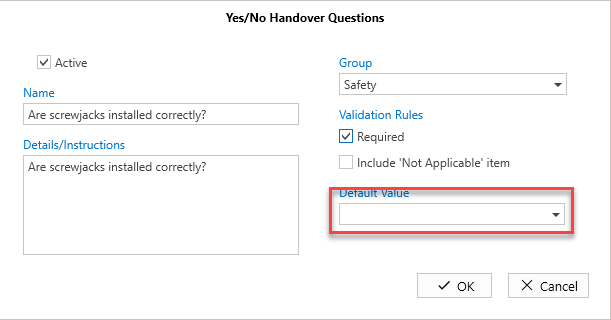
Select a Default Value
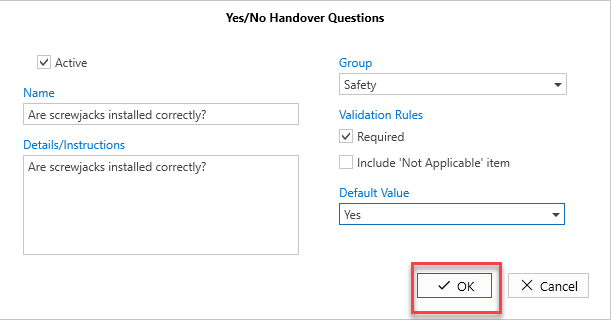
Click OK
The question will be added.
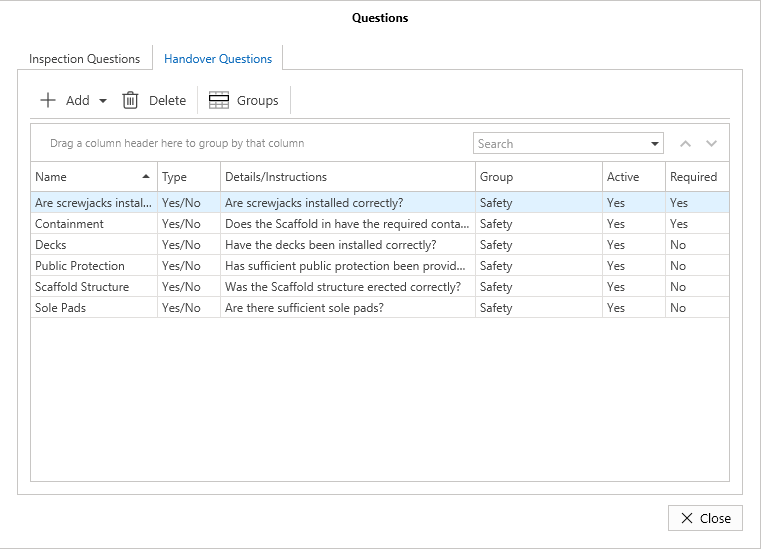
The question will also appear on any new Handovers, and can be answered by the user completing the Handover.