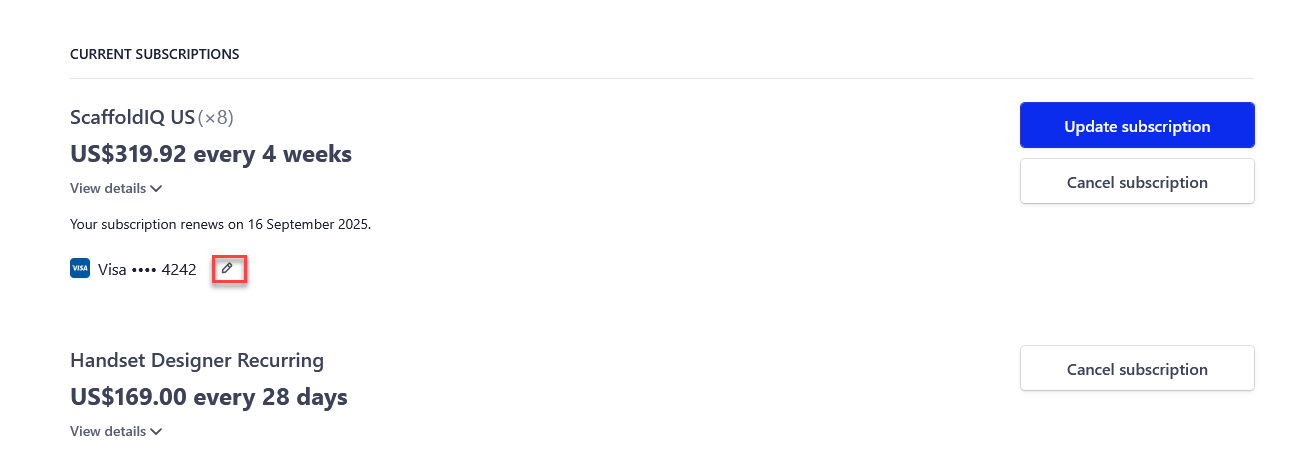
When logged in, select the edit payment method icon.
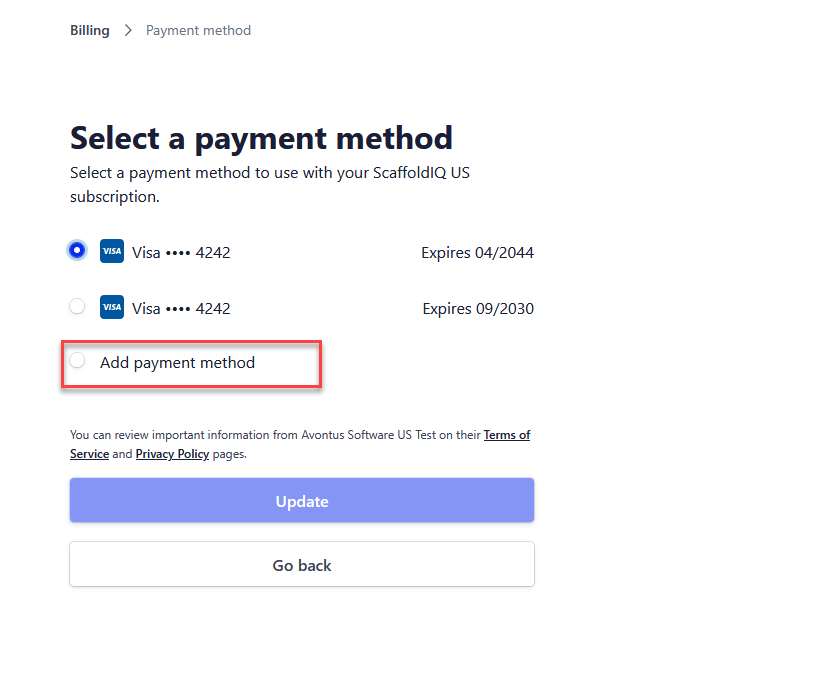
Select Add Payment method
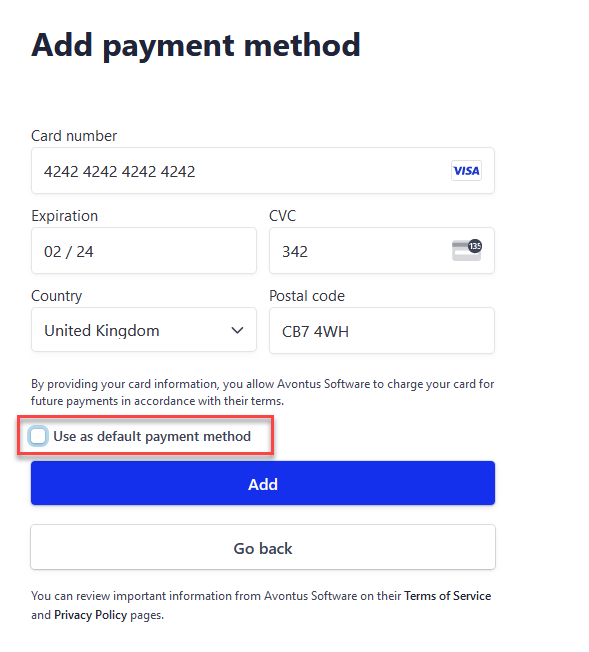
Enter the new payment's information
Select to set this as the default payment method by leaving the checkbox ticked or disabling it to ensure it is not the default payment method
Click Add
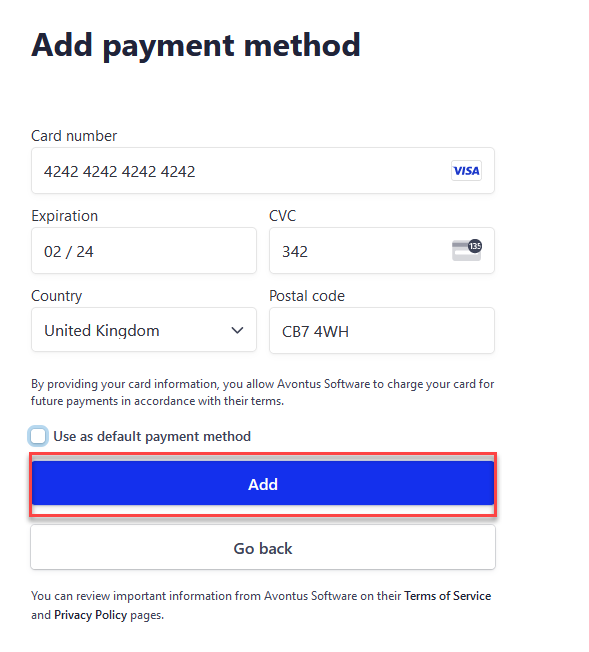
The payment method will be added
Adding a Payment Method
- Updated on Sep 12, 2025
- Published on Aug 3, 2023
- 1 minute(s) read
- EN
Was this article helpful?