You can assign a salesperson to all related objects of a Job Site, such as Estimates, Shipments, Transactions, invoices, etc. Before you can do this, you will need to have selected a salesperson in the General Tab in the Job Site properties.
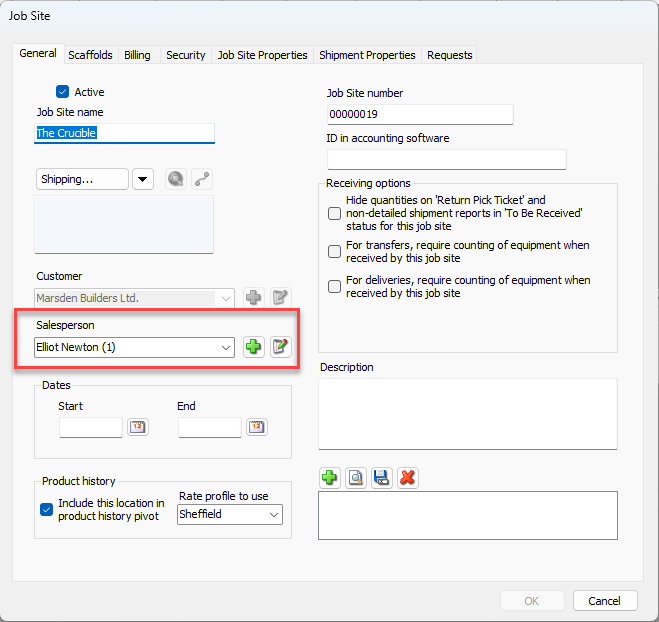
With a Salesperson assigned, you can then assign this user to all related objects.
To do this.
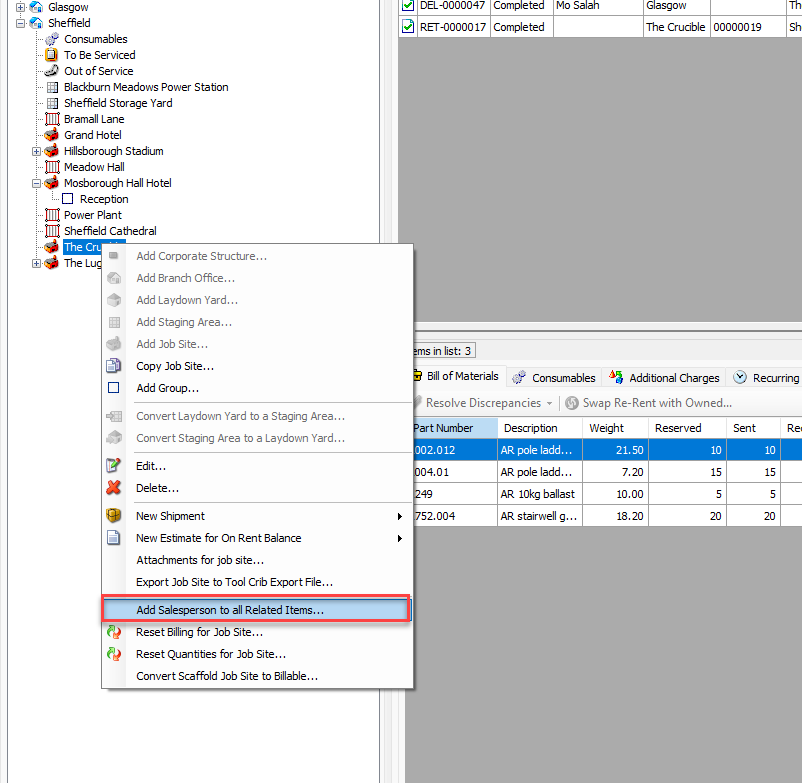
Right-click on the Job Site
Select Add Salesperson to all Related Items
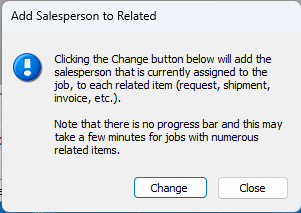
Click Change
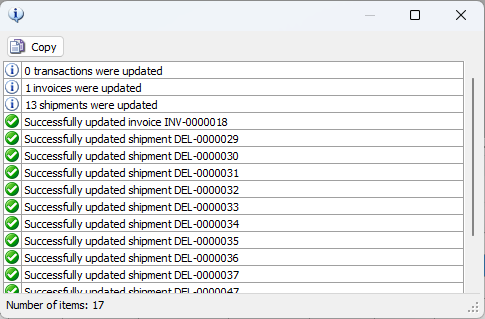
You will see a list of all items updated