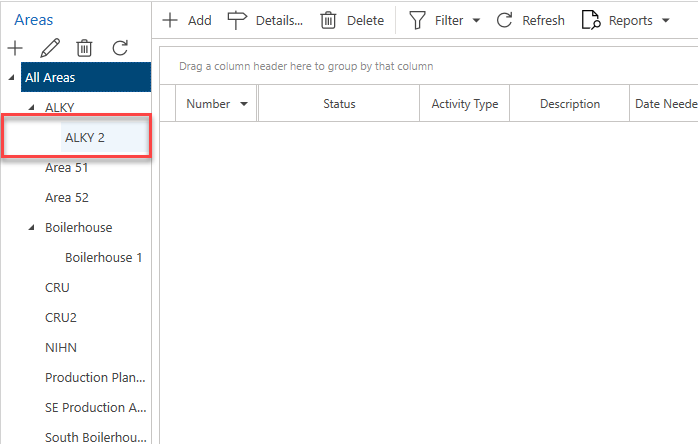
It is possible to add an area that is a subarea to another area.
To do this
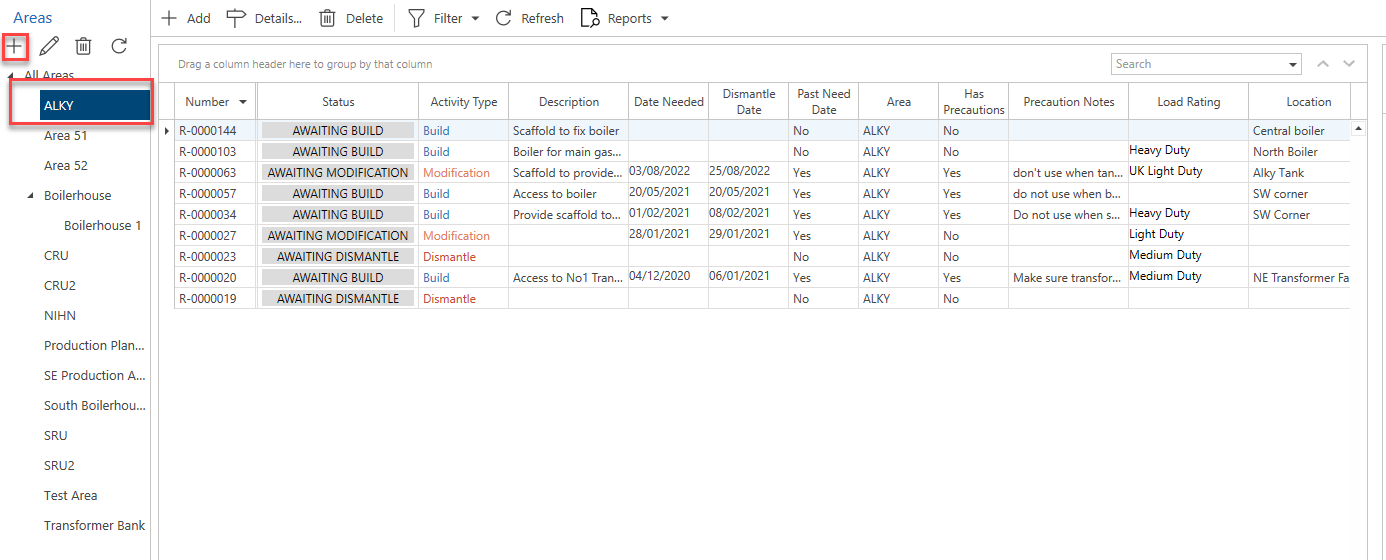
- Select an area you wish to create the subarea for.
- Click the + button at the bottom of the area panel.
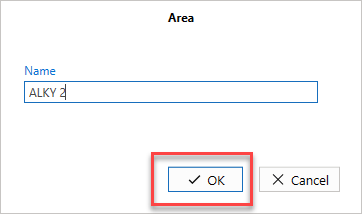
- Specify the name of the new area and click OK.
The new area will be added as a subarea to the selected area.