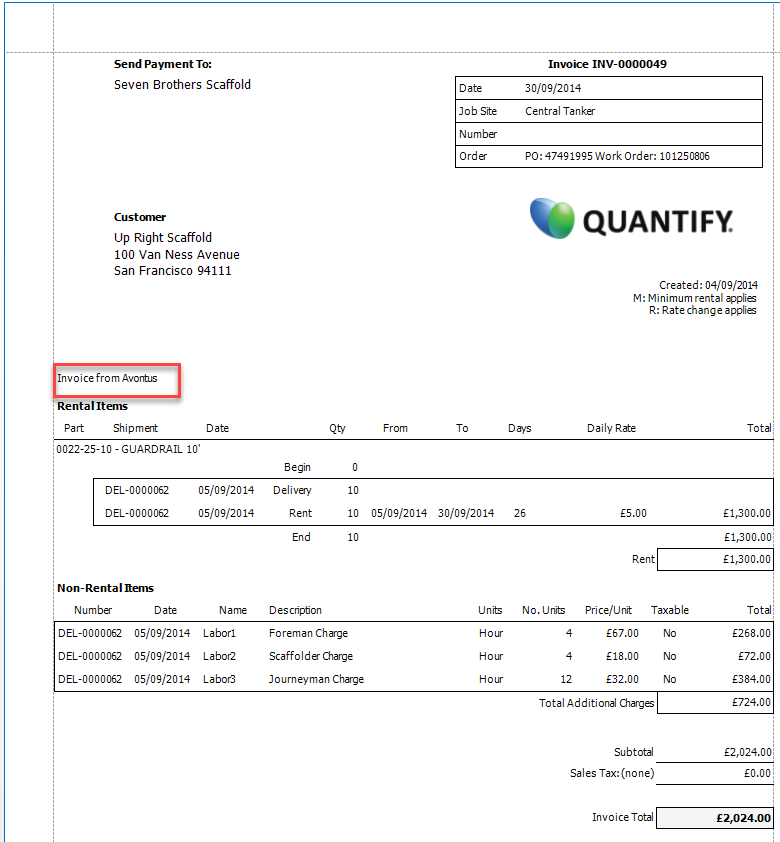
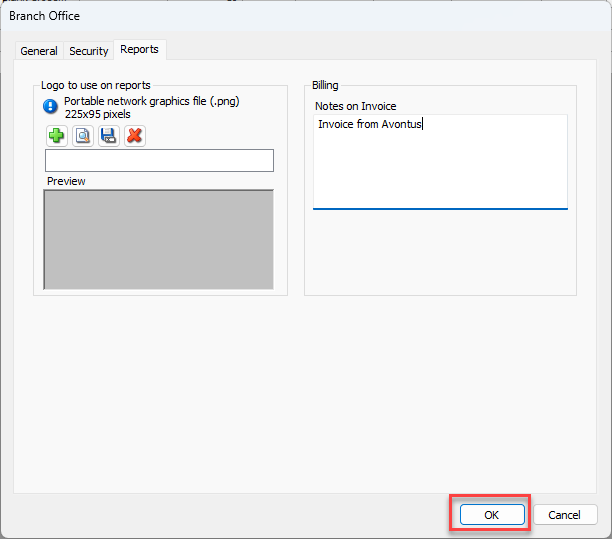
The Reports tab in the Branch Office dialog contains a text field that enables you to add notes that can be added to invoices created for locations beneath the selected Branch Office. This is in addition to notes set up globally. The Notes on Invoice field accommodates 2000 characters.
To add notes to a Branch Office: that will appear in invoices
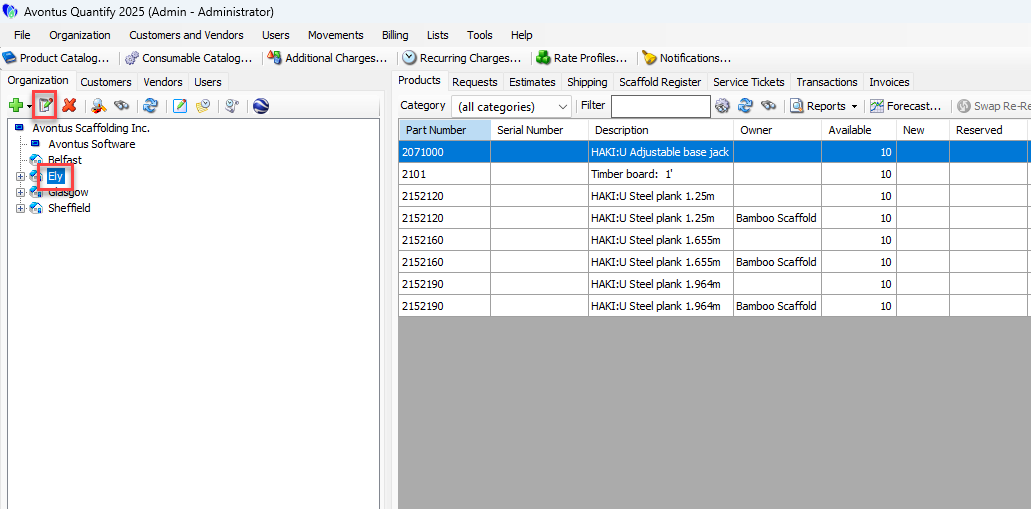
Double-click the Branch Office to which you want to add notes
Note You can also click the Branch office and then click the Edit icon (
 ).
).
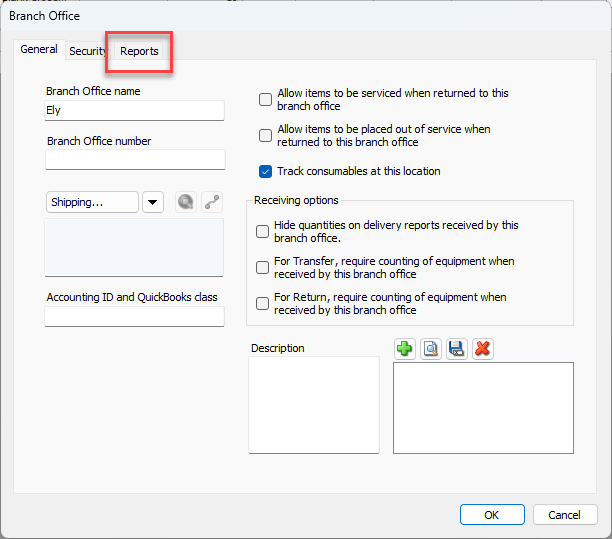
The Branch Office dialog appears.Click the Reports tab.
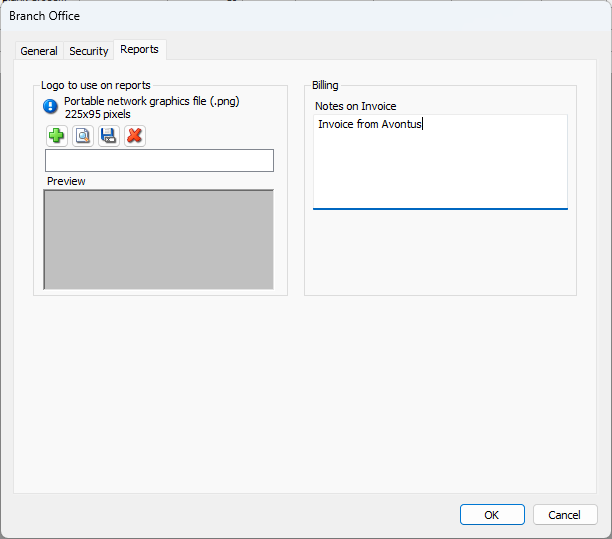
The Branch Office dialog refreshes.Click in the Notes on Invoice text field and enter the notes.
Note: A maximum of 2000 characters can be used
Click OK.
The note will appear on any invoice generated for Job Sites beneath the selected Branch Office.