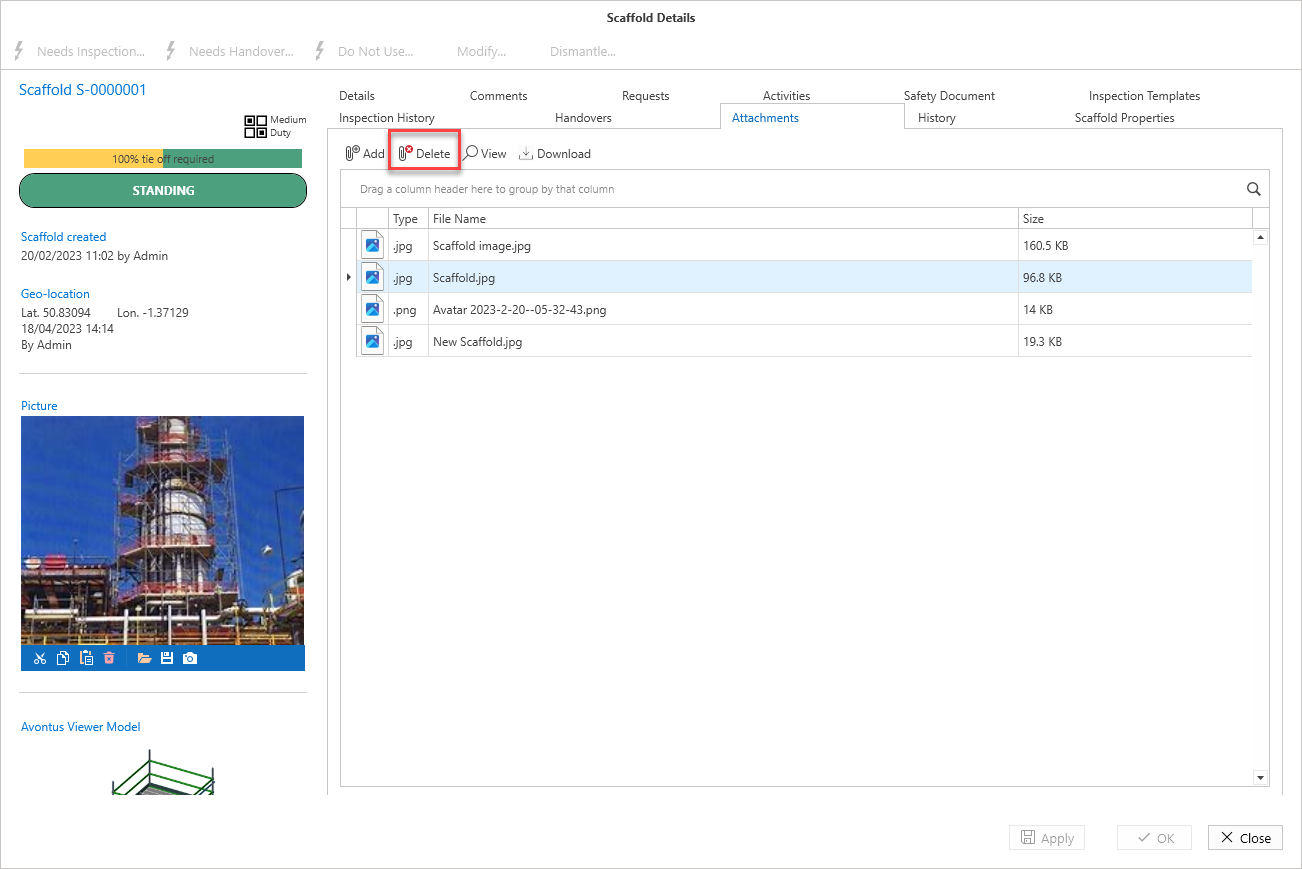
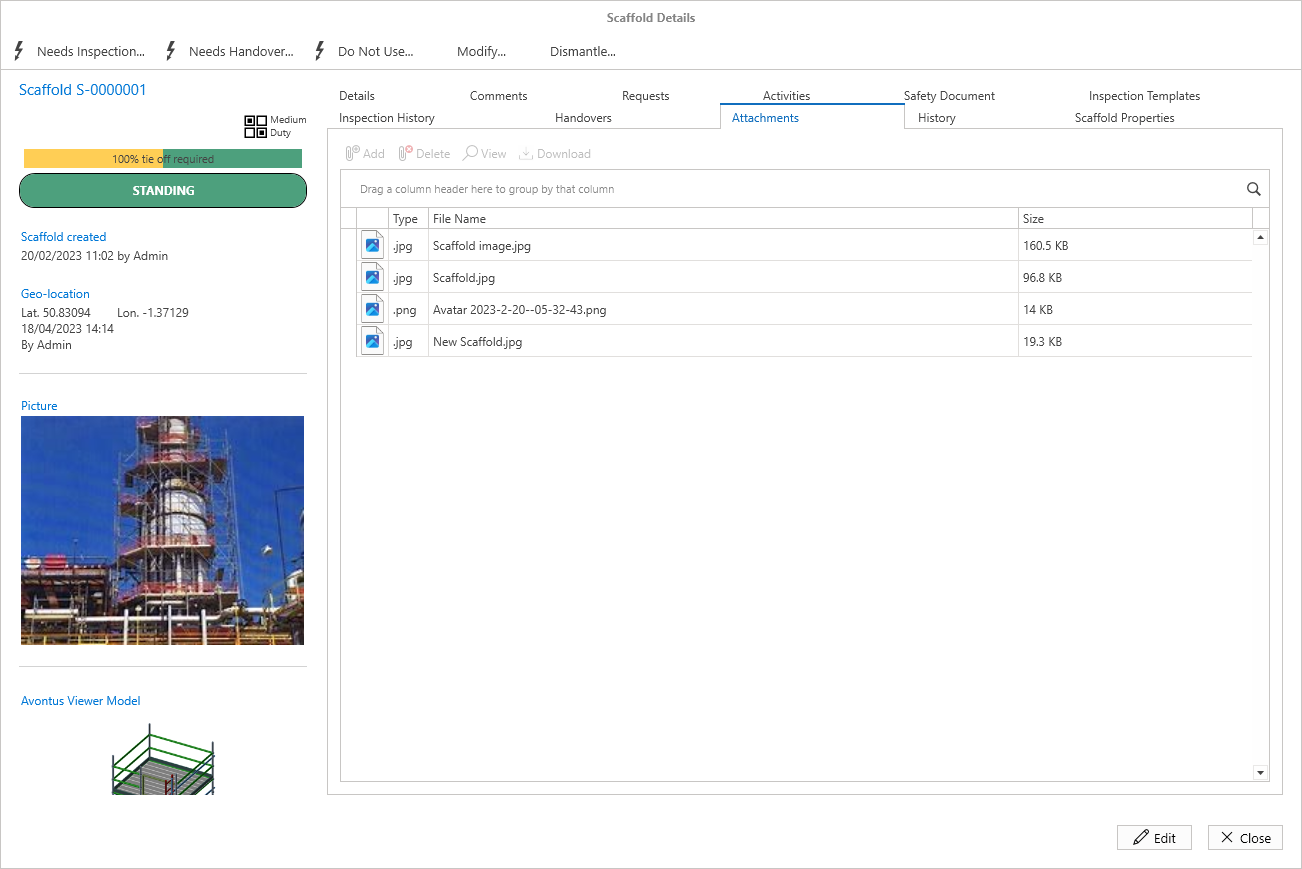
This section is for adding attachments, such as regulatory documents or plans, to the scaffold. In Edit mode, use the Add button to browse to a file and select OK and Apply to create the attachment.
For more information on adding attachments, please see the Adding an Attachment guide.
Attachments can be deleted by selecting the attachment and then clicking Delete.