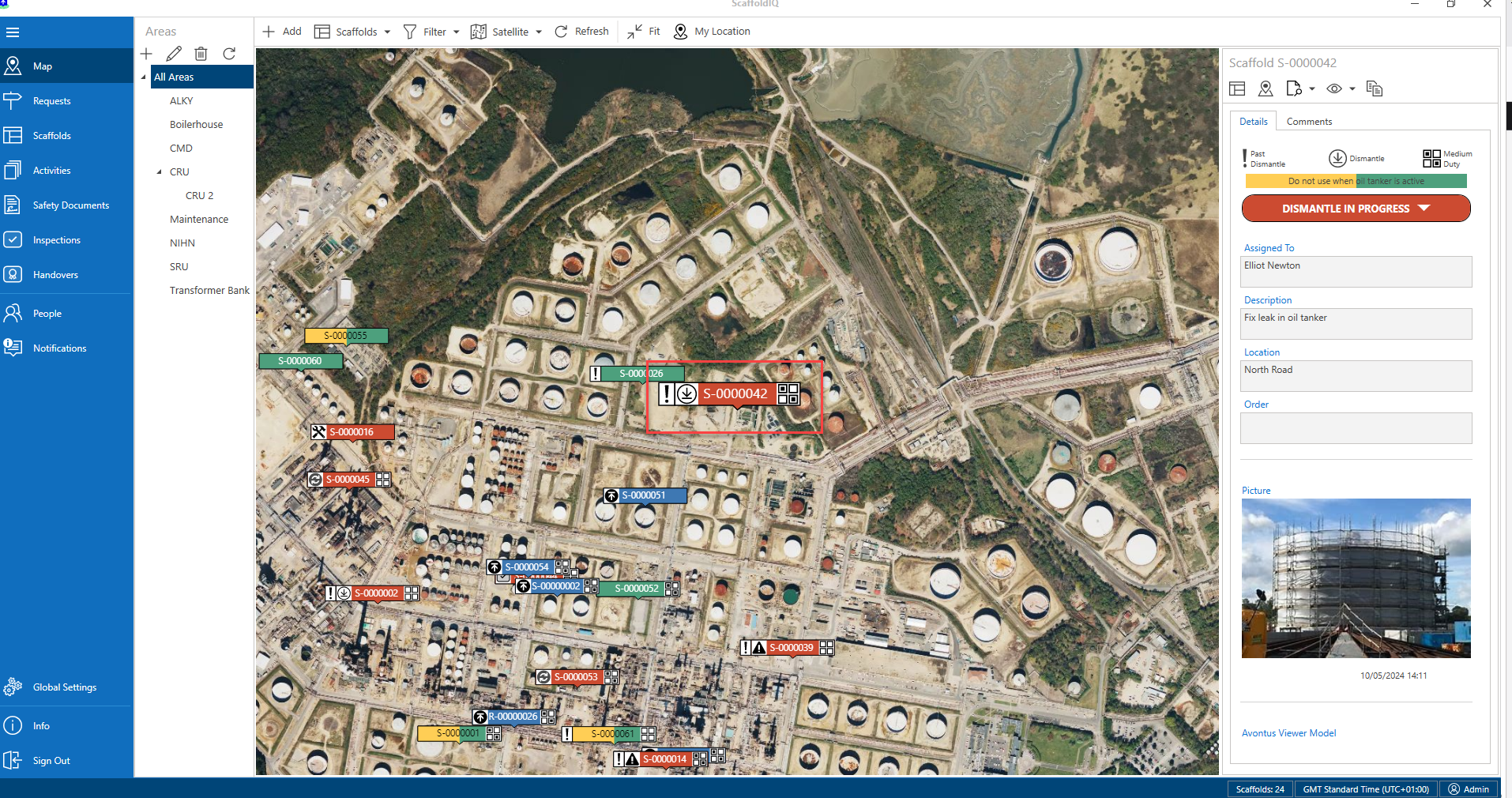
A Request or Scaffold location may not match on the Job Site and the ScaffoldIQ app. Instead of creating a new request or scaffold, you can simply move the Request or Scaffold
To change the location of a request or scaffold.
In the Map screen, select the request or scaffold you wish to move and select the Change Location icon on the right-hand side.
Drag the crosshairs to the new location and click OK.
The location of the request or scaffold will change.