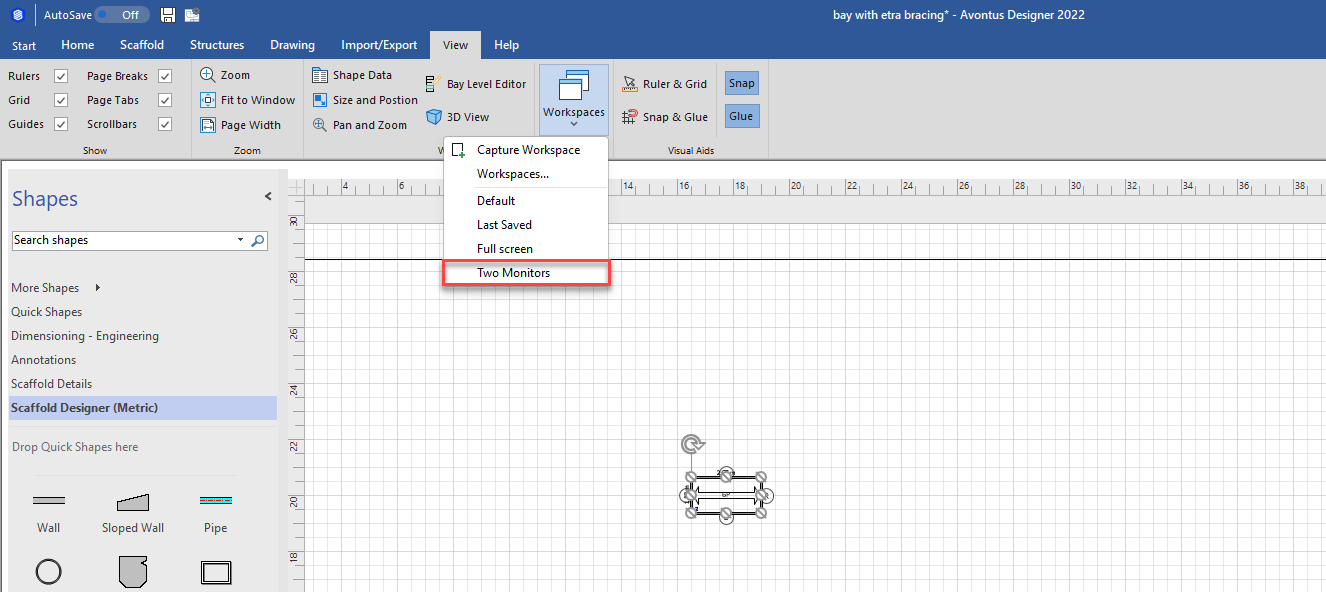
To create a Workspace
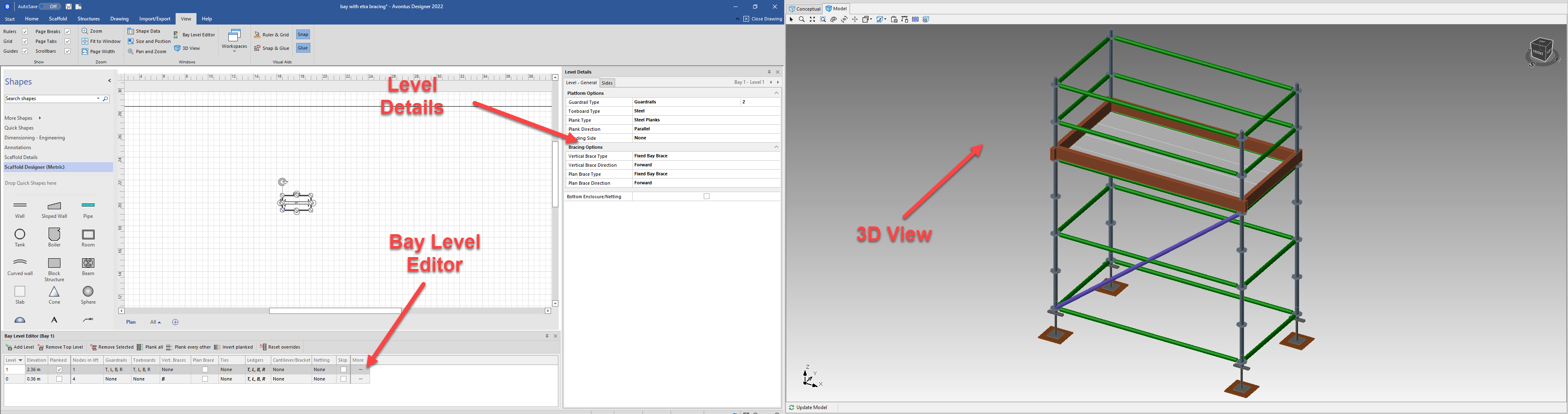
- Set the Avontus designer layout to your preference. In this example, we have
- The Level details to the right of the drawing area
- The Bay Level Editor below the drawing area
- The 3D view is maximised on another monitor.
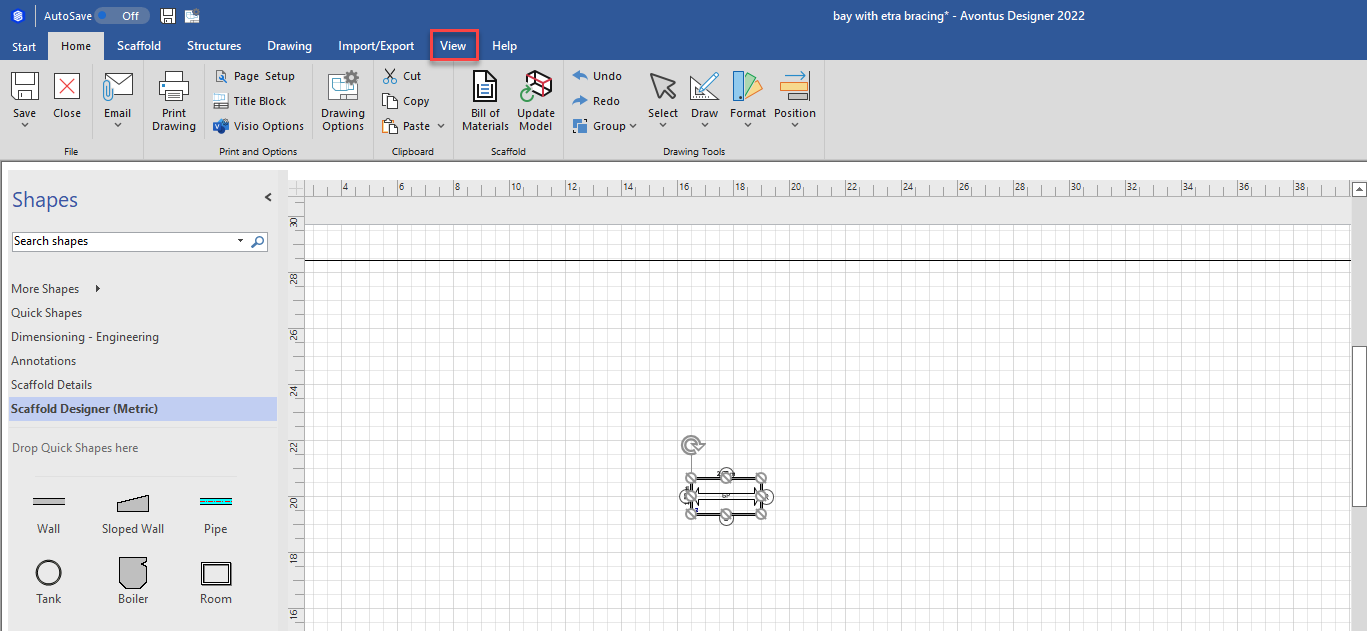
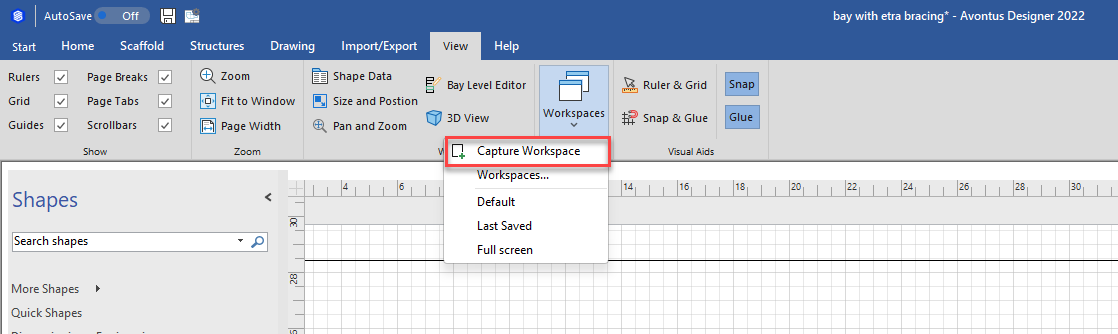
- Select View
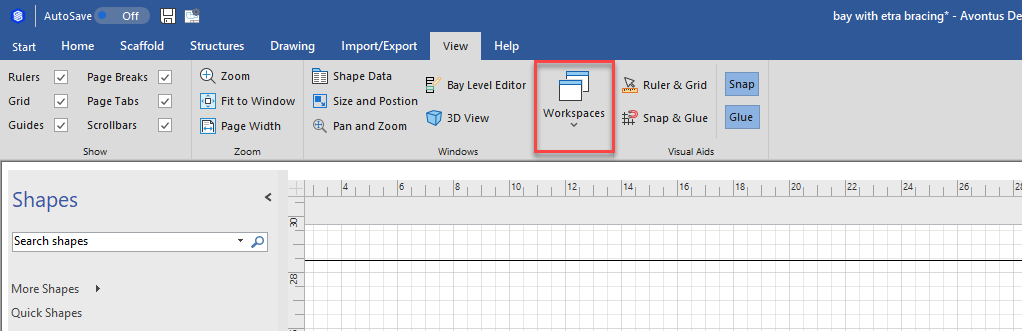
- Select Workspaces
- Select Capture Workspace
- Enter the Workspace name and click OK
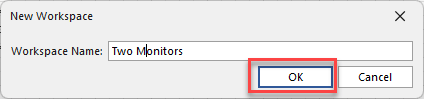
The workspace will be created and can be selected anytime