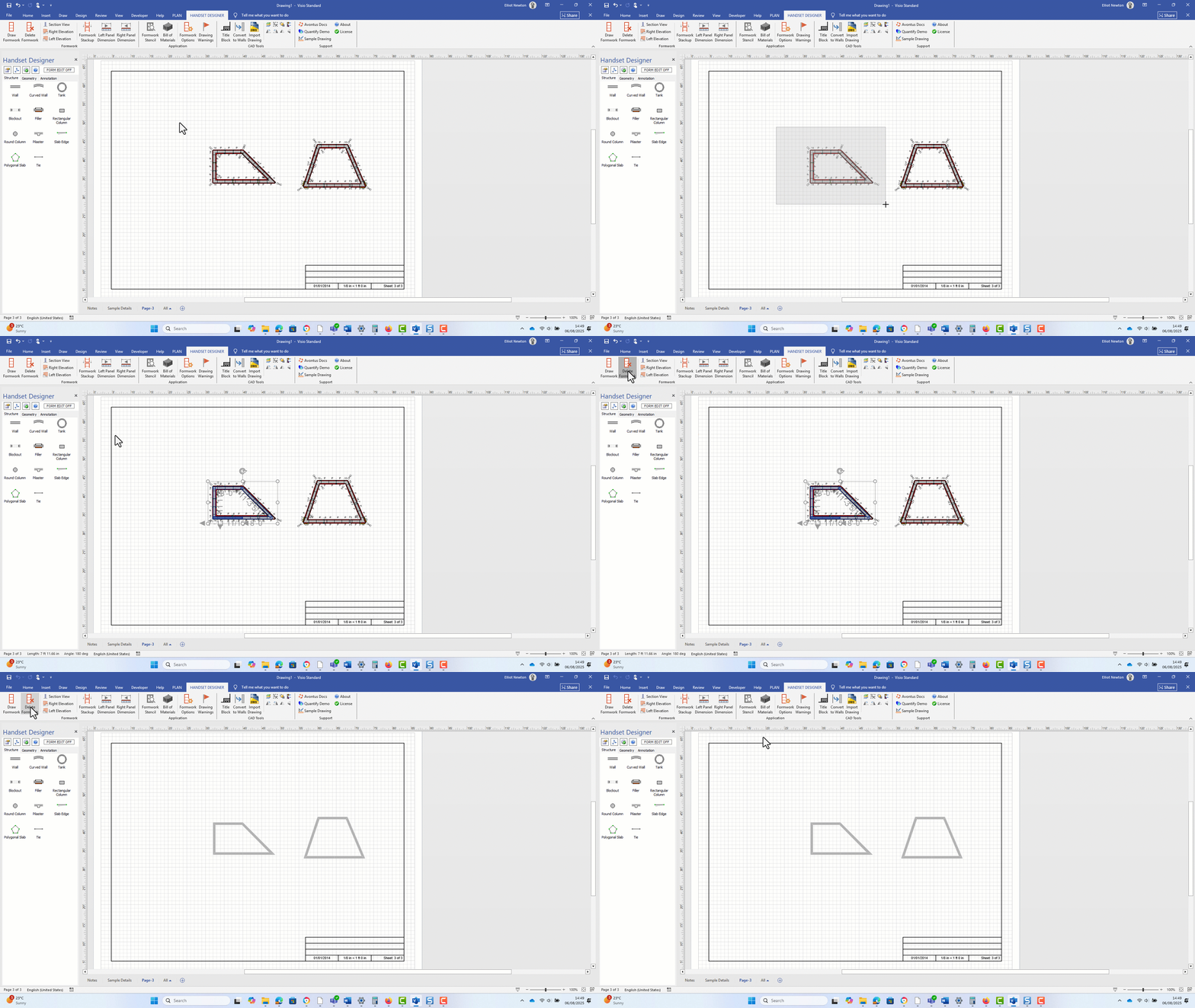
If you change any settings in the Formwork Options dialog after drawing Formwork, you must delete and redraw the Formwork in order for the new settings to take effect.
Note: Deleting Formwork may also delete the Sections and Elevations for the current page you are working on. Handset Designer does this because these views are most likely to become invalid due to a change in the underlying building structure.
To delete and redraw Formwork:
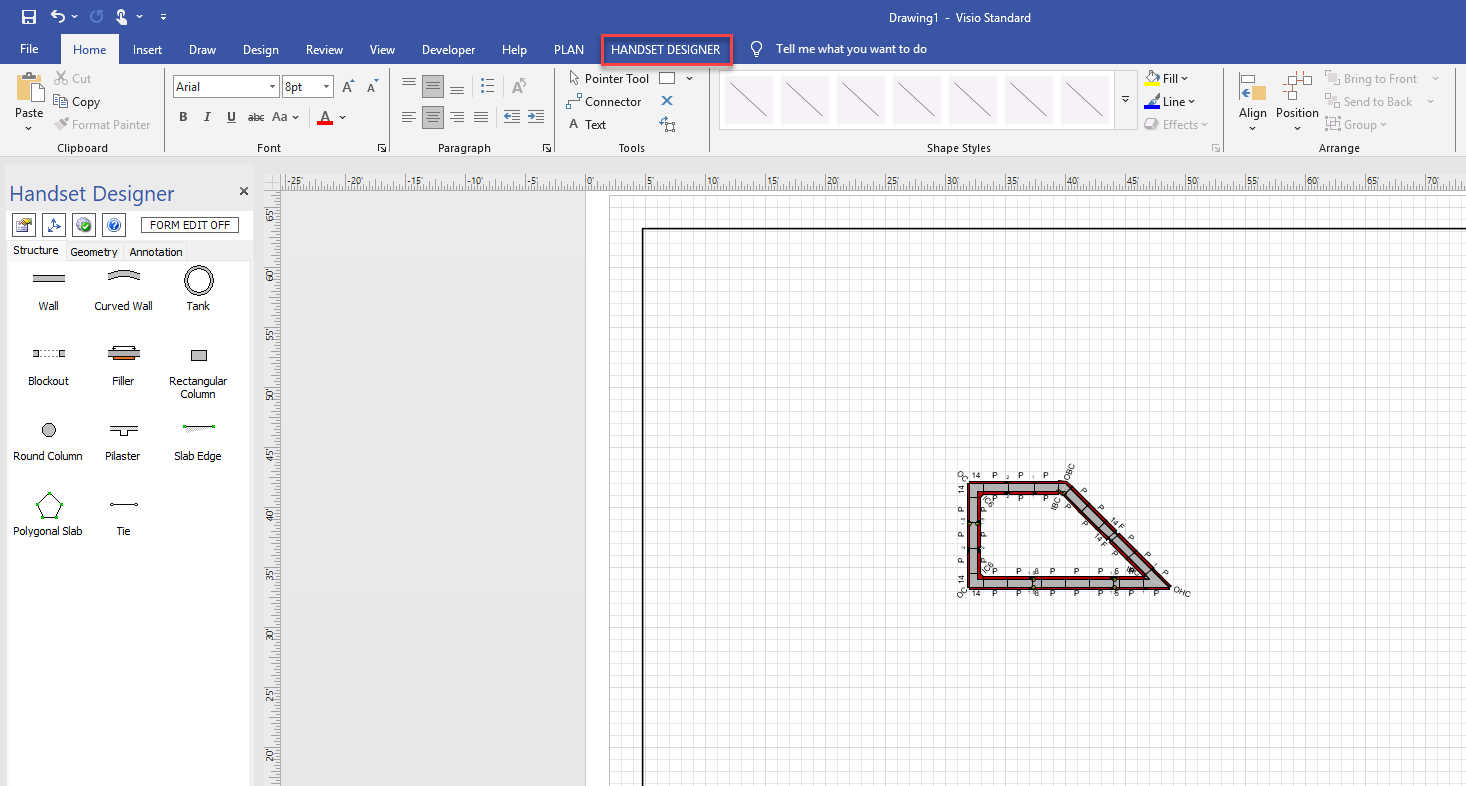
Click the Handset Designer tab
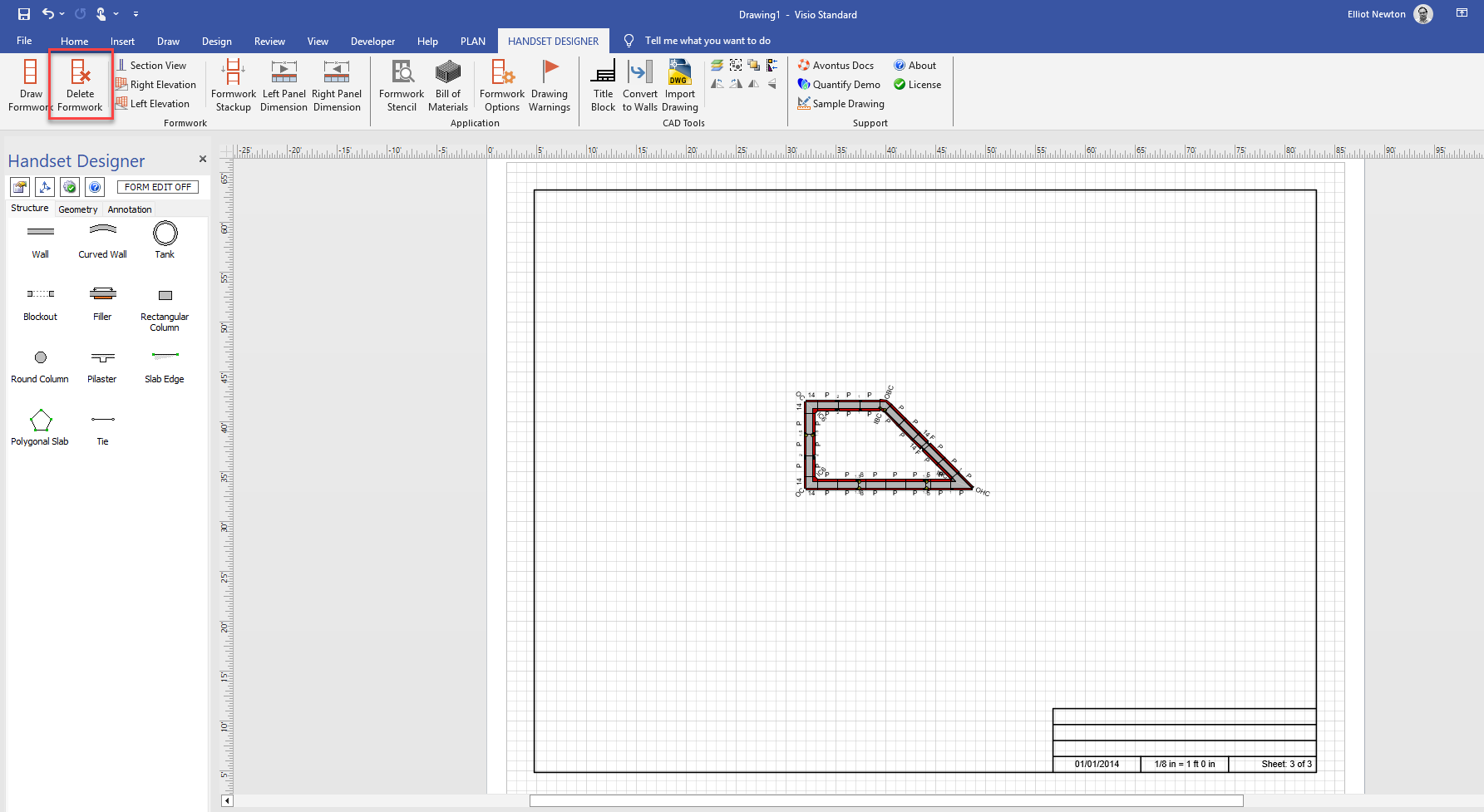
Click Delete Formwork.
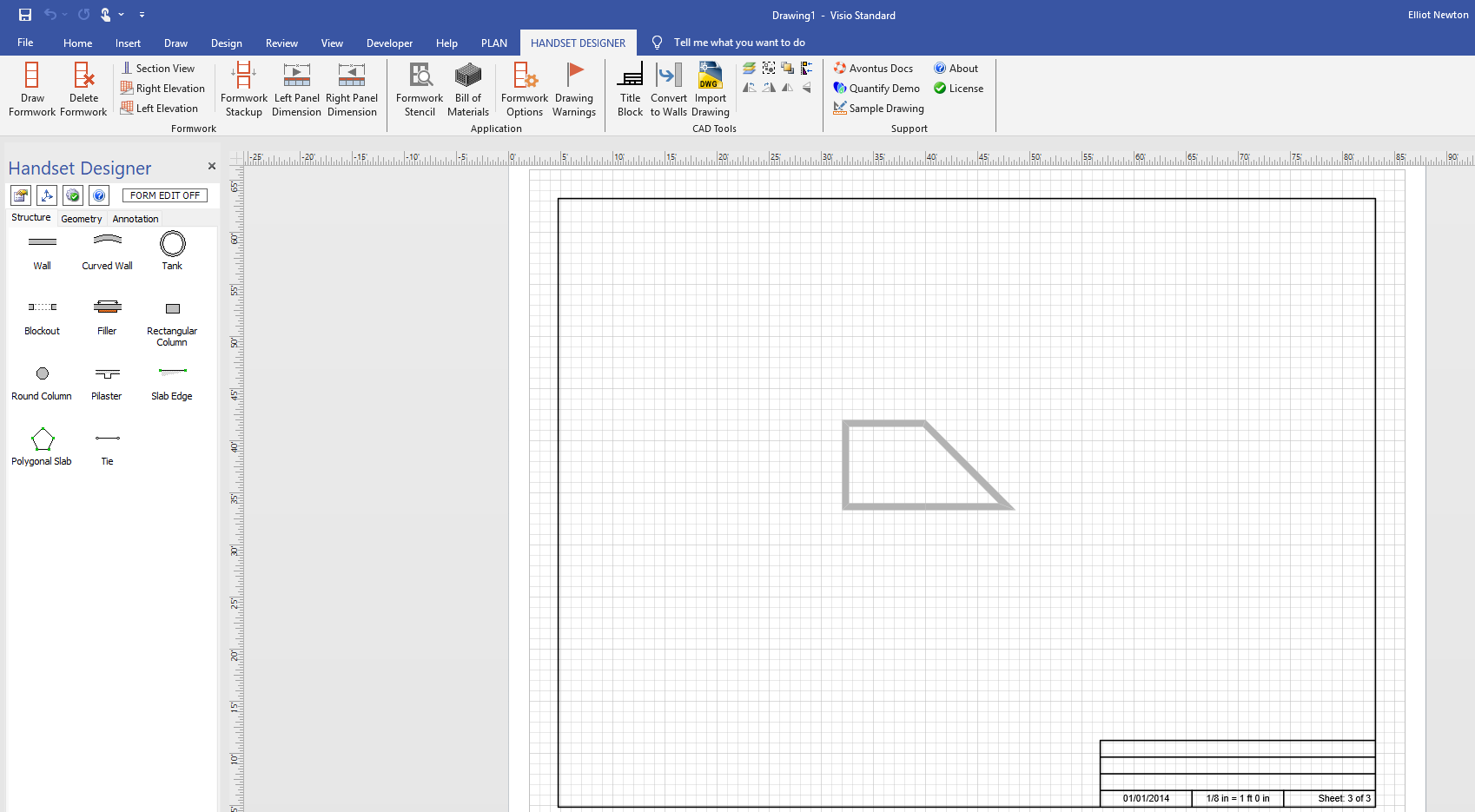
Handset Designer deletes the Formwork from the drawing.
 Note that even if you select a specific form, selecting Delete Formwork will delete ALL formwork.