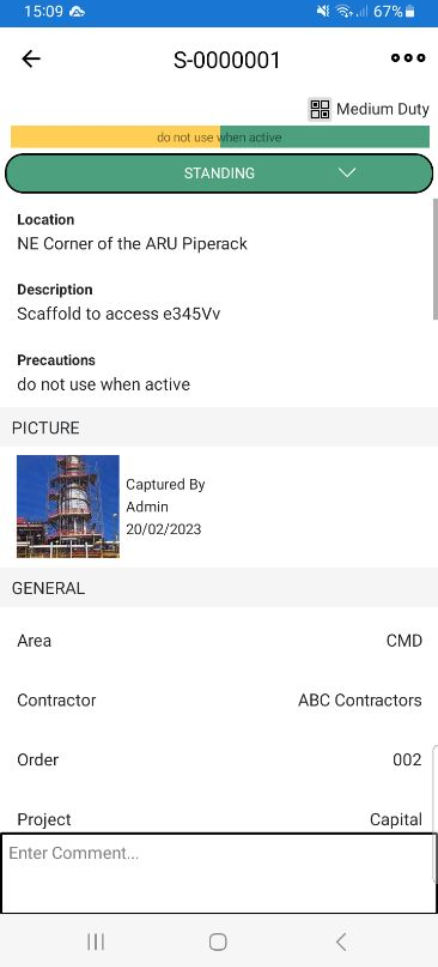
If you want to make a change to a Scaffold, such as assigning the Scaffold to another user, you can go into its details and make changes to the Scaffold. The Scaffold can be accessed via the Map Screen or the Scaffolds screen
To edit a Scaffold:
Go to the Scaffolds screen.
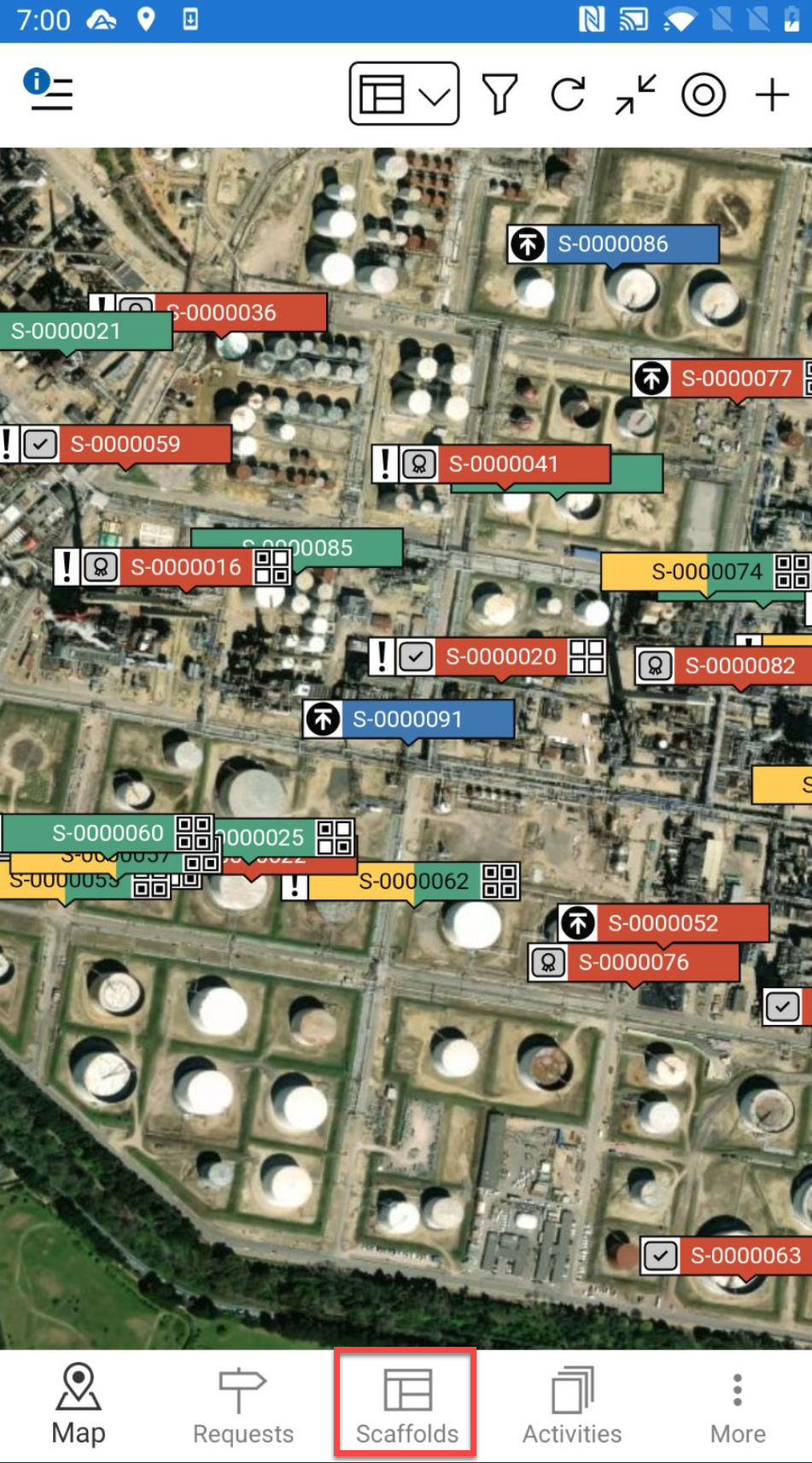
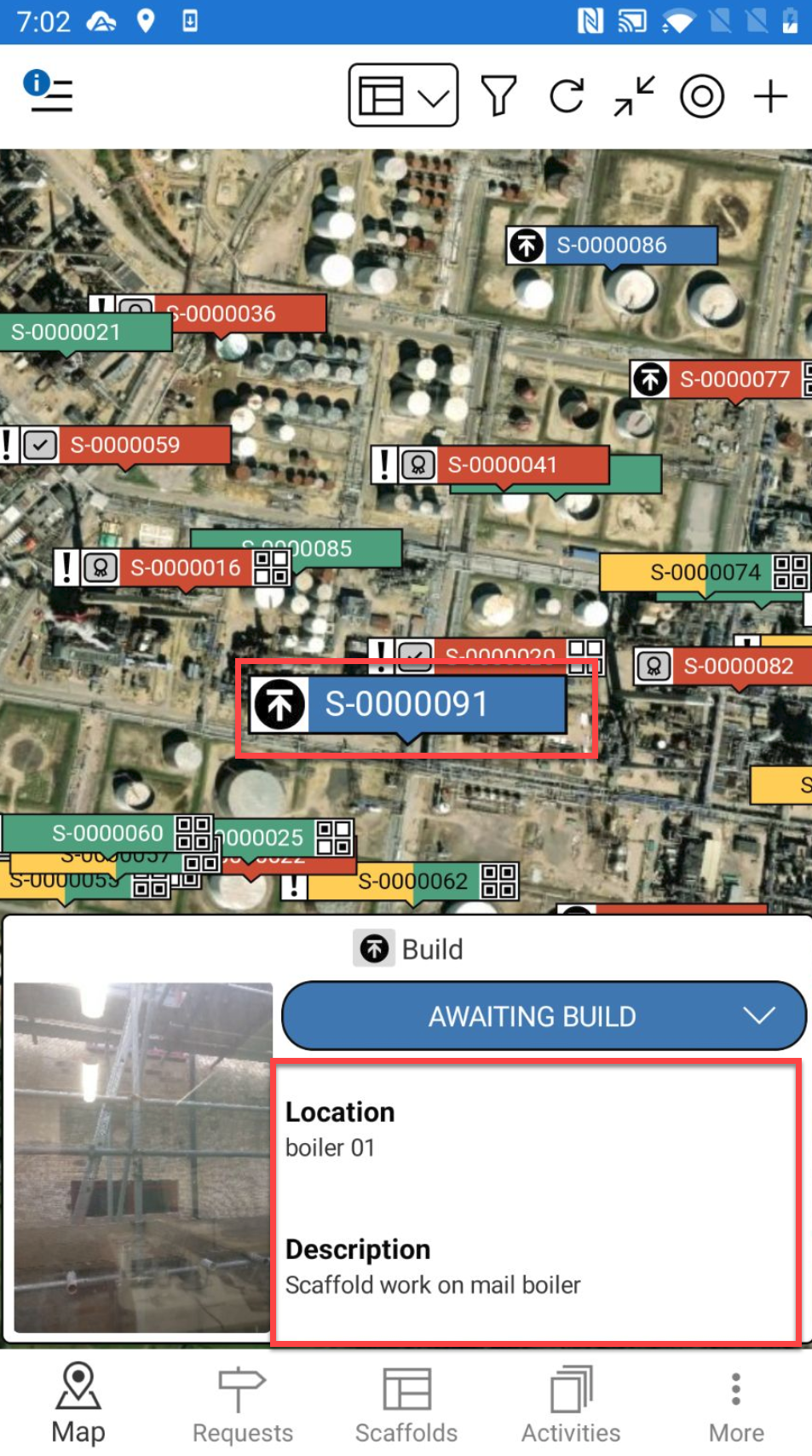
Alternatively, you can select a Scaffold pin and select the details to go to the Scaffold Details.
Tap a Scaffold.
In the Scaffold screen, tap the …. in the top right
Select Edit.
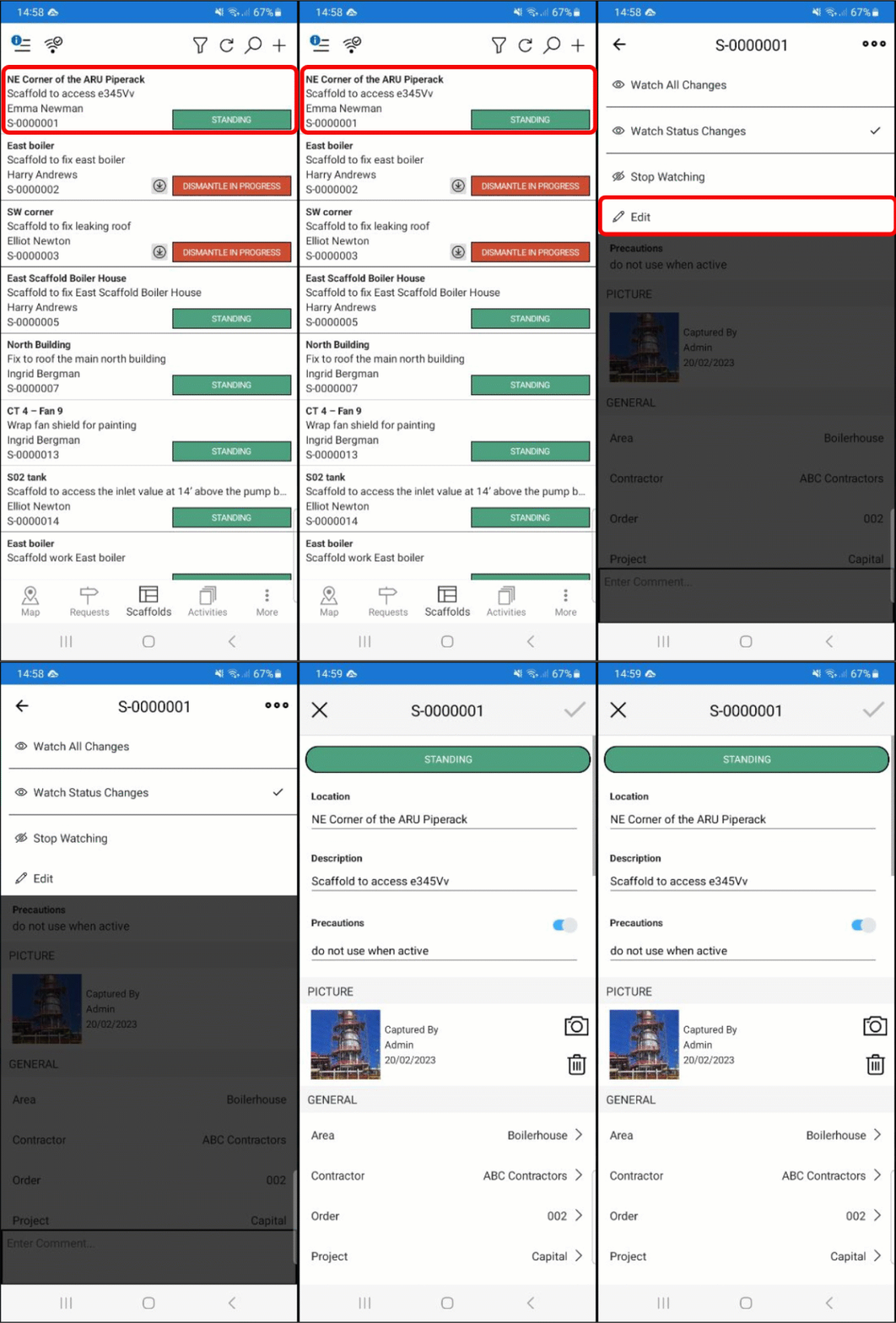
Make the required changes and tap the tick icon
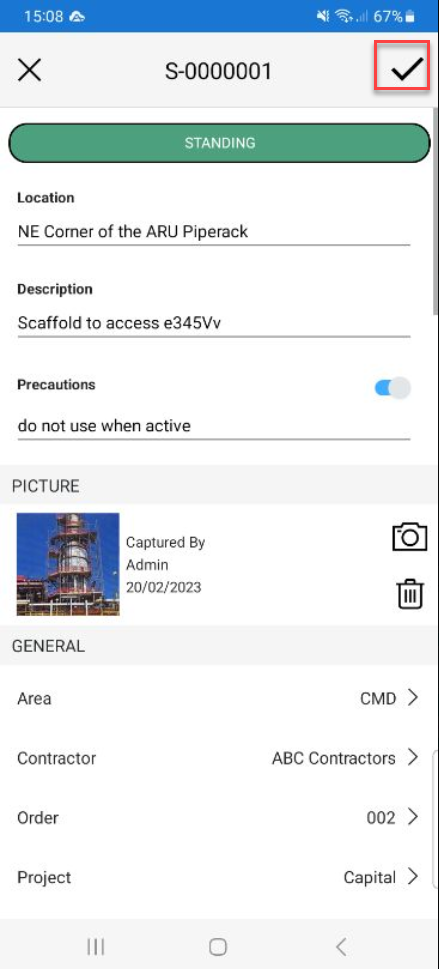
The Scaffold will be updated.