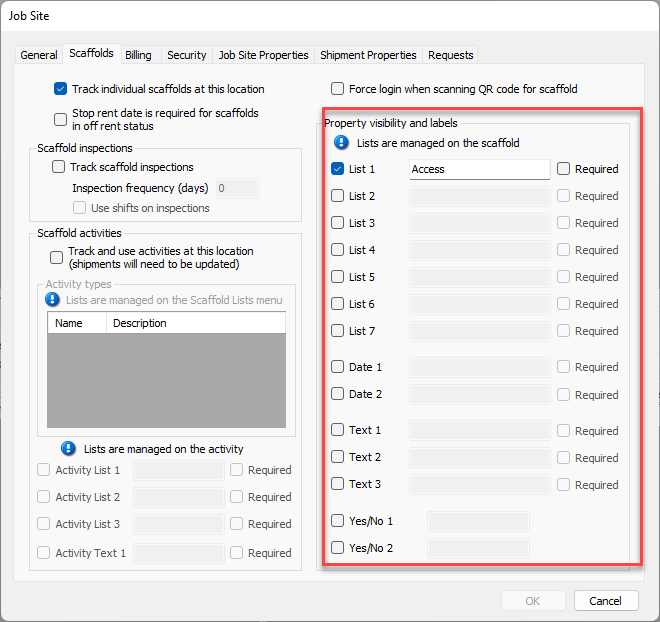
NOTE: The features mentioned in this article are only available in the Industrial Edition of Quantify.
Quantify enables you to easily edit the Job Site properties on an existing Scaffold. The procedures below show you how to do that.
To edit Job Site properties on an existing Scaffold:
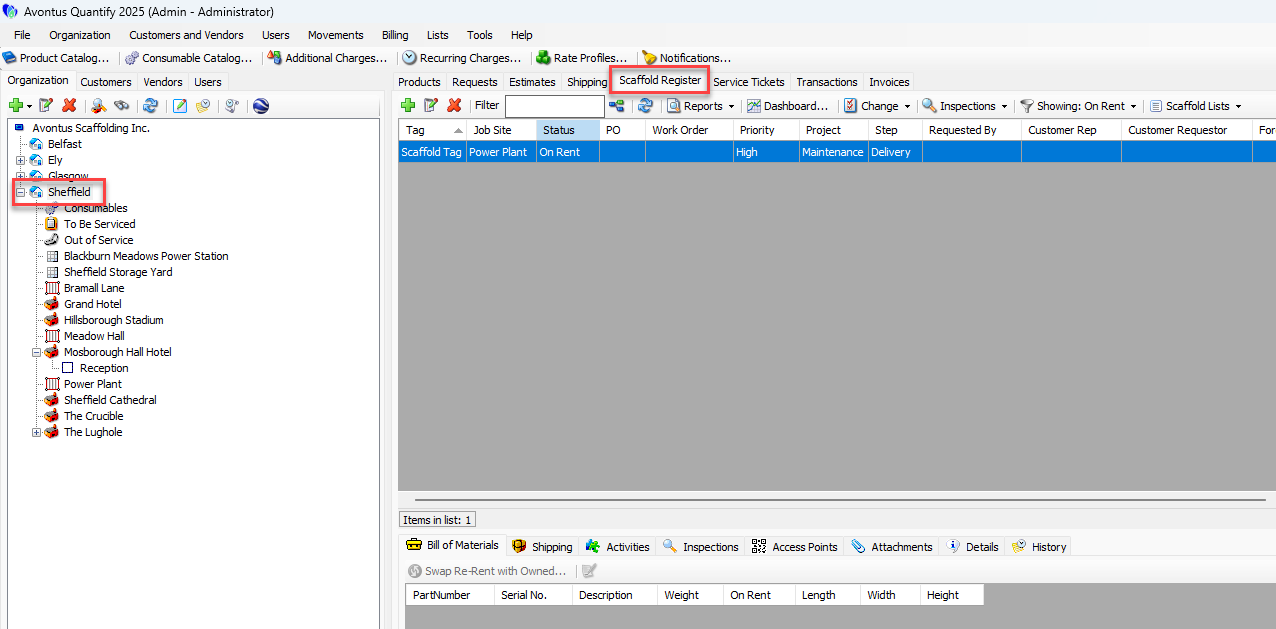
Locate and click the appropriate location, then click the Scaffold Register tab.
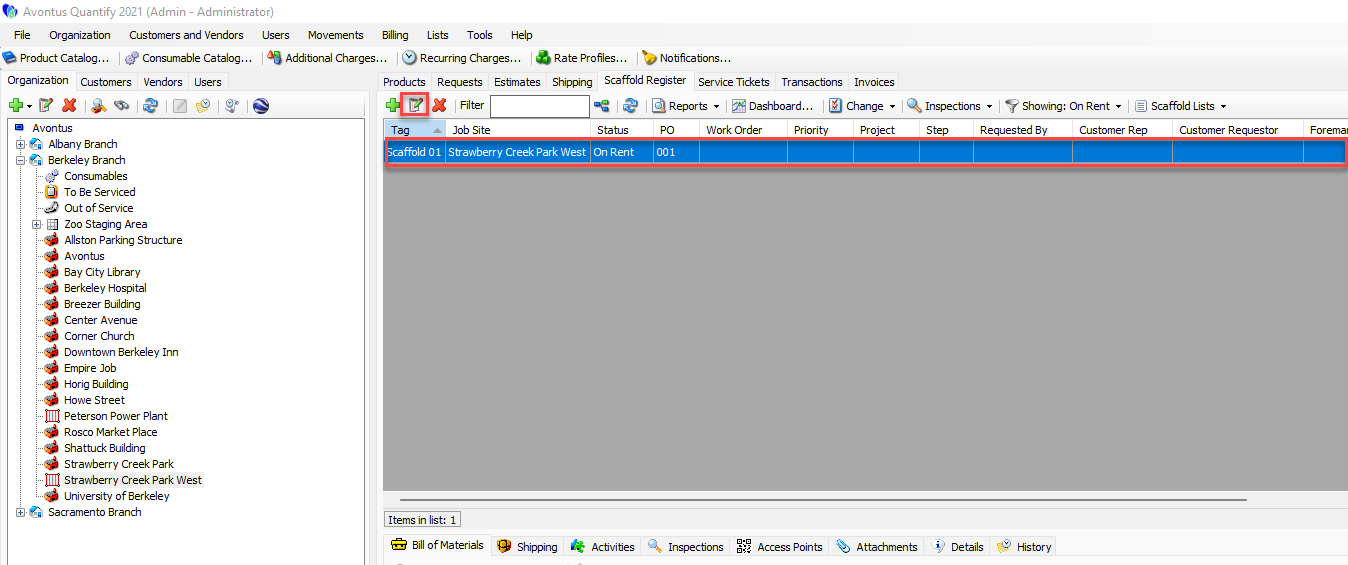
Click the appropriate Scaffold and click the Edit Scaffold button (
 ).
).Note: You can also double-click the scaffold
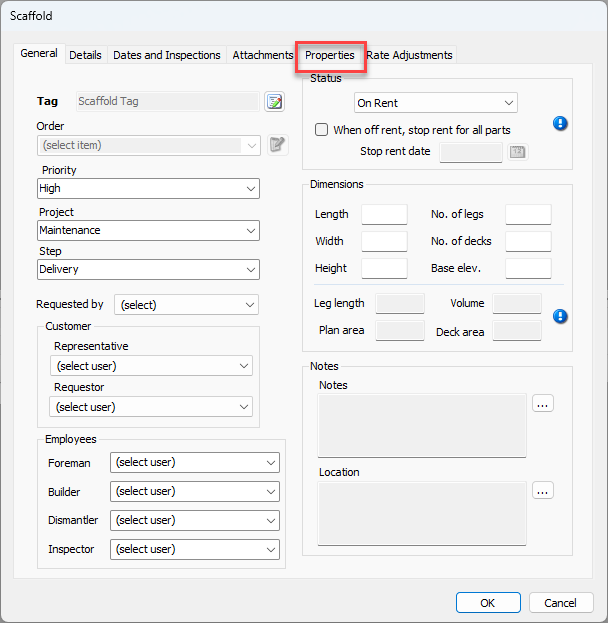
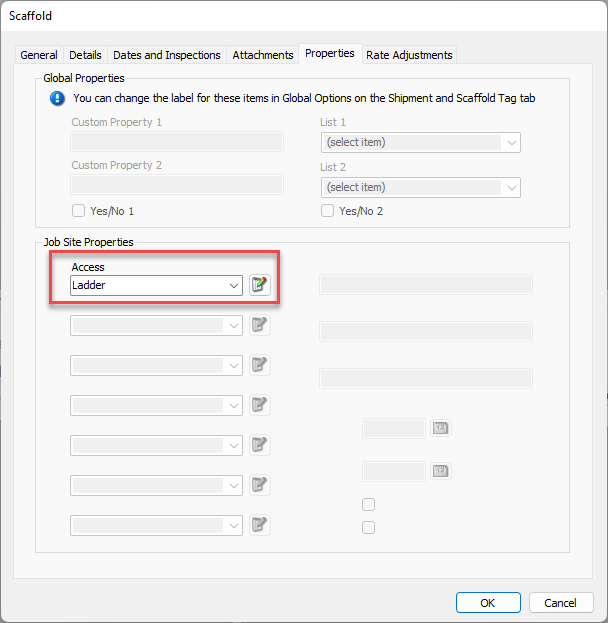
The Scaffold dialog appears.Click the Properties tab.
Click the appropriate Job Site Properties dropdown and select the appropriate property.
Repeat the previous step as many times as necessary.
Click OK.
Note: You can enable the Job Site Properties in the Scaffolds tab of a Job Site.