Once you have added a Leader text box to a drawing, you will want to update the text and may want to make other changes as well. The procedures below show you how to do that.
To edit the Leader text:
- Double-click the Leader text box and enter the replacement text.
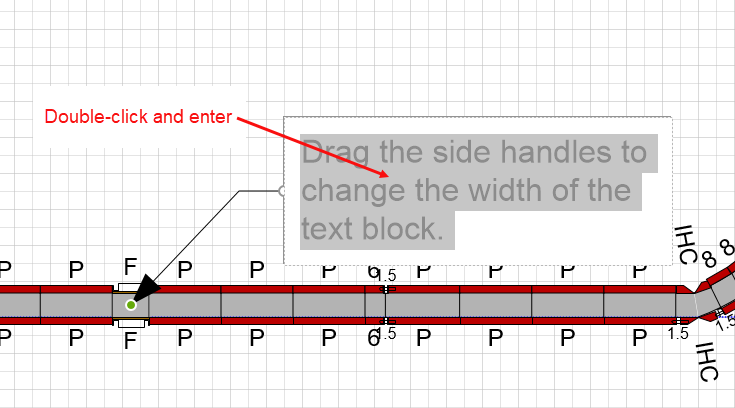
- Click the Drawing Page to exit edit mode.
- Click and drag the right shape handle to adjust the text box size.
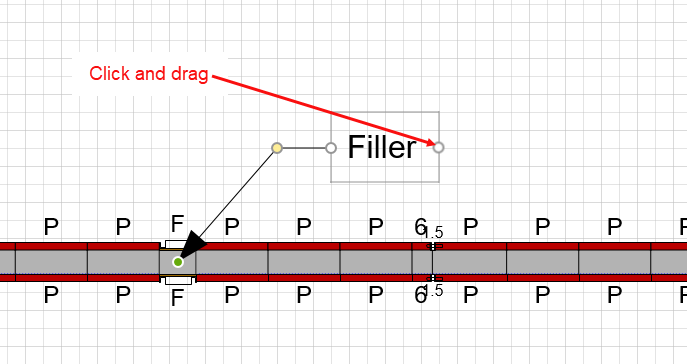
- Click the Drawing Page to exit.