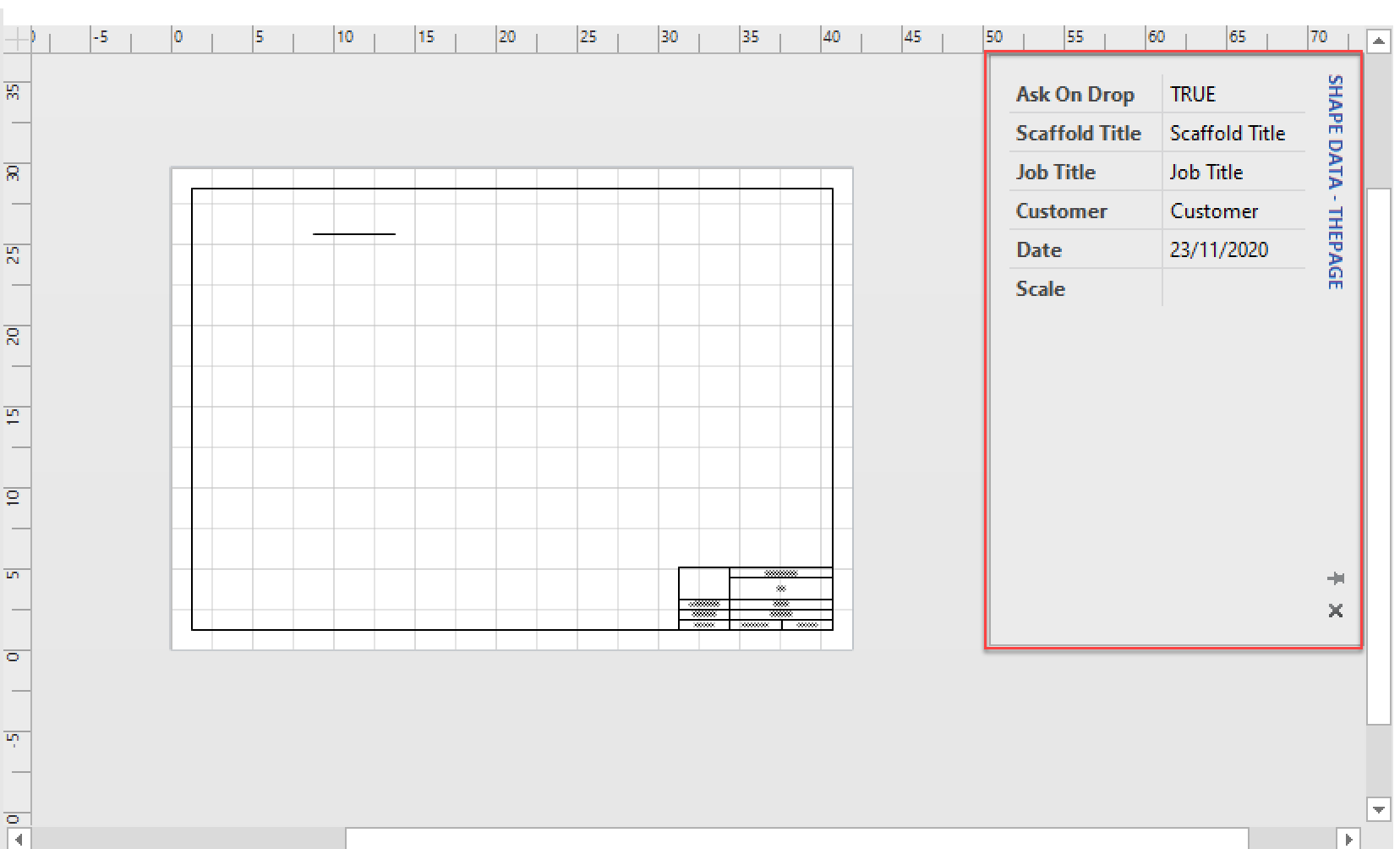
Enabling the Shape Data dialog allows the user to quickly access the selected Shape's properties without the need to right-click and select Properties.
To do this
Click the View tab
Click Shape Data
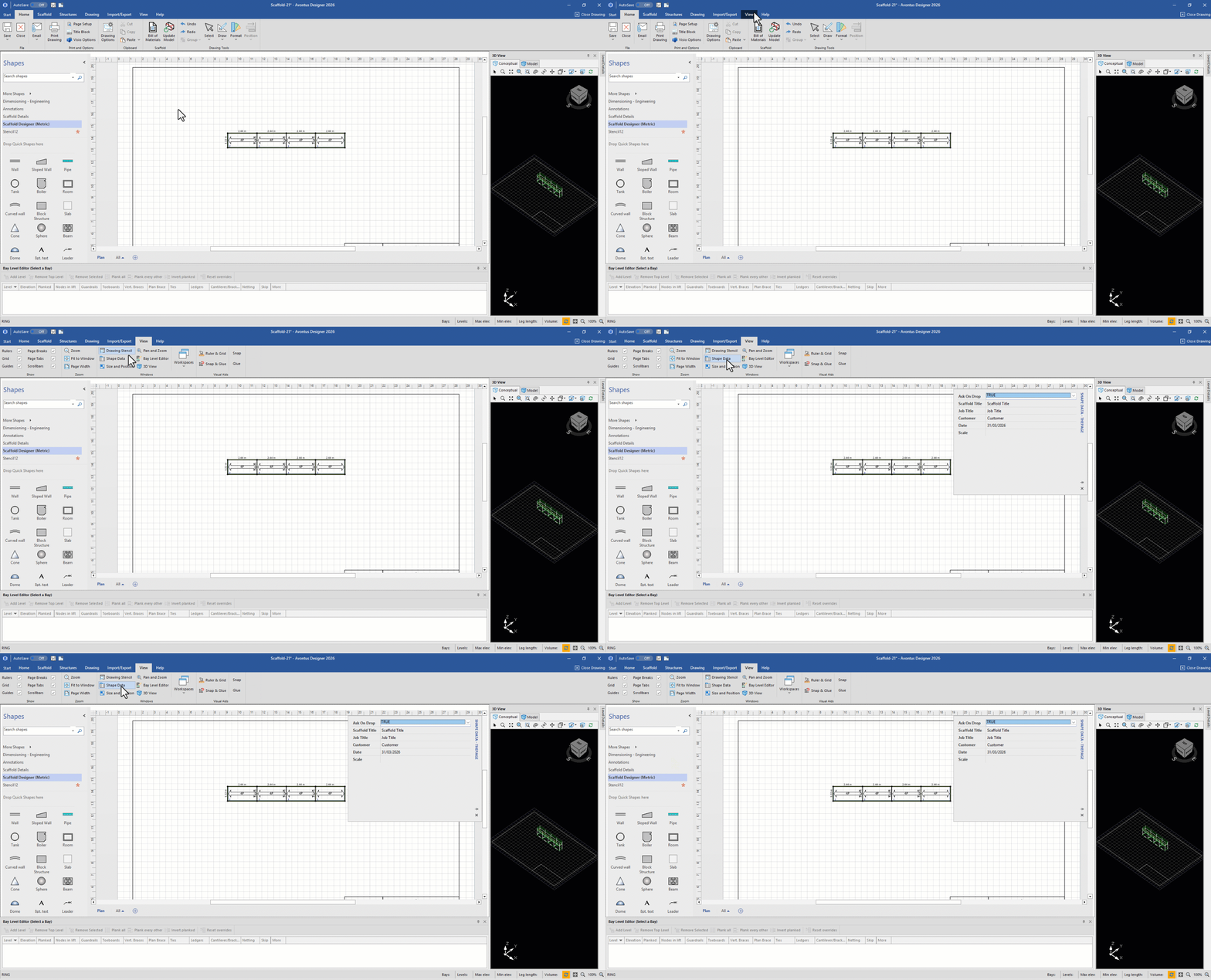
The Shape Data dialog will appear in its previous position.