The first step in transferring information from Quantify into Sage 50 is to export the information in the form of a .csv file.
To export the .csv file from Quantify:
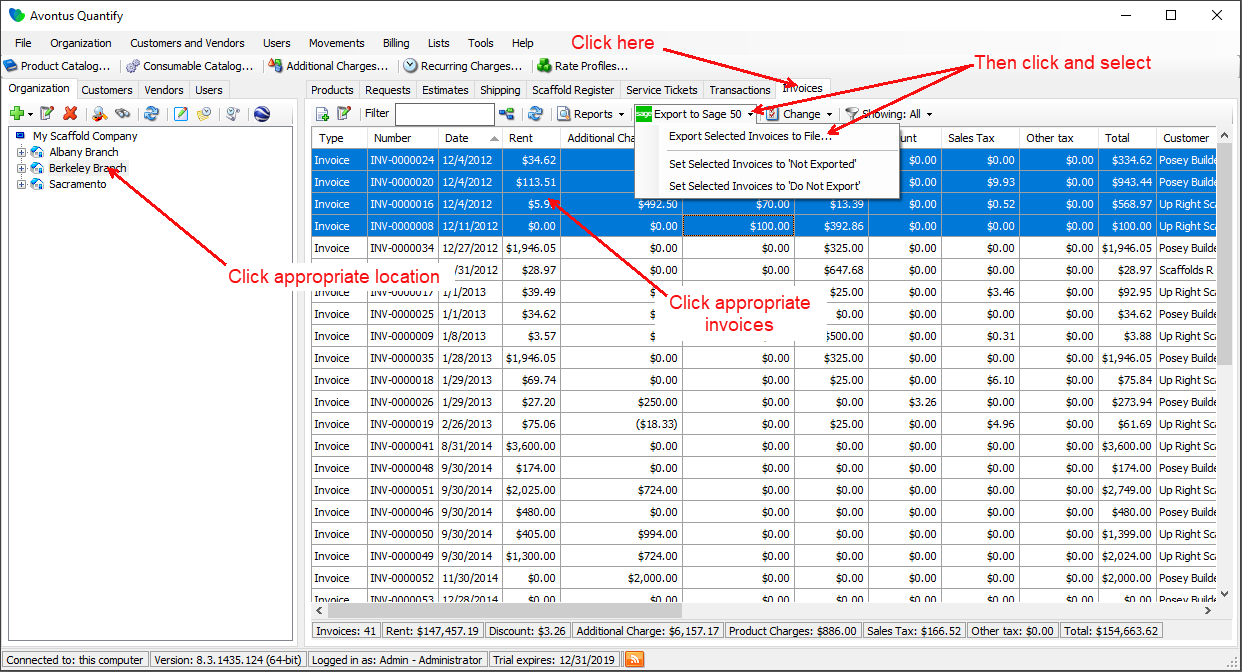
- Launch Quantify and click the location with Invoices to be exported to Sage.
- Click the Invoices tab, select the Invoices you want to export, then click the Export to Sage 50 menu and select Export Selected Invoices to File.
The Export to File dialog appears.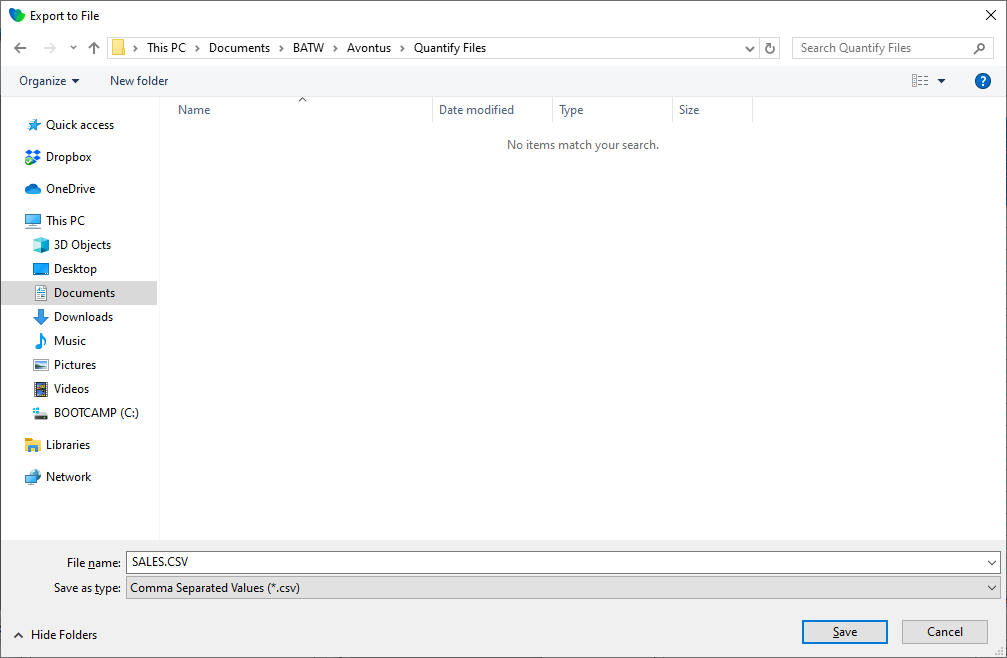
- As necessary, highlight the name in the File Name text field and enter a new name.
- Navigate to the location in which you want to save the invoice .csv file and click Save.
Note: If any required coding data is missing, the export will fail and Quantify will display an error message listing missing data.