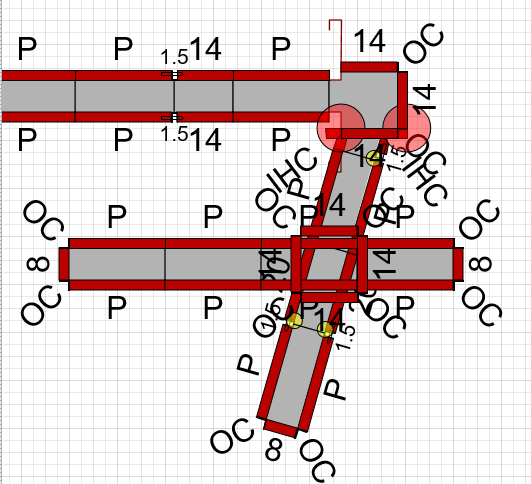
Occasionally, you may run into situations where it's not possible for Formwork to fit around the structure you've created. Handset Designer flags these cases with a red dot on the drawing page.
To assist you in viewing and correcting the warnings you can click on the red flag toolbar item. This displays the warnings dialog. If you double-click on an item in the dialog Handset Designer zooms to the location of the warning. (Refer to Correcting Formwork Drawing Warnings.)
Frequently these situations can be corrected by slight adjustments to your available materials or to the building structure itself. One of the common errors with pilaster and wall intersections are when the endpoints are very close but not within an acceptable tolerance.