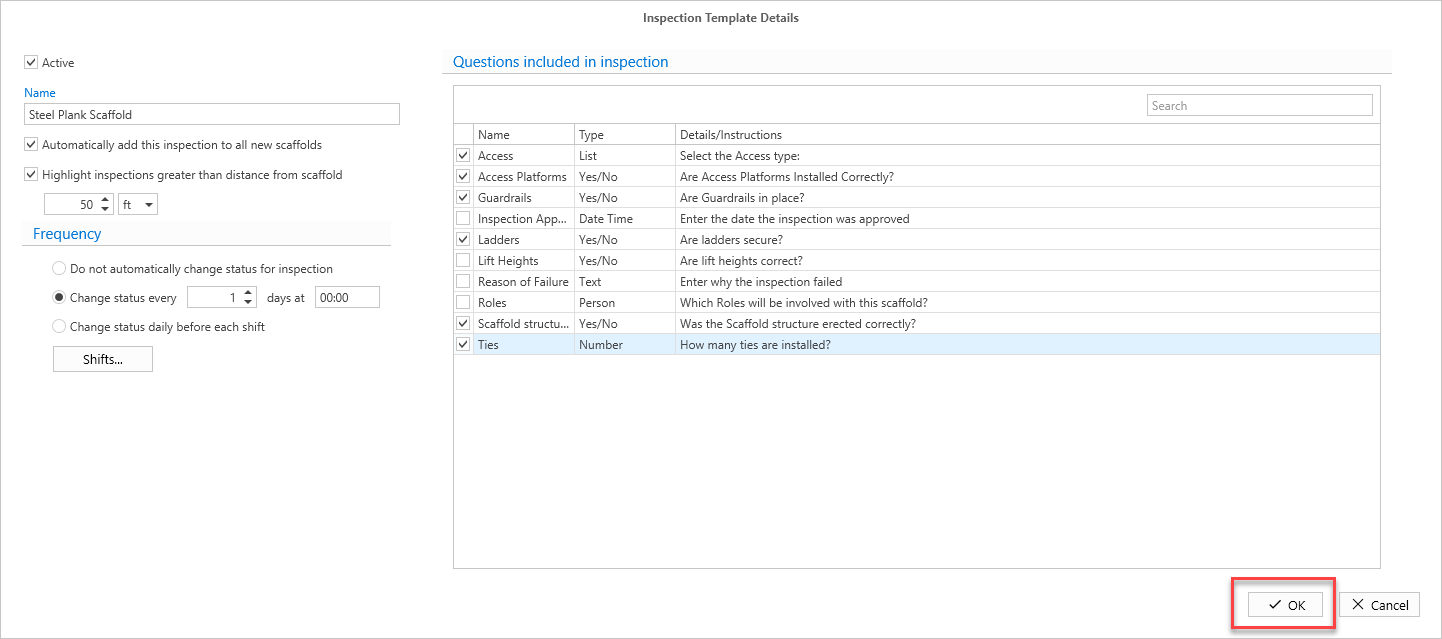
The inspection Template Details screen is where you can create an inspection template.
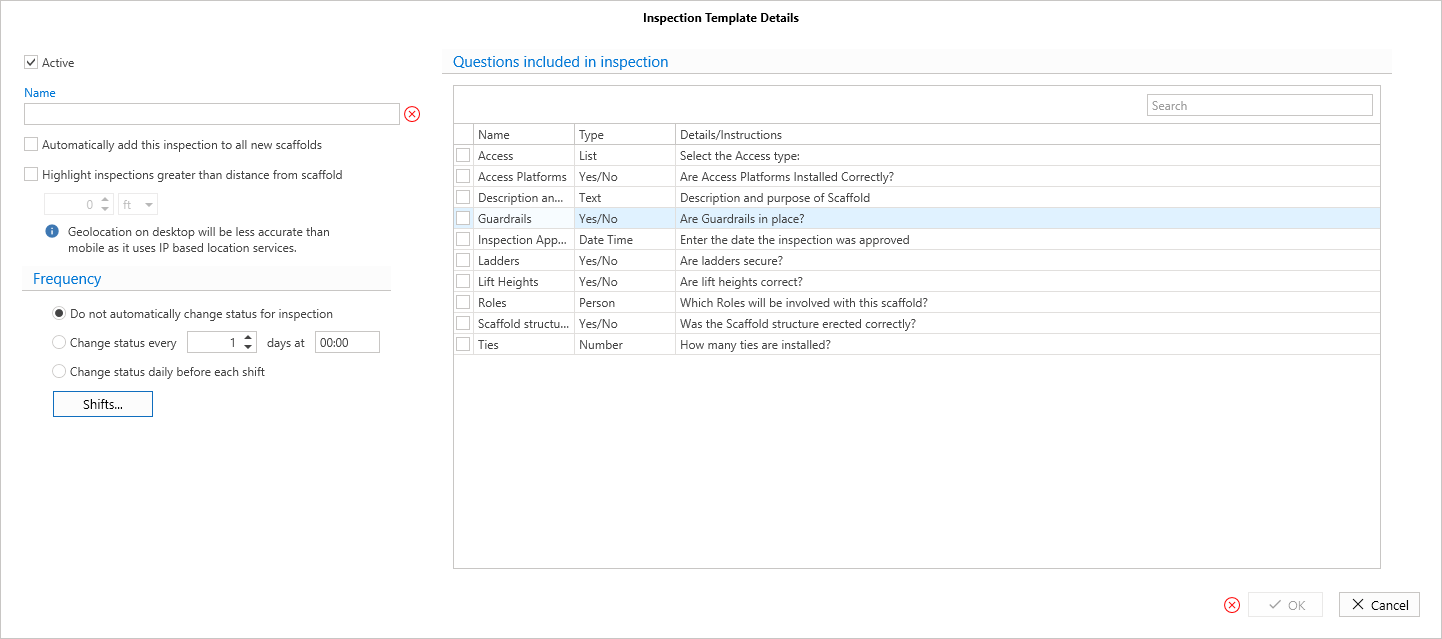
Active
Tick this to enable the inspection. Leave is unticked to disable it.
Name
Enter the name of the Inspection Template

Automatically add this inspection to all new scaffolds
Enable this to add this inspection template to any newly created scaffolds. Highlight inspections greater than distance from scaffold
Specify the maximum distance an inspector may be from the scaffold without generating a warning

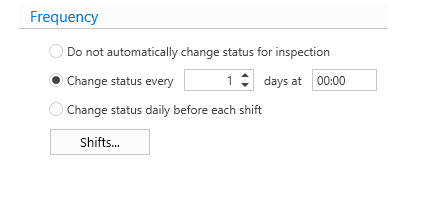
Frequency
Do not automatically change status for inspection - Selecting this option means inspections on Scaffolds need to be done manually done the user
Change status to inspection on a daily frequency - Selecting this option means users can set scaffolds to be inspected at a specific time every x amount of days.
If you select the Change status daily before each shift in Scaffold Settings, then the status of the scaffolds will change to Awaiting Inspection at the start of each shift but only if its Inspection Date (set in the Scaffold Details screen) has been passed.
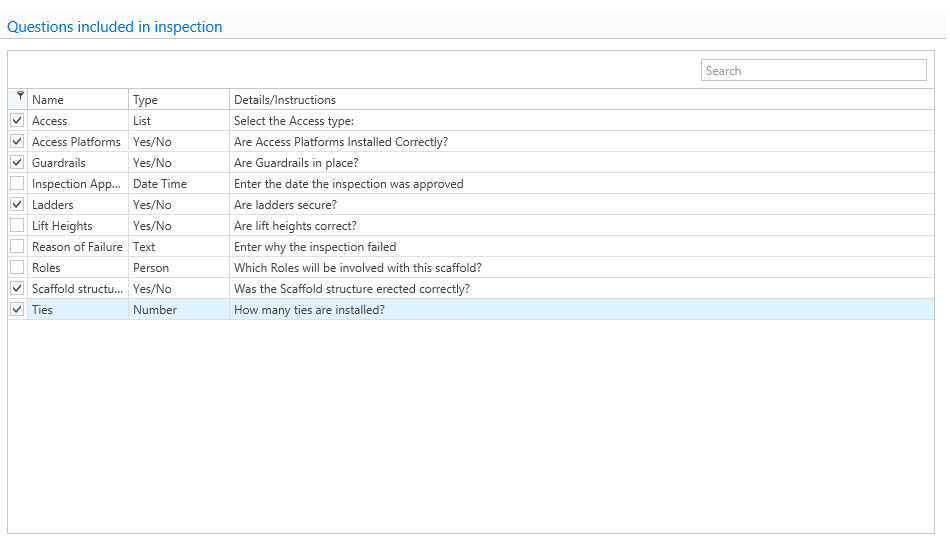
Questions included in inspection
Select to include questions on the Inspection Template
When done, click OK.