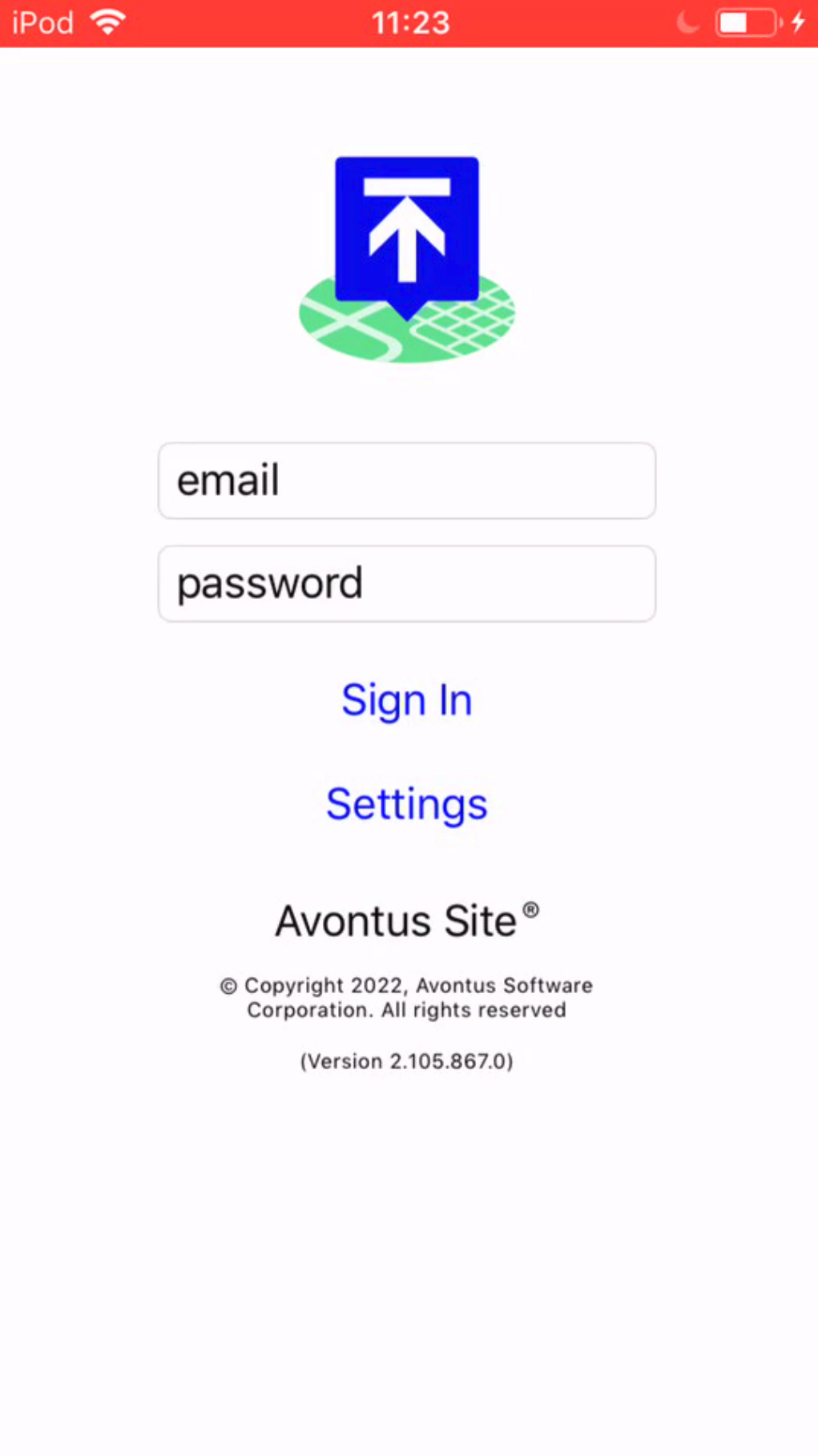
You can install ScaffoldIQ from the App Store using IOS devices.
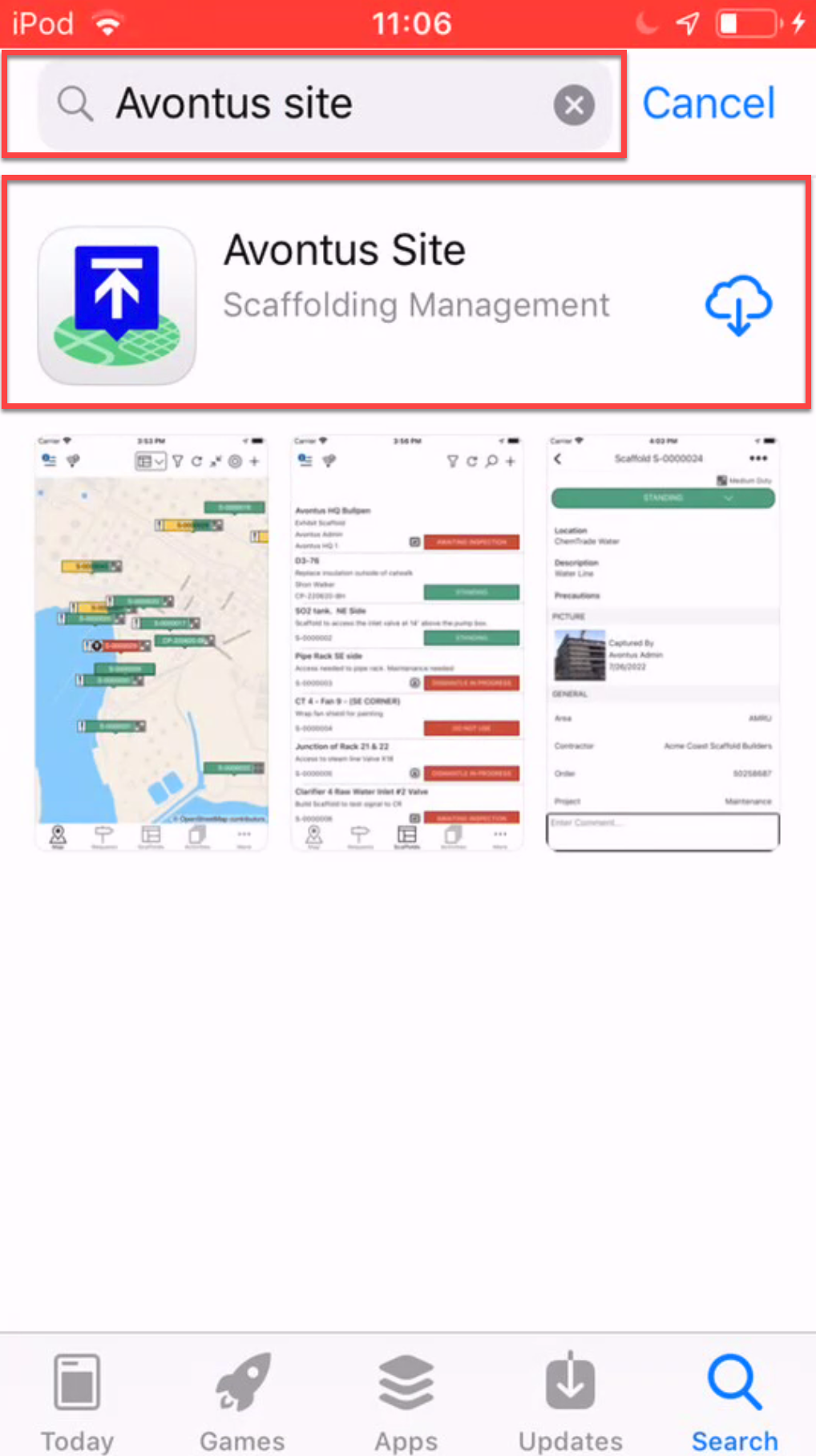
- Open the App store and search for ScaffoldIQ
- Tap on the ScaffoldIQ search result
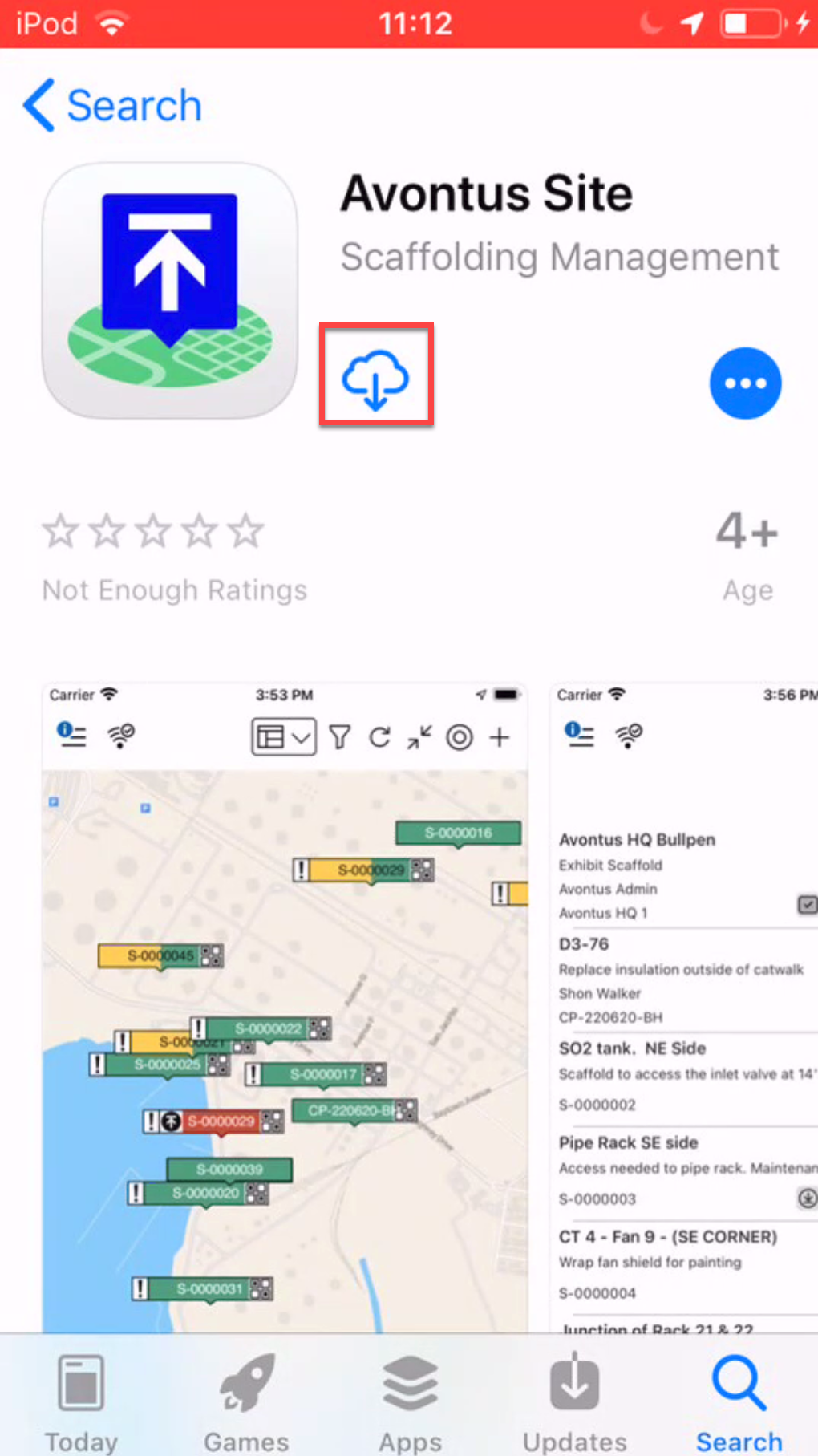
- Tap the install icon
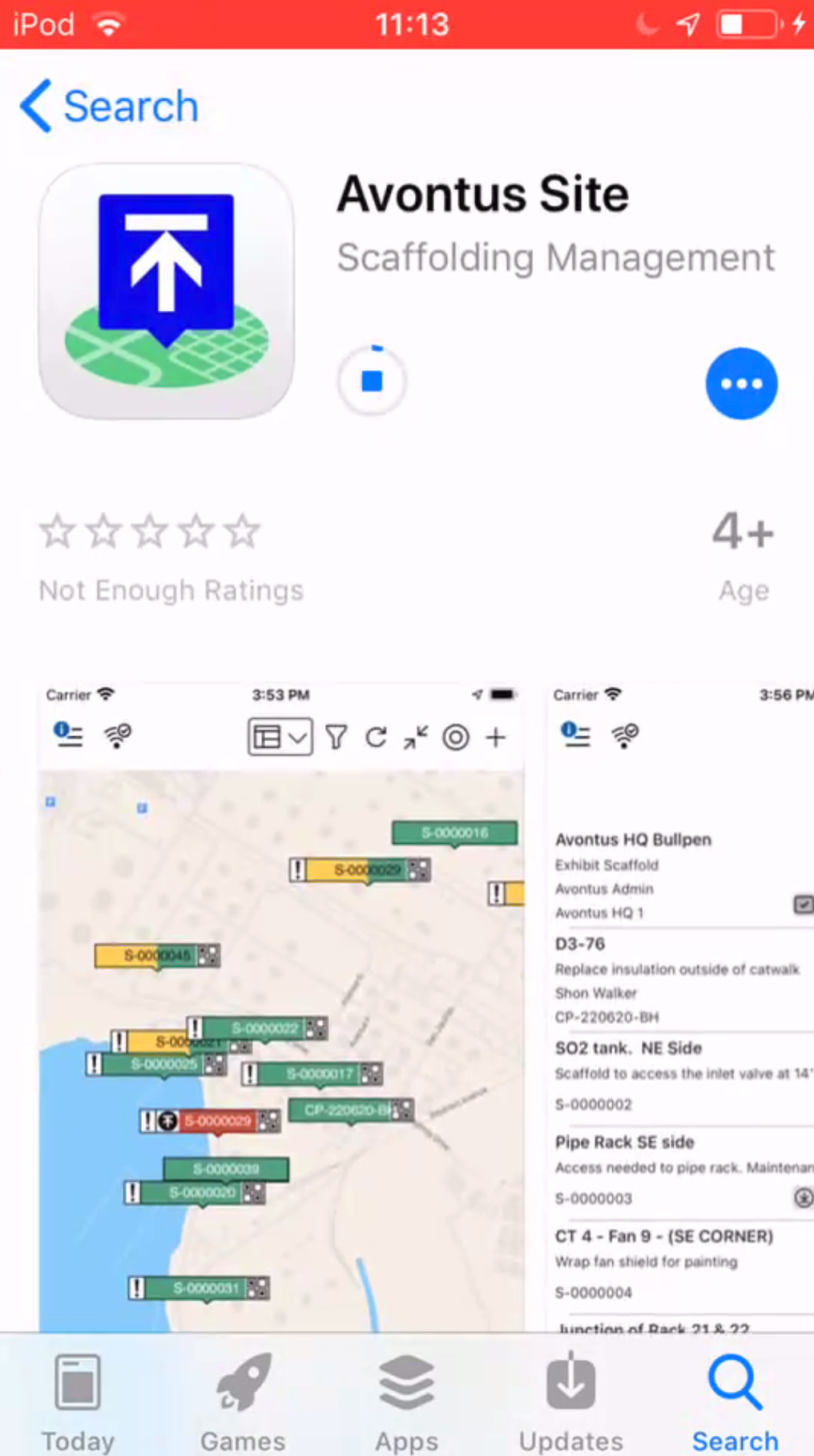
 ScaffoldIQ will begin the installation.
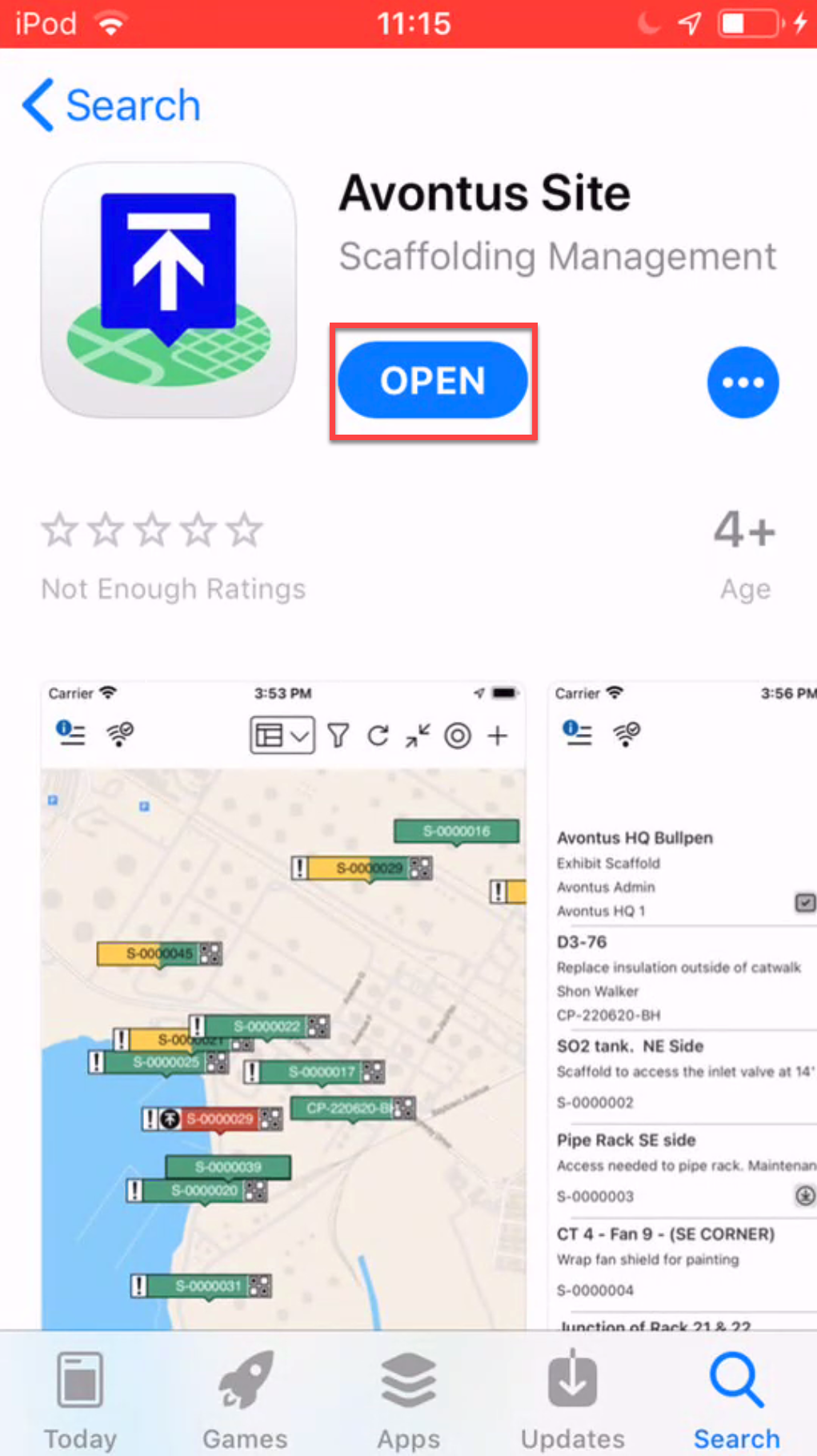
 When complete, tap Open
 You will then be asked to log in to ScaffoldIQ, please see Logging In (IOS) for more information.