Drawings created in Handset Designer are self-aware with Microsoft Office Visio. Whenever you open a file in Microsoft Visio that was created using Handset Designer you'll automatically see the Handset Designer menu, stencil and toolbars.
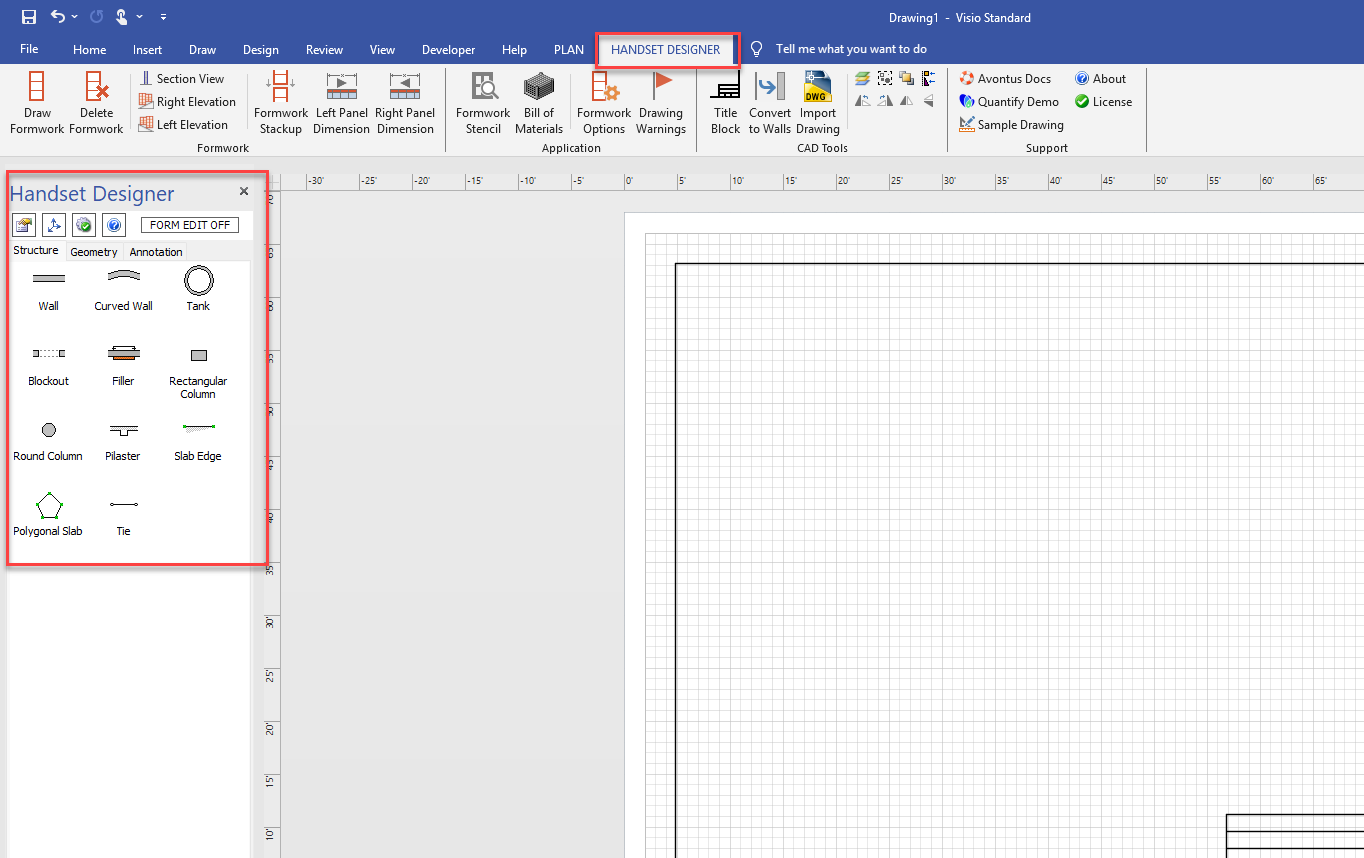
You can locate your file on your hard drive and double click on it to open it, or you can start Microsoft Visio and use the Handset Designer template.
Using the Template
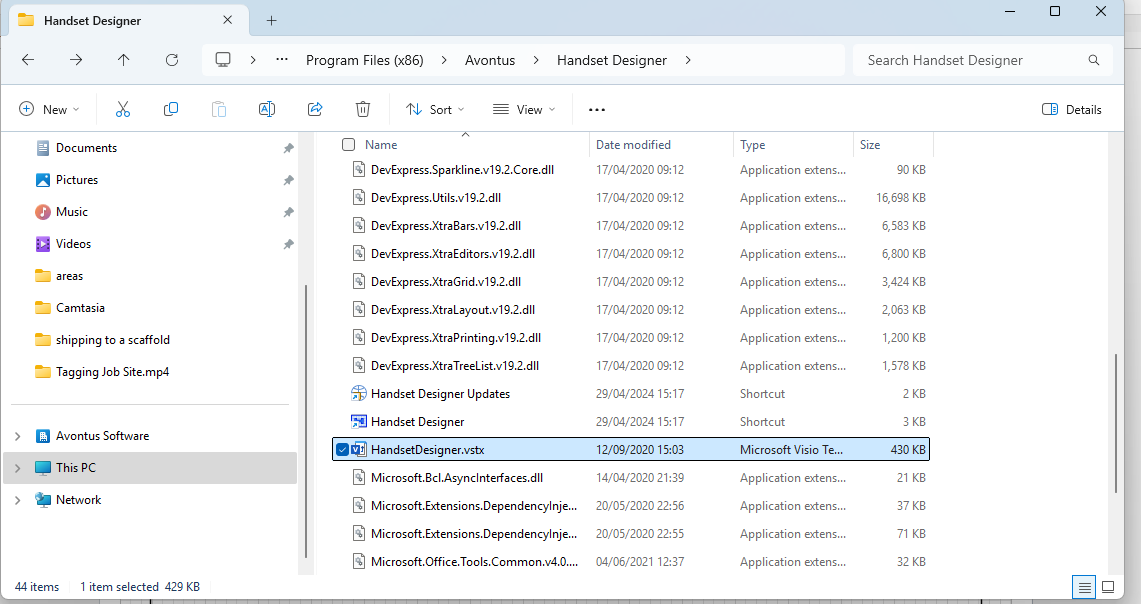
You can also open the Handset Designer template in Microsoft Visio to add your logo or any other graphics to the drawing pages. The template file is titled HandsetDesigner.vstx and is located in the install folder. The default is C:\Program Files\Avontus\Handset Designer\.