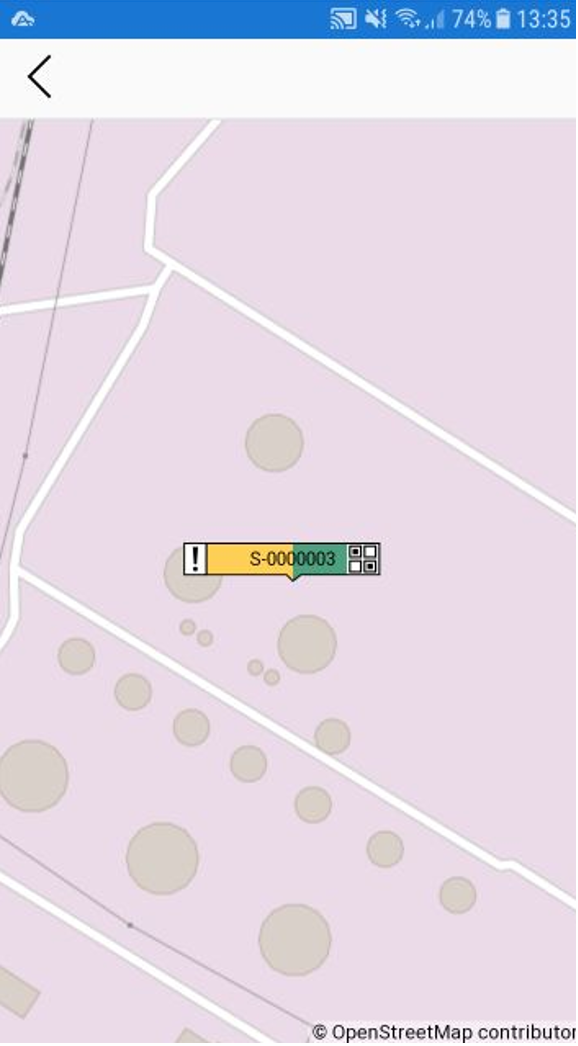
If you can't find a specific Scaffold on a map, you can use the Scaffolds Screen to help you find it on the Map. Or, if you are standing next to the Scaffold, you can tap My Location to be taken directly to it
To find a Scaffold on the Map Screen:
- Go to the Scaffolds screen.
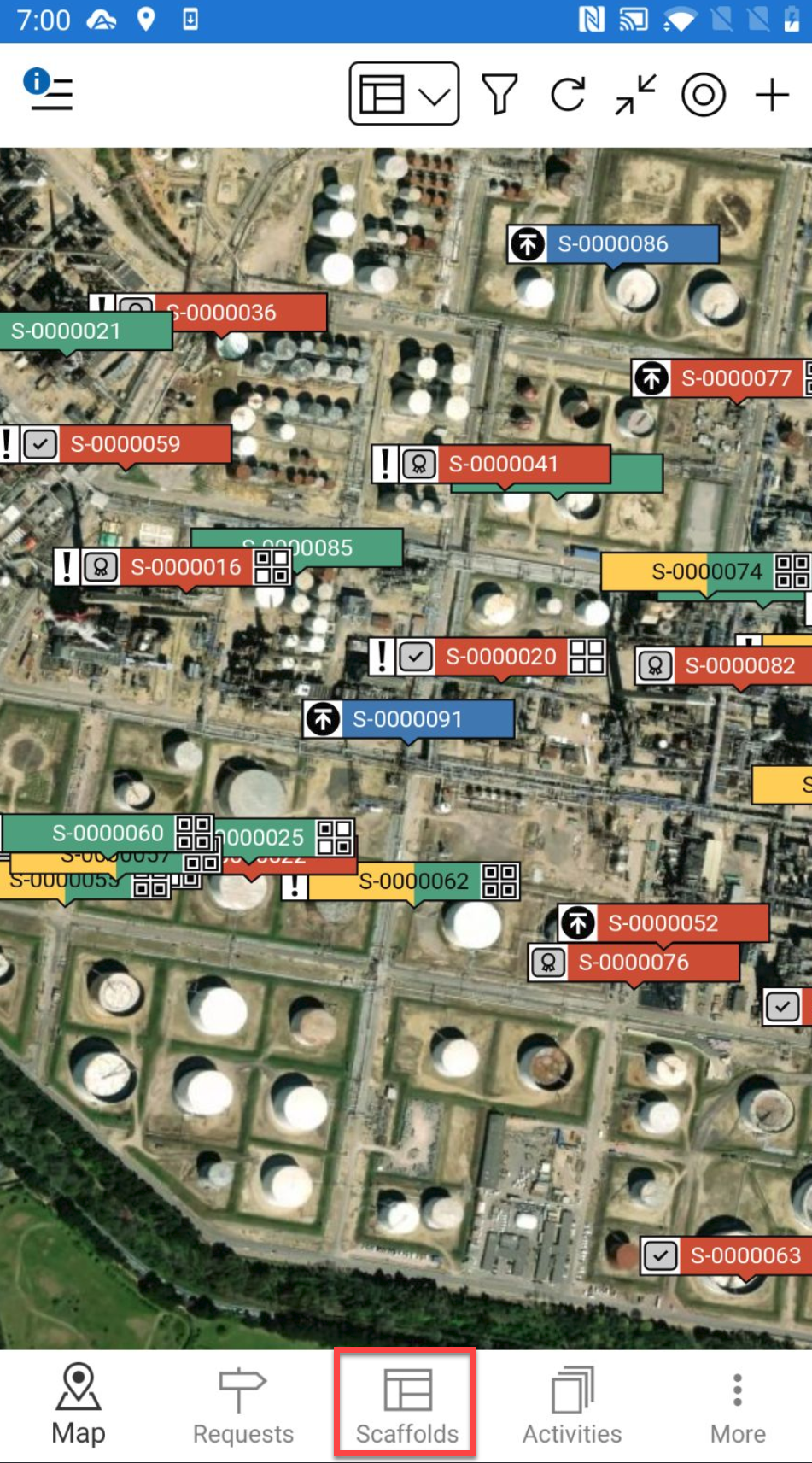
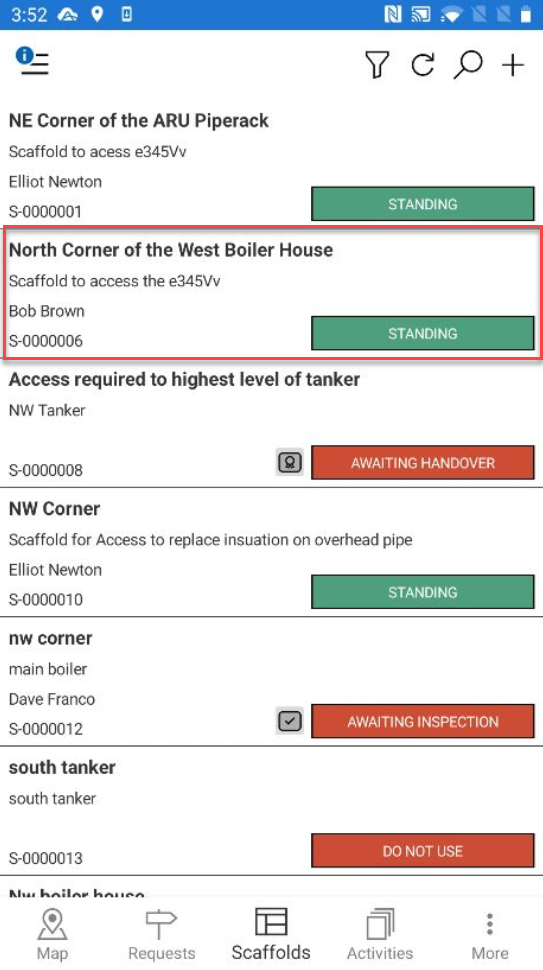
- Locate the scaffold are looking for via its ID or any other known details.
- Tap the request or scaffold to open.
- Scroll down to the Location section and tap the Location section.
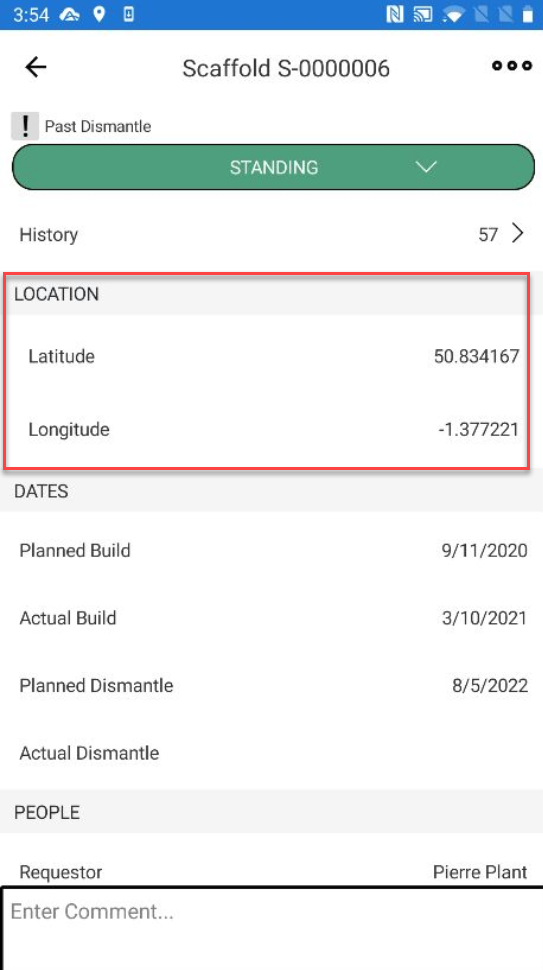
You will be taken directly to the scaffold's location on the map.