To log in, you will need a ScaffoldIQ account. In the login screen, enter your username and password. When you have entered your details click the Sign in button.
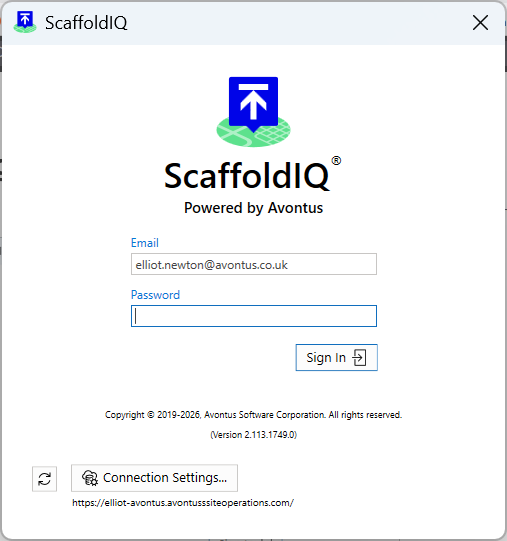
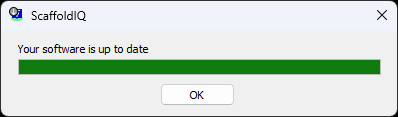
The refresh icon checks to see if you have the latest version of ScaffoldIQ.

Click the icon, and your version of ScaffoldIQ will be checked to see if you are running the latest version.
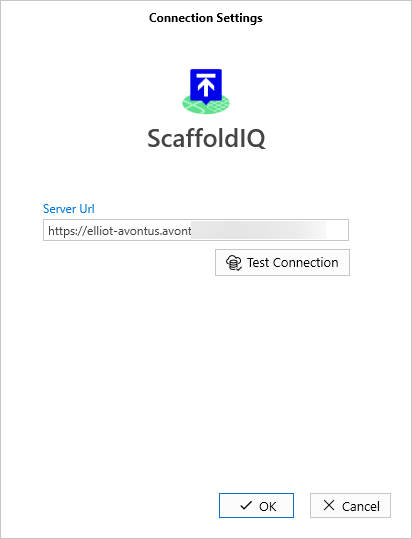
Click the Connection Settings button to enter the server URL that holds the data on your jobsites. This will be provided to you by Avontus.

In the Connection Settings screen, specify the Server URL and click Test Connection.