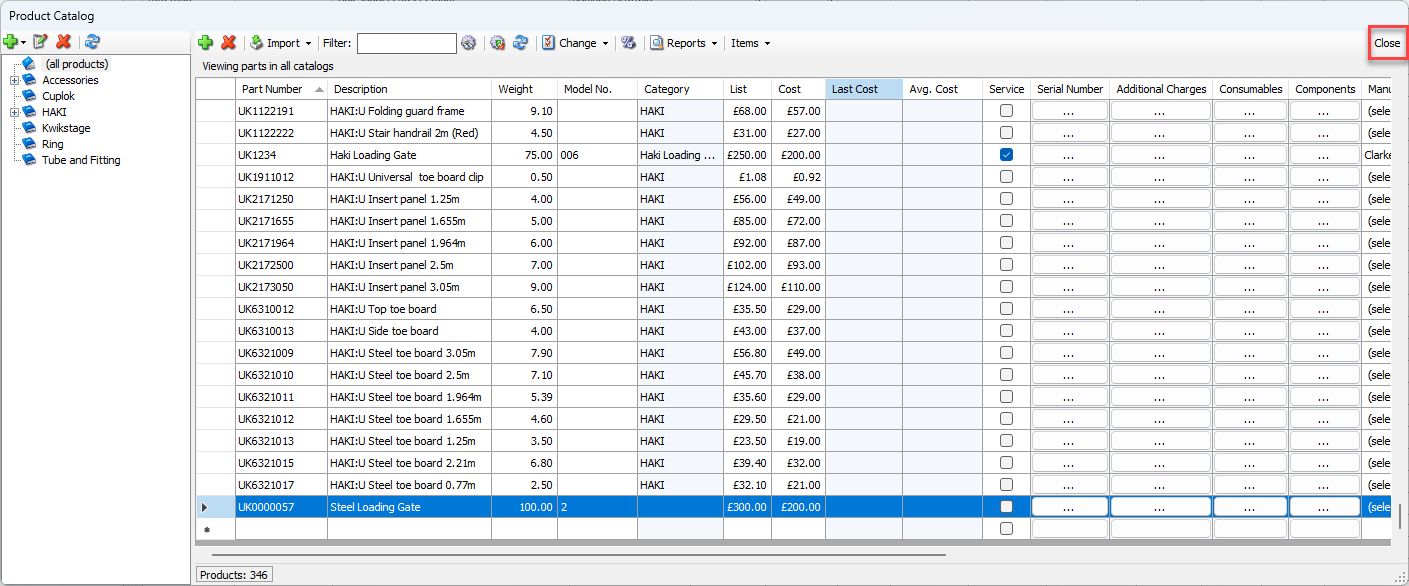
You add Products directly into the Product Catalog grid. Before you begin, you must know the Product's part number. You can also include other information: description, weight, cost, etc.
To add a Product:
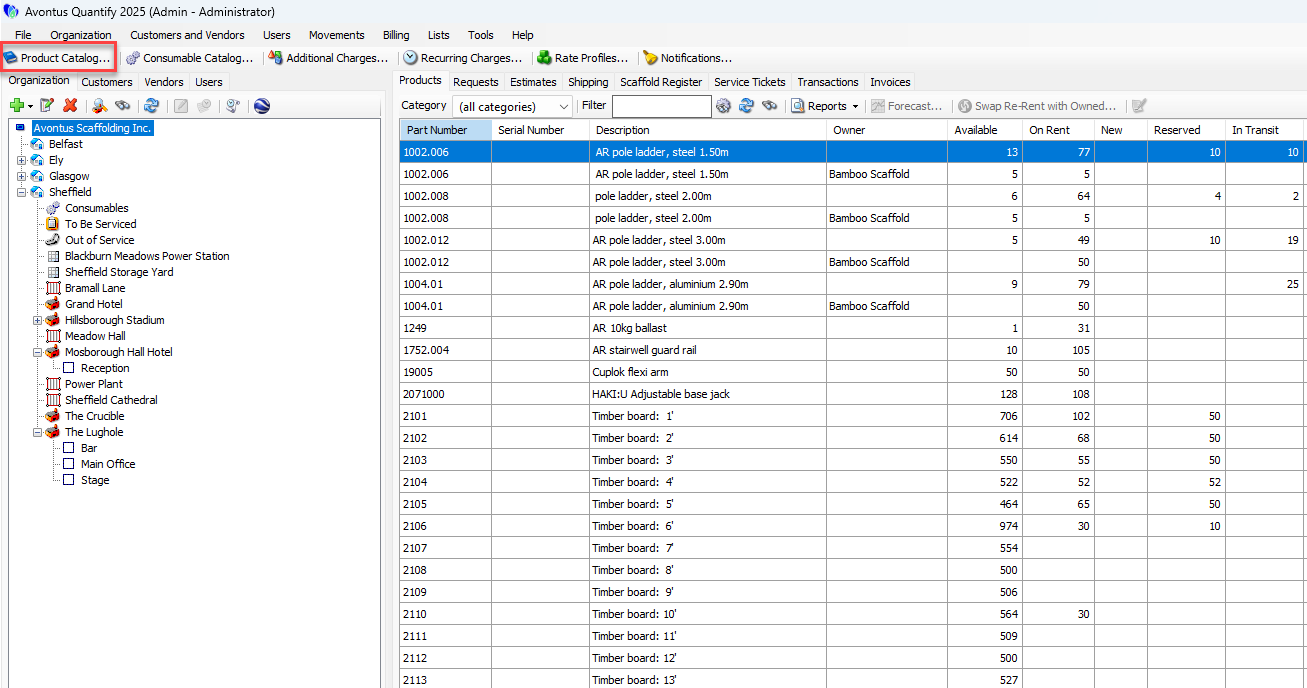
Click Product Catalog
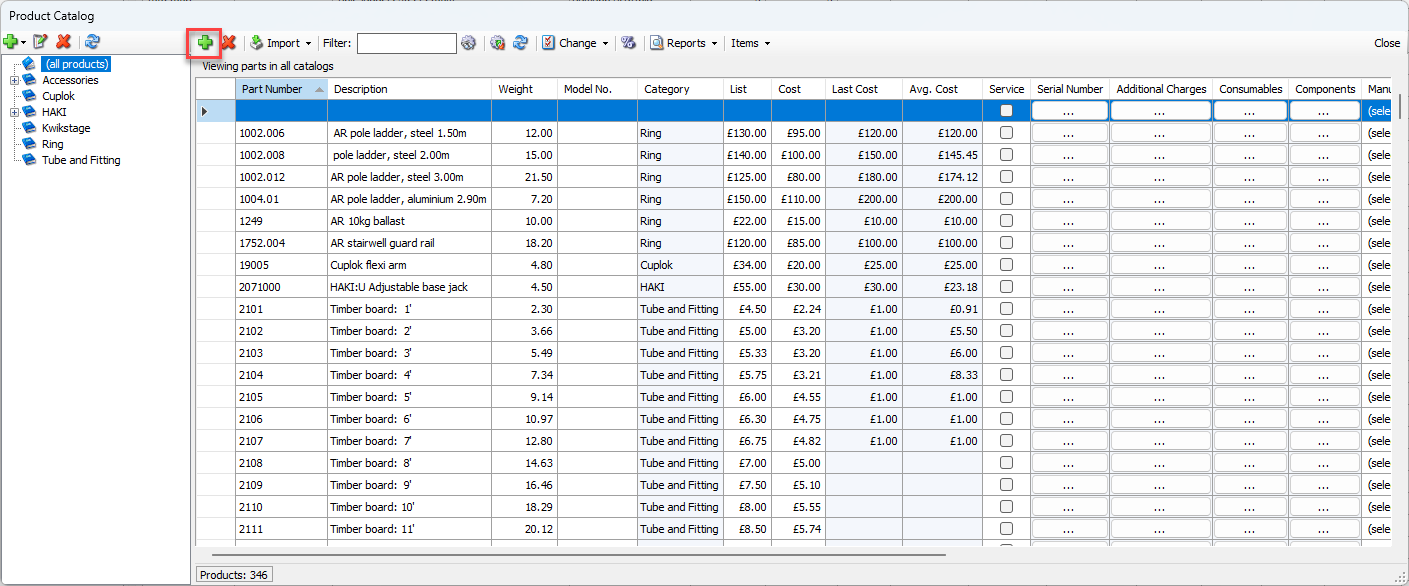
Click the + icon
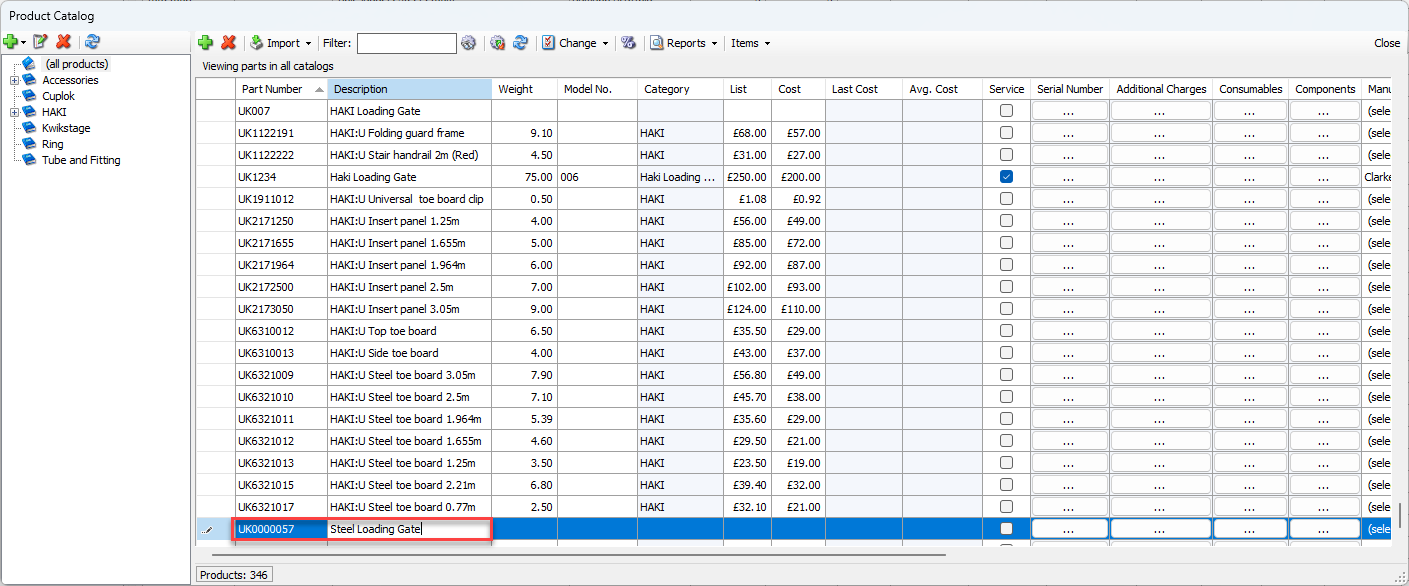
Click the Part Number Field and enter Part Number
Click the Descrption field and enter a description for the part
Note: These are only required fields
Provide any further information
Add any further parts to click Close