If it is determined that a Product must be referred to as a Consumable, you do not have to delete that item from the Product Catalog and add it to the Consumable Catalog. The Product Catalog saves you some time by enabling you to easily transfer that item to the Consumable Catalog.
Important: To move a product to the Consumables Catalog, first ensure there are no stocked quantities at any location, including negative quantities on any Job Site.
To move a product to the Consumable Catalog:
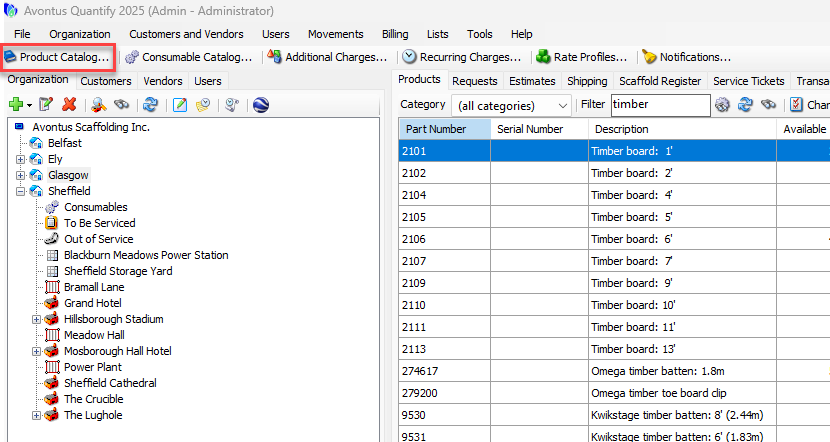
Click Product Catalog.
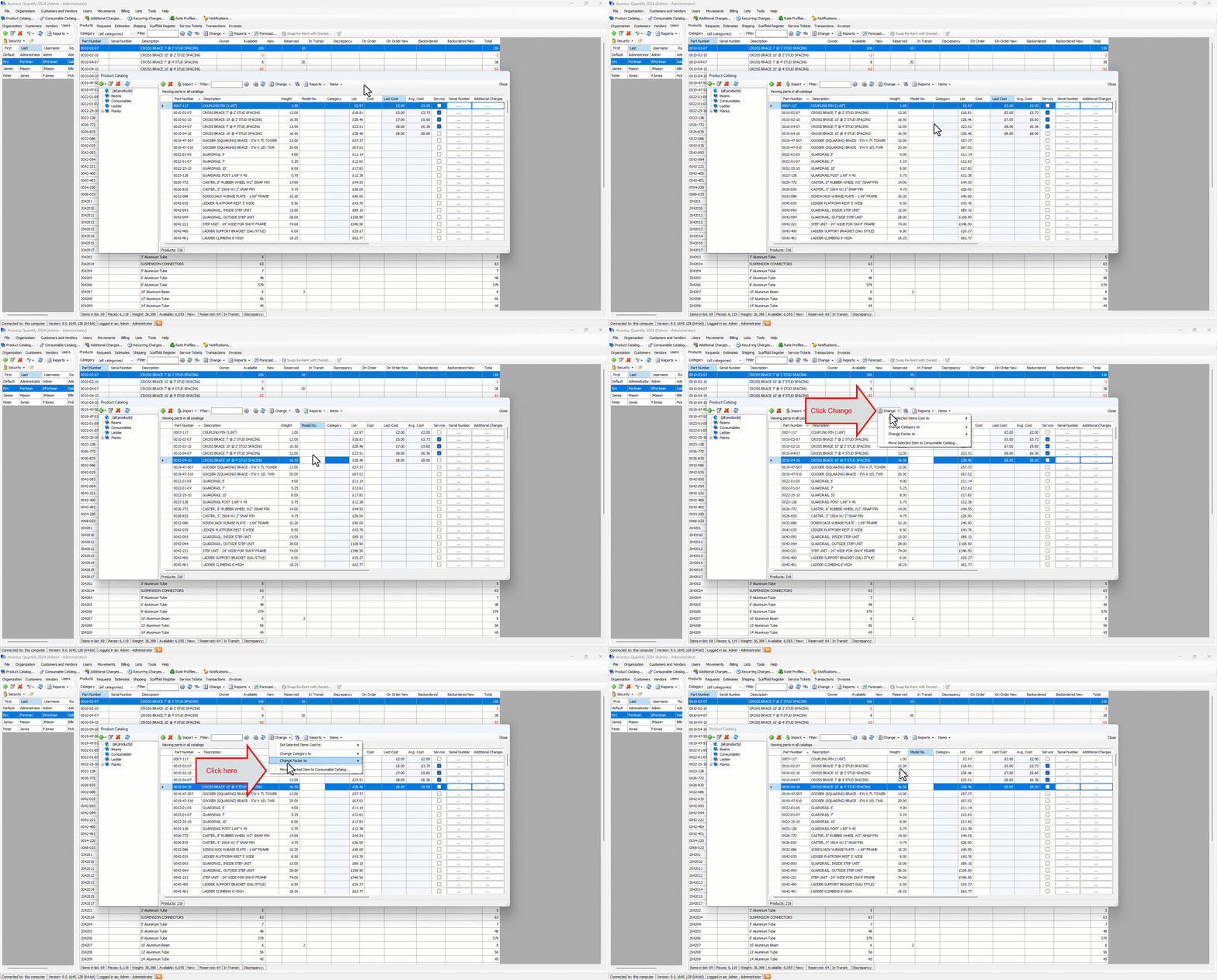
The Product Catalog appears.Click the Product you want to move, then click the Change dropdown and select Move Selected Items to Consumable Catalog
A confirmation dialog appears.
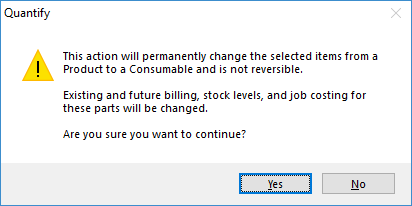
Click Yes.
Quantify moves the selected item, then displays and acknowledgement dialog.
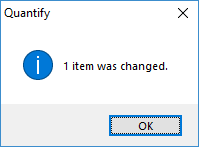
Click OK.