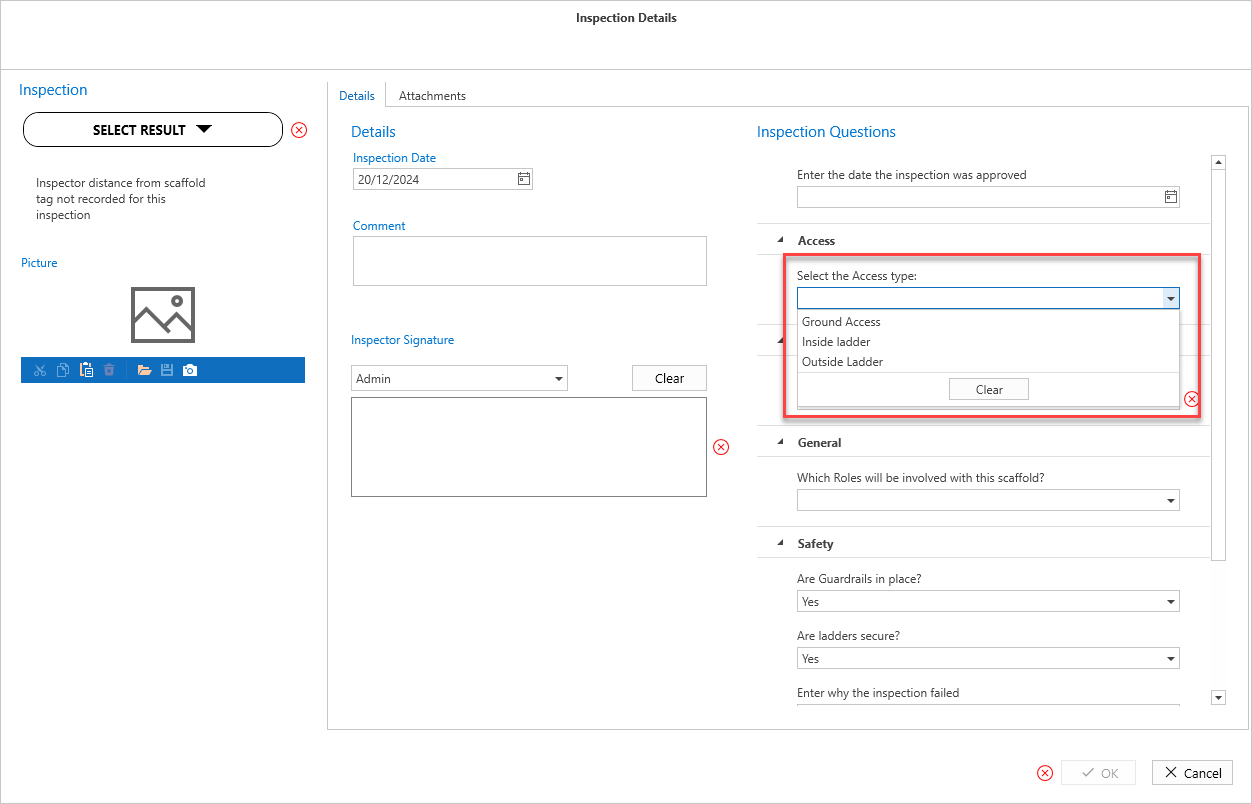
Pick List allows for a multiple-choice question where the user can select the most appropriate answer.
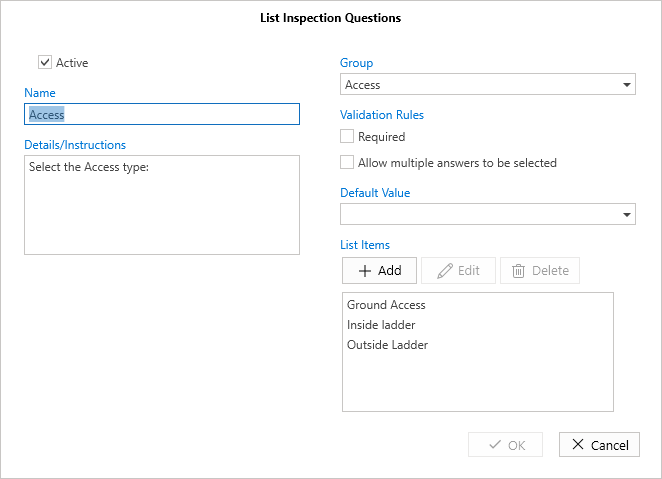
Active - Indicates that the question is active and will appear on the Inspection/Handover form.
Name - The descriptive name of the question.
Details/Instructions - This is where you'll enter the question for the scaffold.
Group - Specify the group to which this question belongs.
Required - Click this checkbox to mark this question as mandatory when completing Inspections or Handovers.
Allow multiple answers - Tick this option to allow for multiple answers.
Default value - The default option always set but can be changed
List - Specify the list of items which the user selects from.
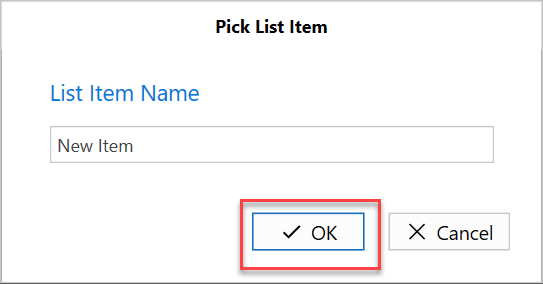
Note: Click Add to create a new List Item.
And then enter the list item and click OK.
When you answer the question, it will appear like this on the Inspection Form.