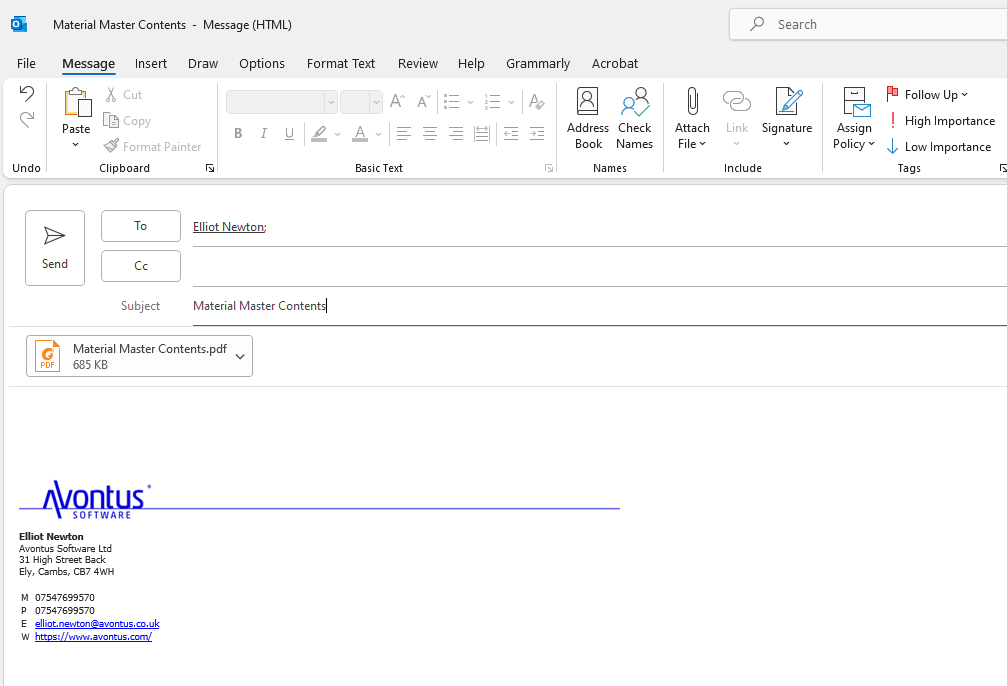
Avontus Designer's flexible features enable you to easily print a list of Material Master content. You can also export and email Material Master contents.
Previewing/Printing a List of Material Master Contents
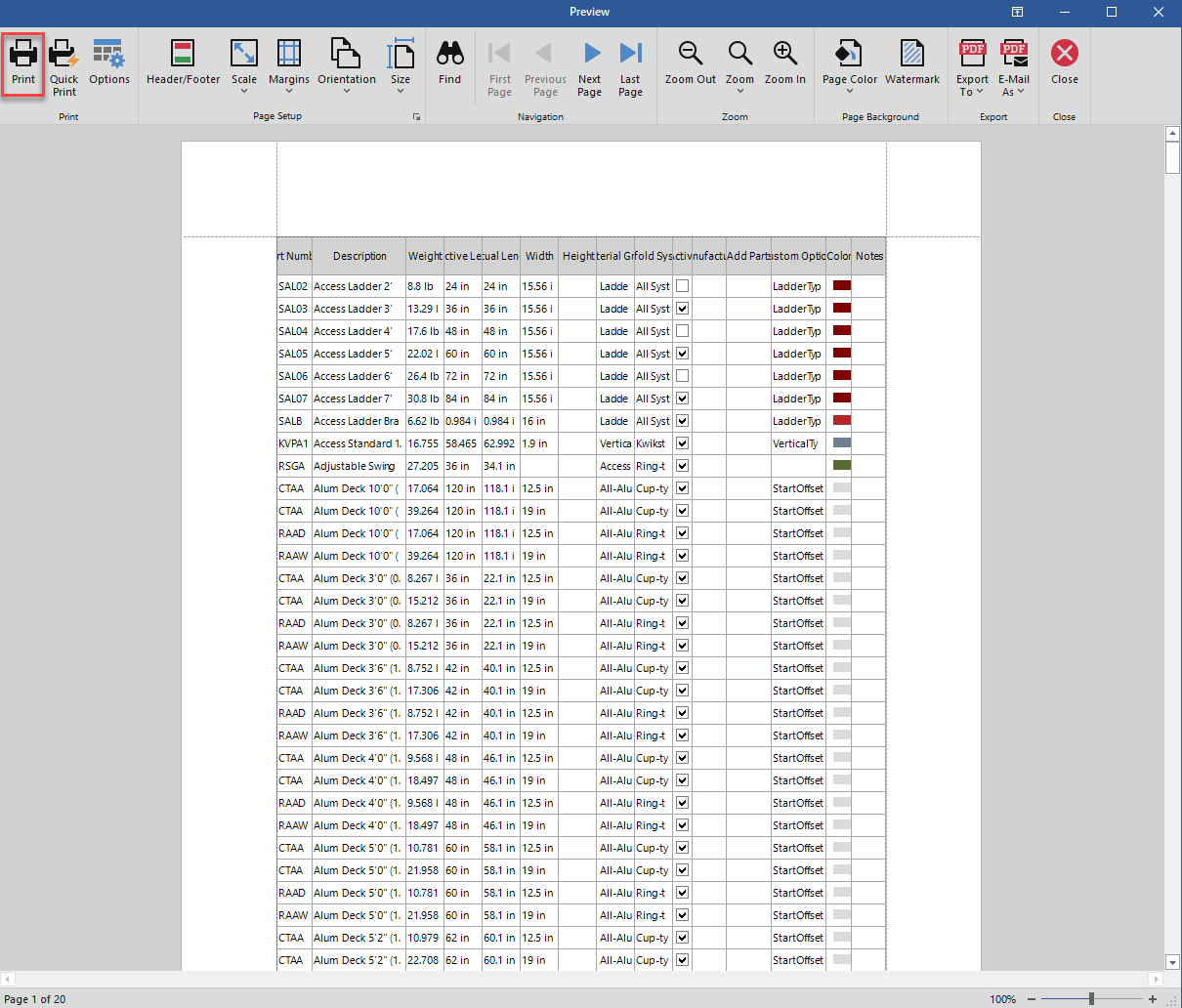
Avontus Designer's print preview function enables you to view the contents of your Material Master database in a list format. You can then print that list or save it in the format of your choice.
To preview/print a list of Material Master contents:
- Access the Backstage and click Material Master.
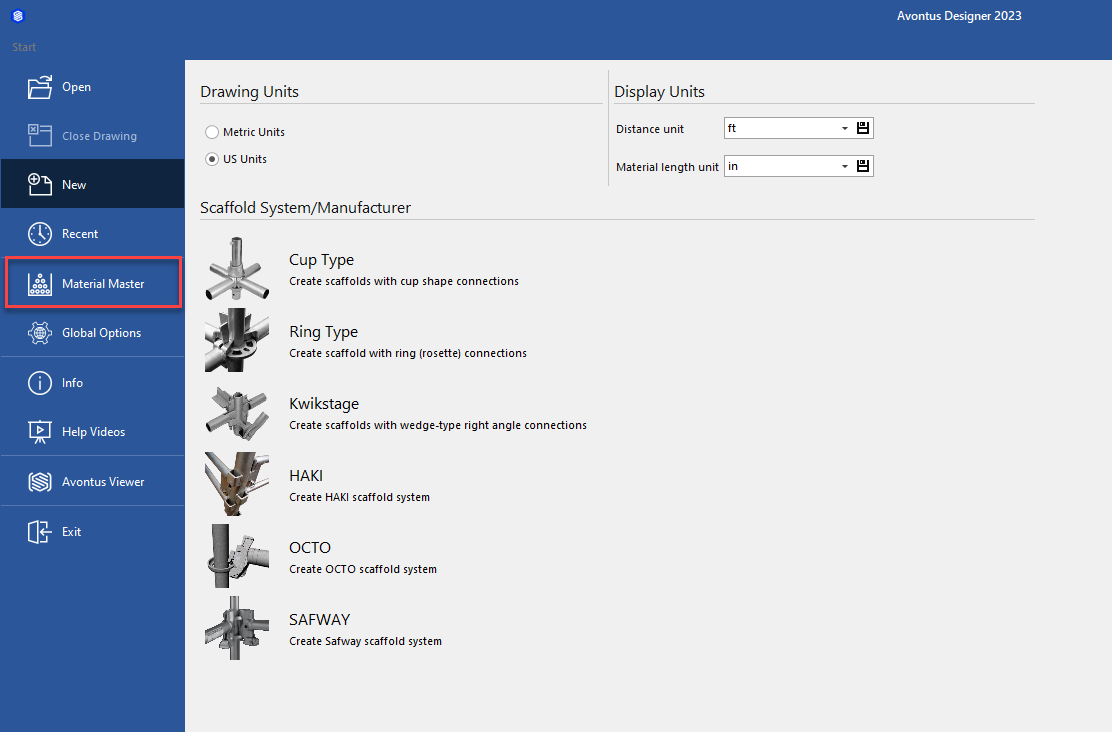
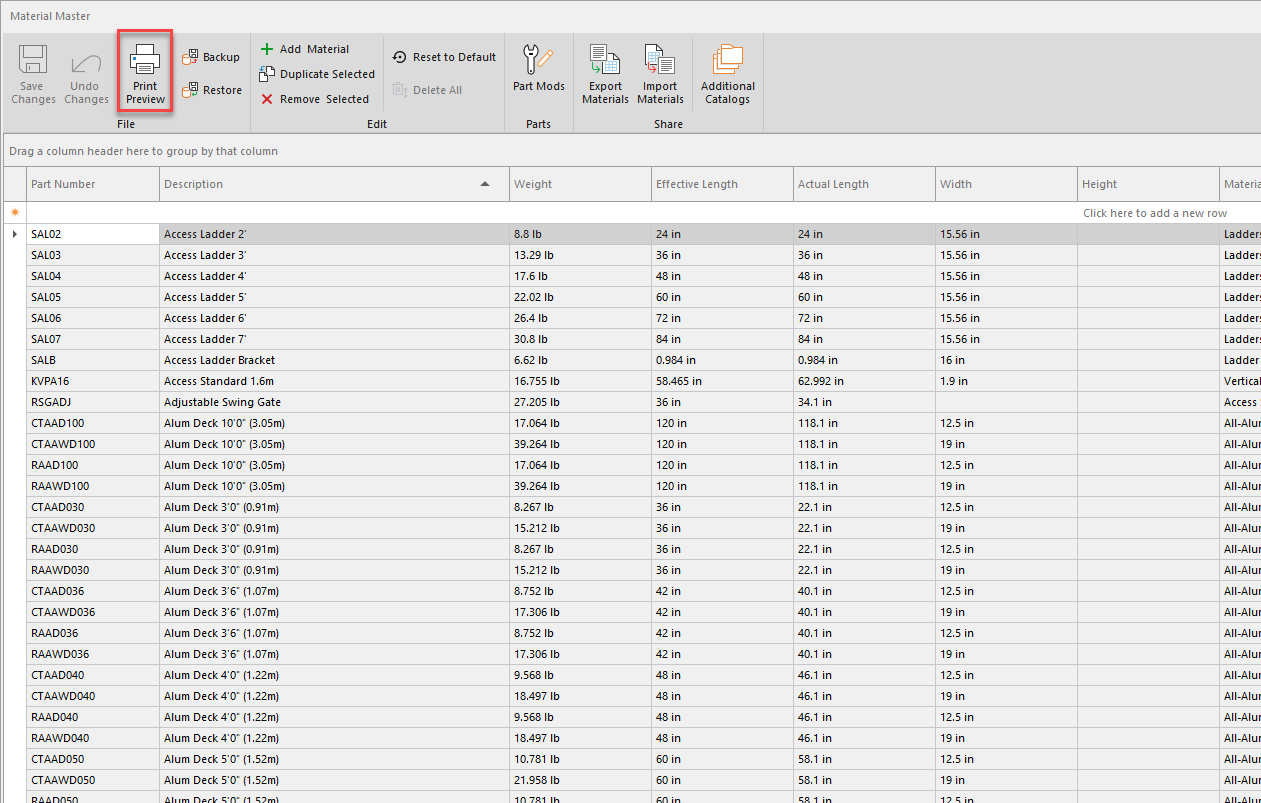
The Material Master appears. - Click Print Preview.
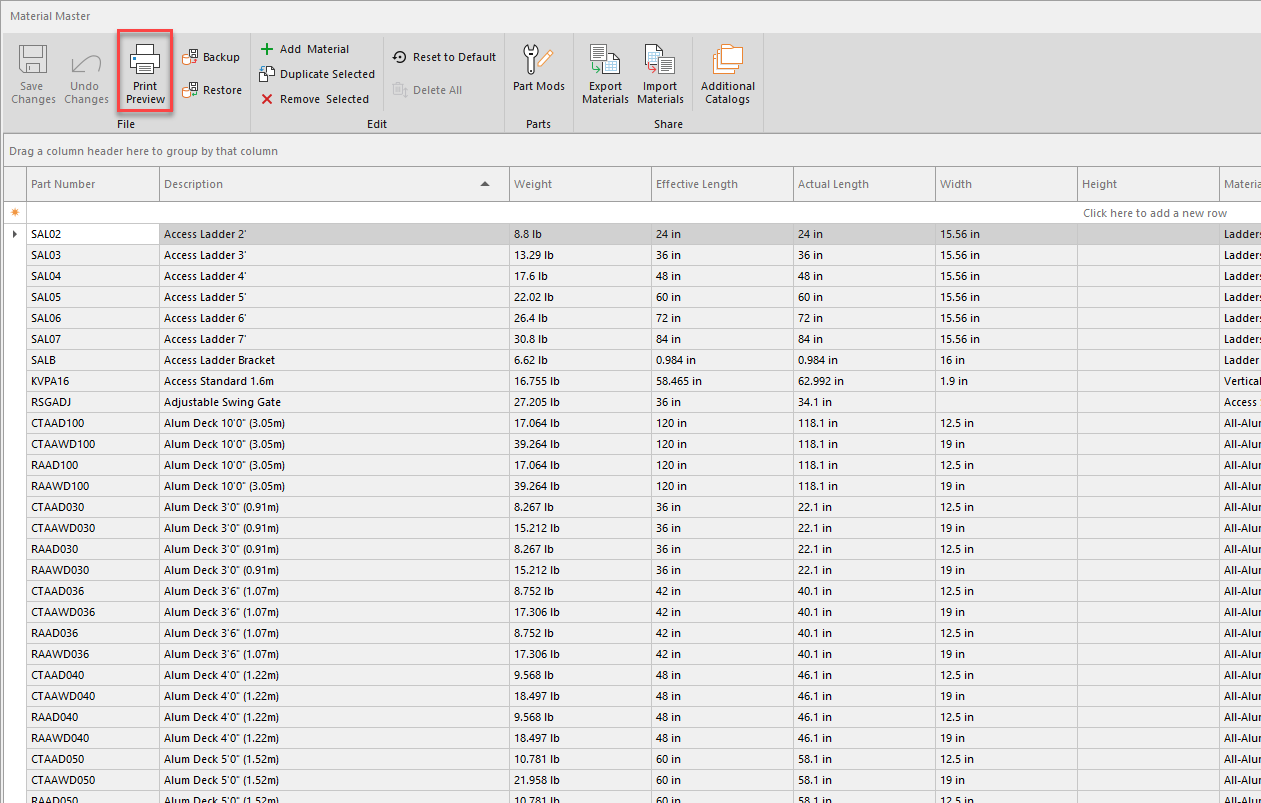
The Preview dialog appears, displaying the list of Material Master contents. - Click the Print Icon
Exporting a List of Material Master Contents
Avontus Designer enables you to save the contents of your Material Master database in a multiple list formats
To preview/print a list of Material Master contents:
- Access the Backstage and click Material Master.
The Material Master appears. - Click Print Preview.
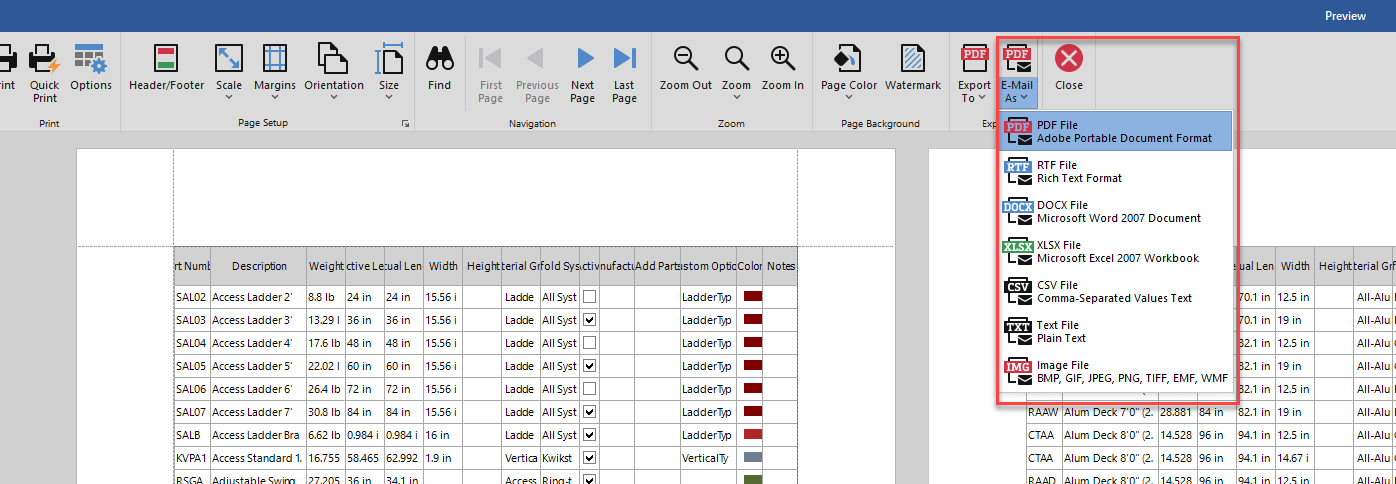
- Select the Export To drop-down and select the export type
The Export Optionsdialog appears. Which version of the dialog appears, depends on what format you select.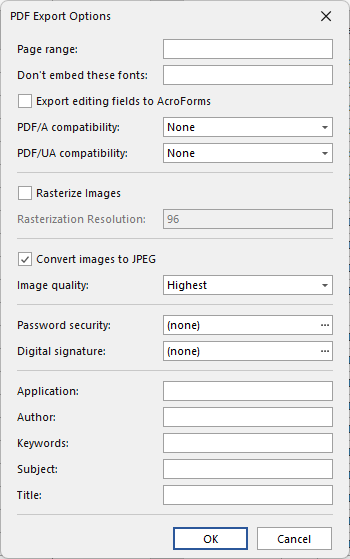
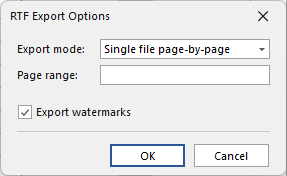
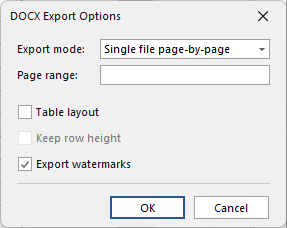
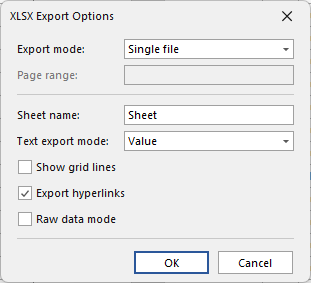
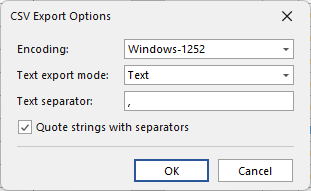
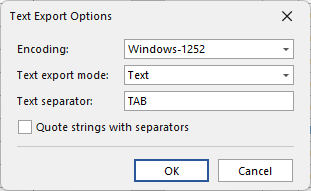
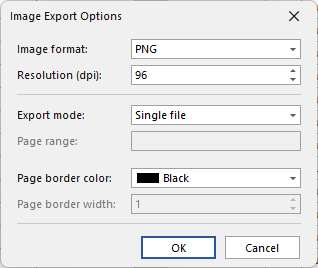
- Complete the dialog and click OK.
Emailing a List of Material Master Contents
Avontus Designer enables you to save and email the contents of your Material Master database in multiple formats.
To email a list of Material Master contents:
- Access the Backstage and click Material Master.
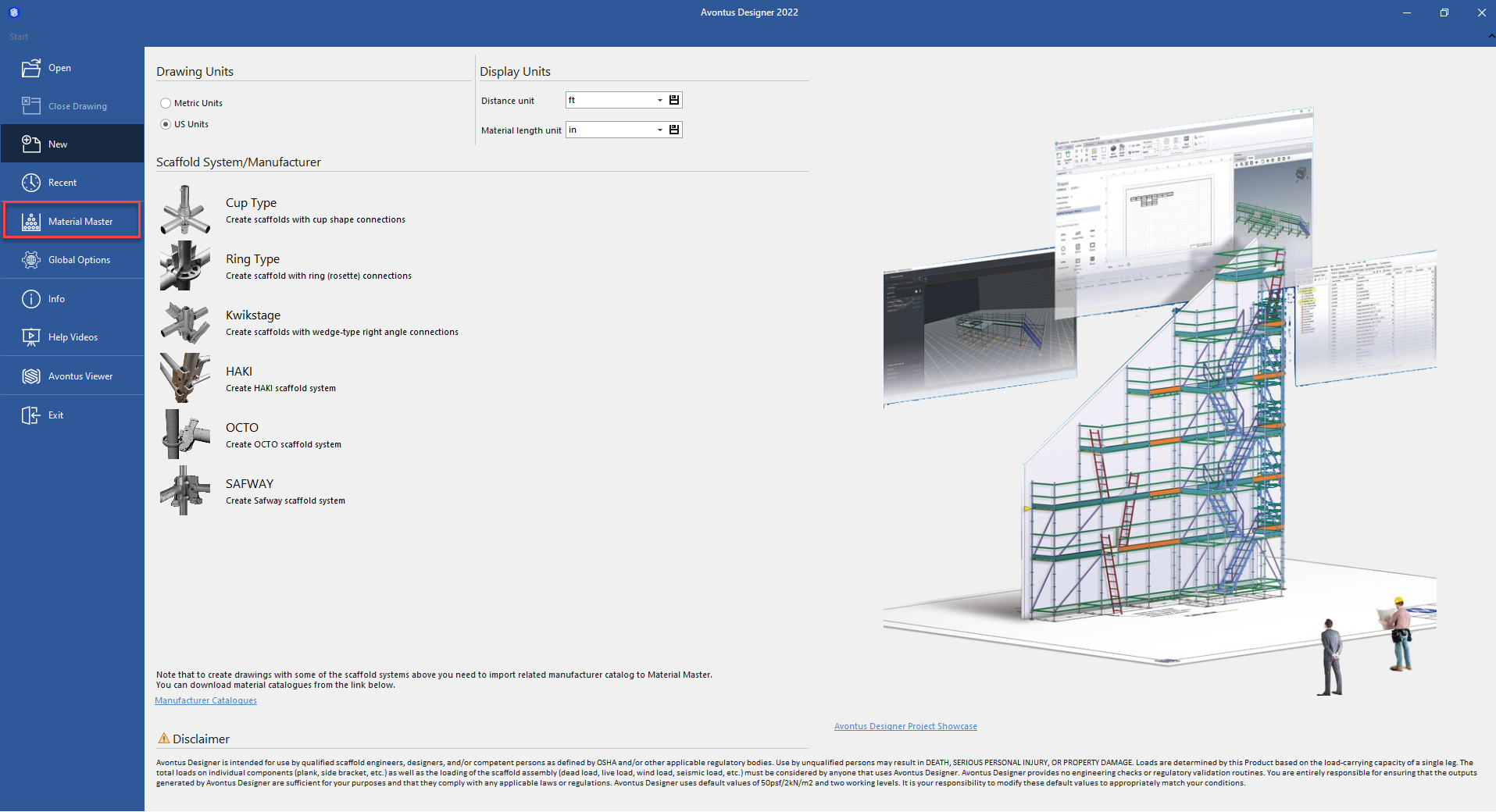
The Material Master appears. - Click Print Preview.
The Preview dialog appears, displaying the list of Material Master contents.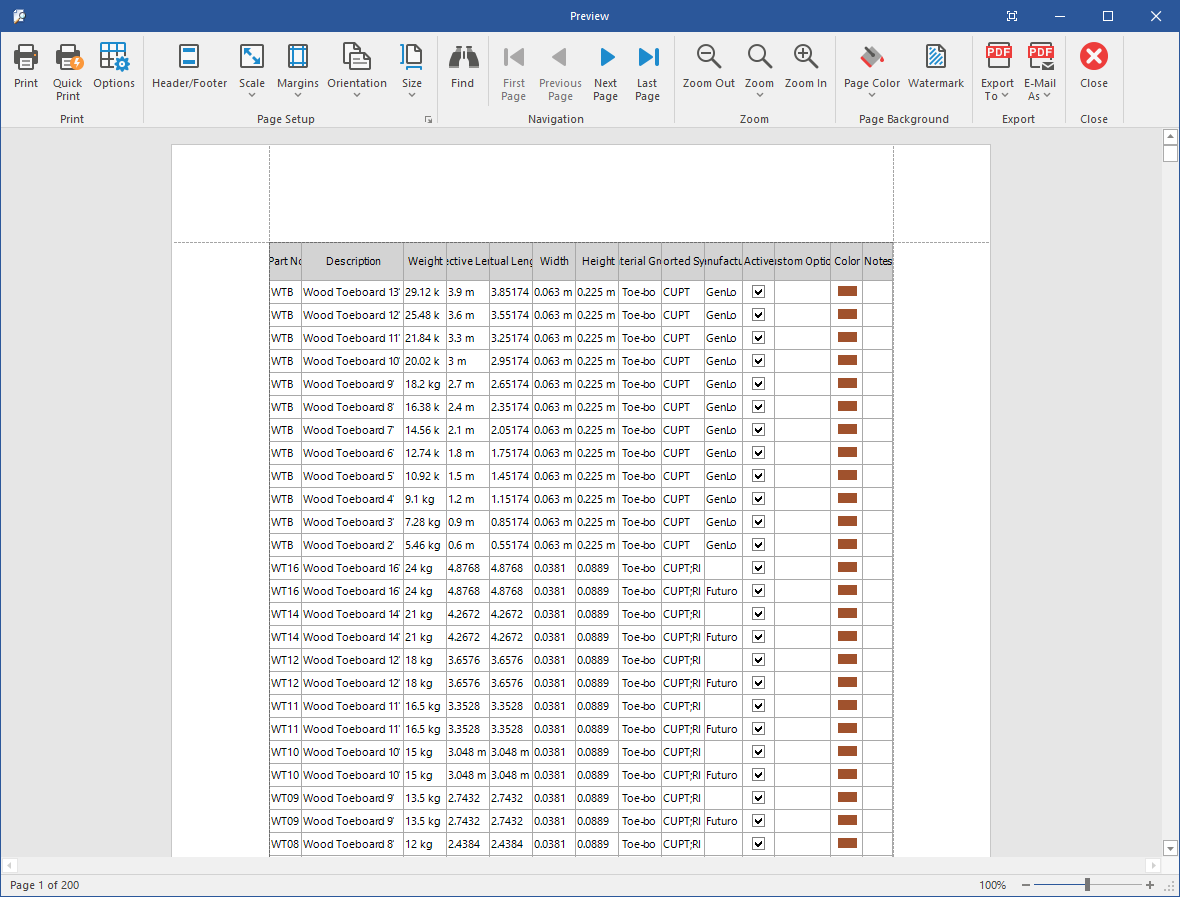
- Click the Export dropdown and select the format in which you want to save the list of contents. Your options are: PDF, RTF, XLSX, CSV, Text and Image.
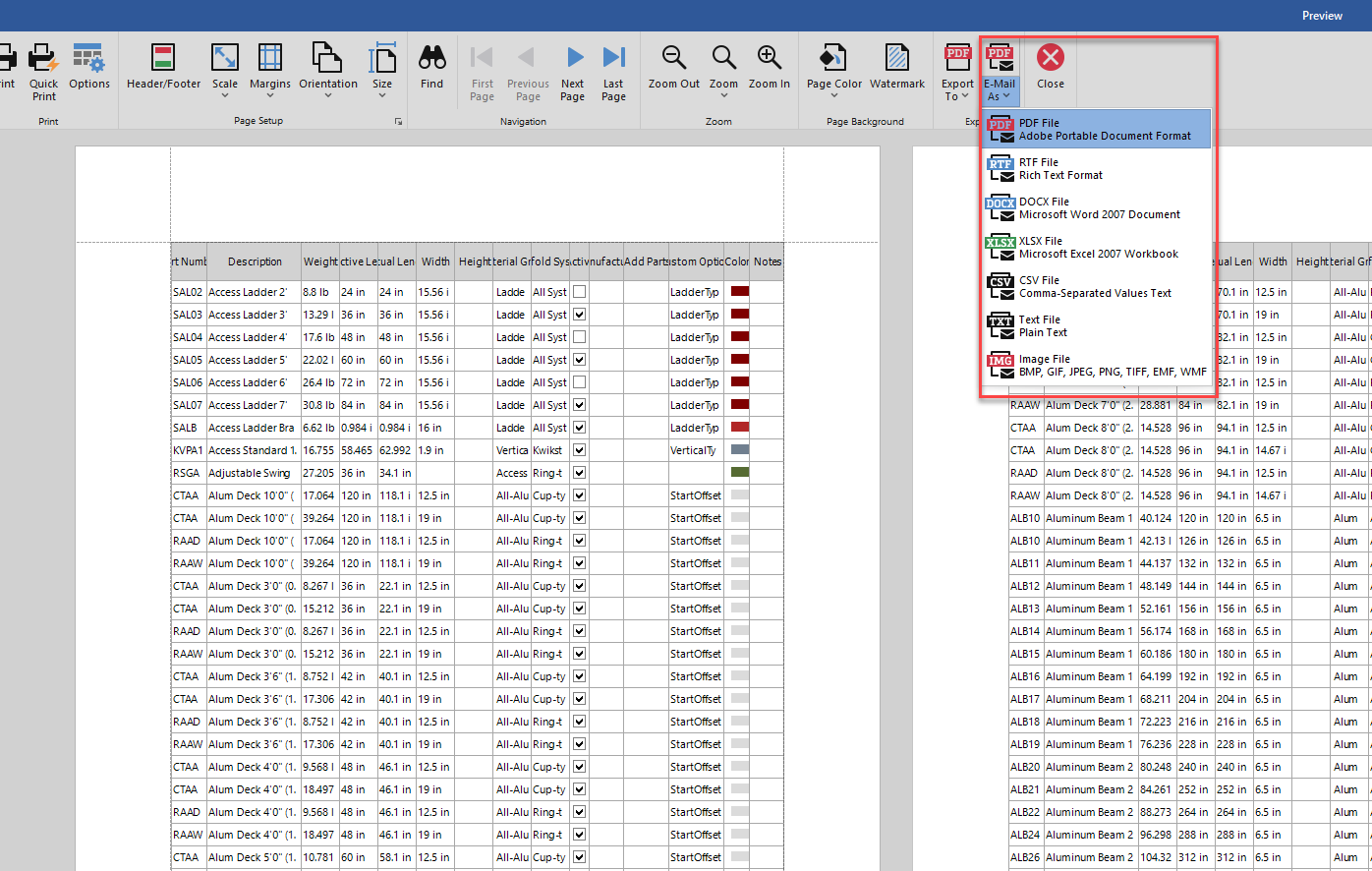
The Export Optionsdialog appears. Which version of the dialog that appears, depends on what format you select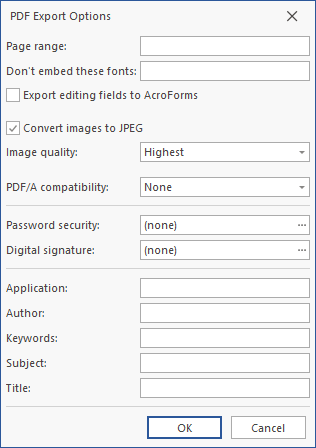
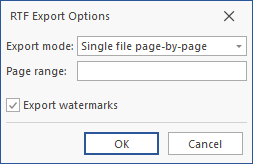
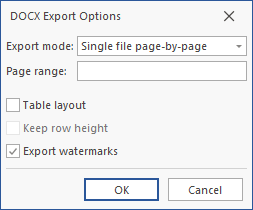
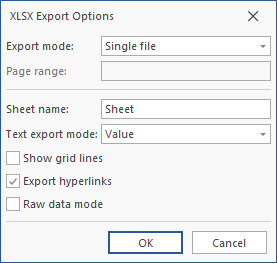
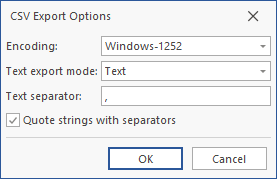
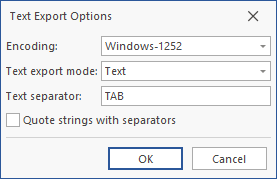
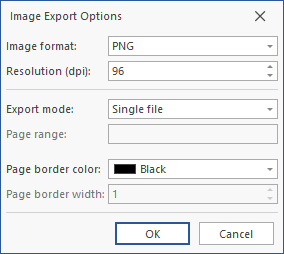
- Complete the dialog and click OK.
Avontus Designer generates the file. Your email application launches a blank new email, with the file as an attachment - Complete the email and send it.