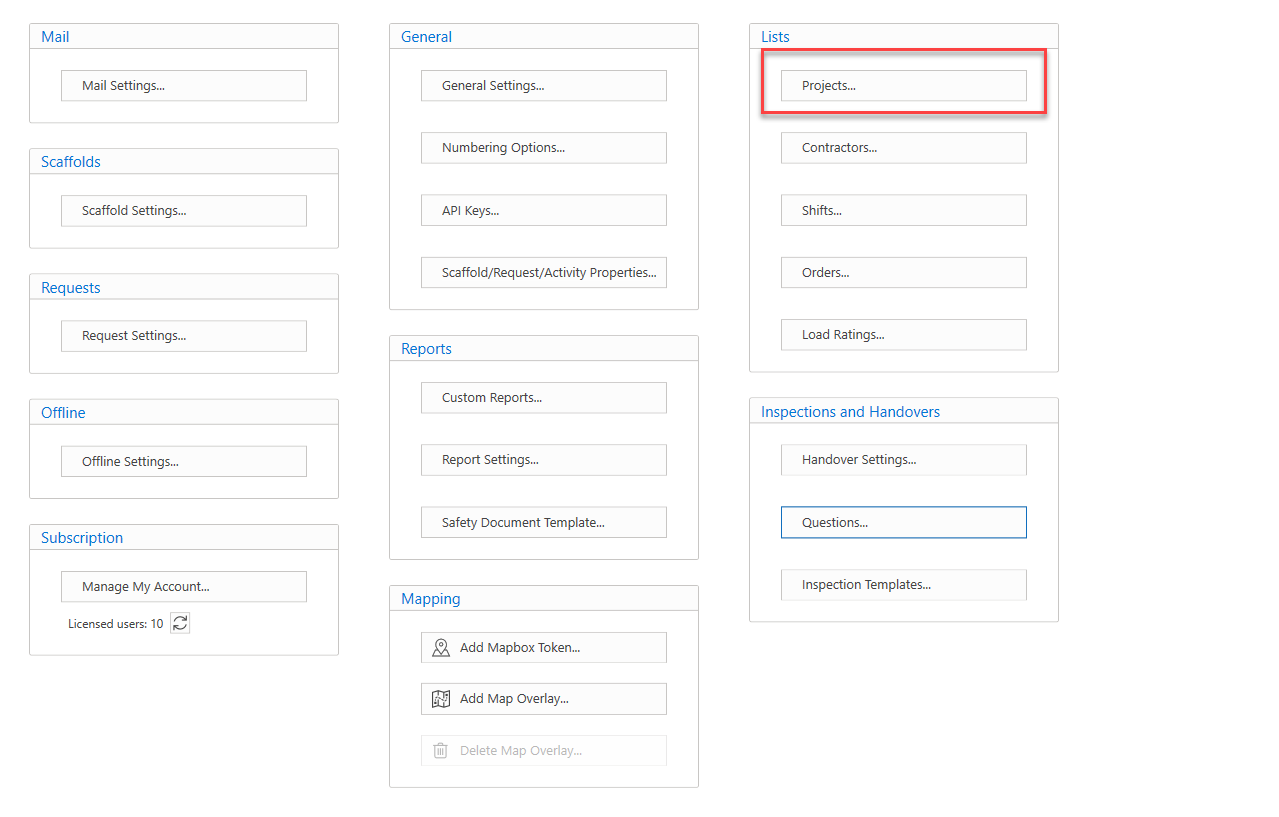
The Projects menu allows users to create new projects and modify existing ones. To access the Projects menu, select Projects from the Global Settings.
The Projects screen provides a list of projects that are being undertaken on your job site. For example, you could create a project called "Maintenance" where any scaffolds undergoing maintenance will be assigned to this project.
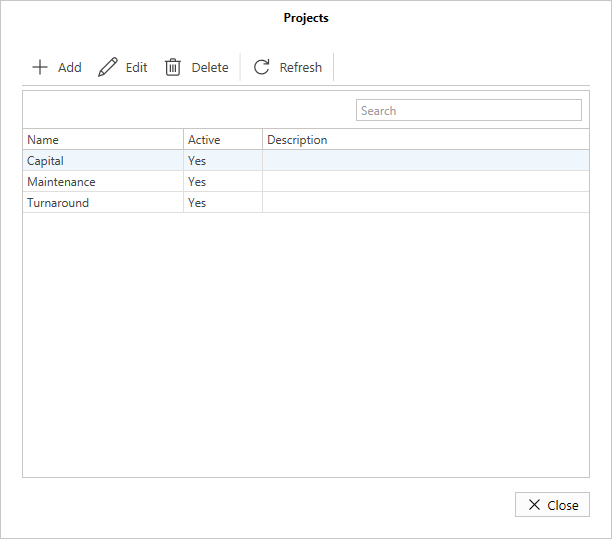
Add
Click this button to add a new project.

Edit
Click this button to edit a project.

Delete
Click this button to delete the project.

Refresh
Reload the data within the table.
