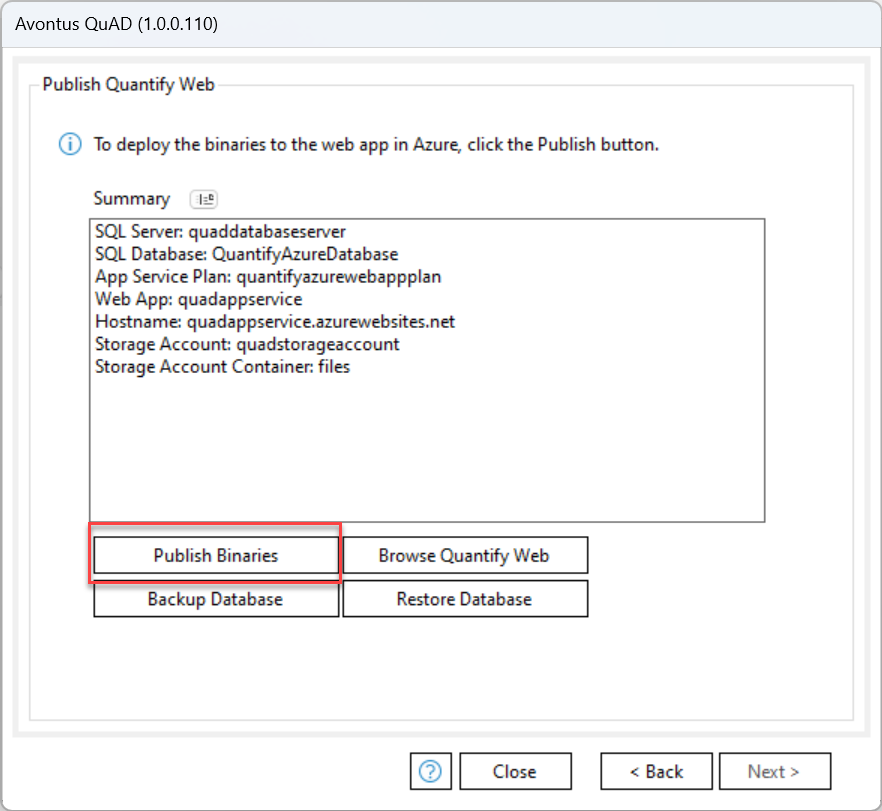
Next, we are going to publish the binaries.
1. Click Publish.
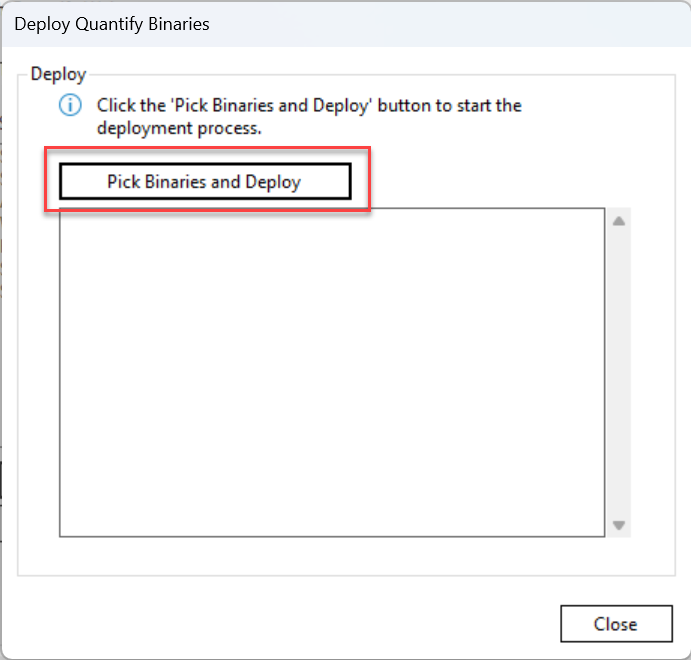
2. Click Pick Binaries and Deploy.
3. Select your zipped file.

4. Click Close.
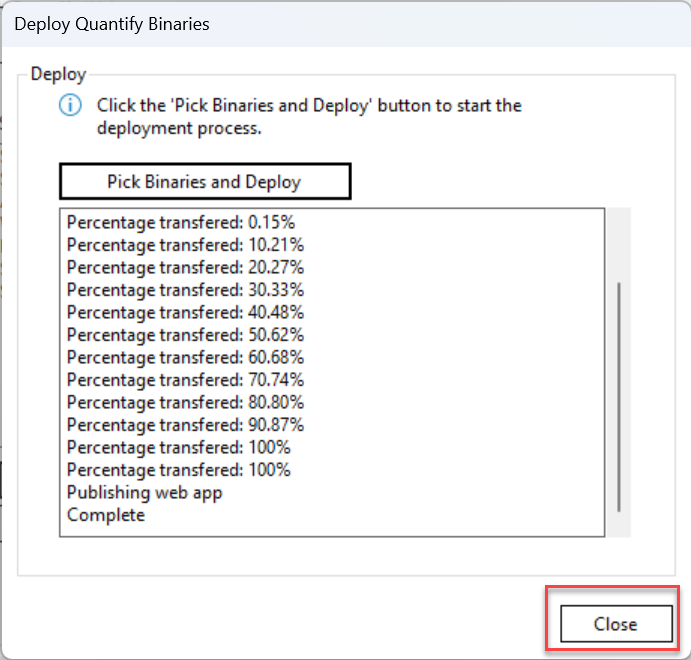
5. When done, click Browse Quantify Web.

6. On the web page that appears, provide your details and log into Quantify Web.

Backing and Restoring a Binary file
In the Binaries tab, you can backup and restore a database
1. Select Backup Database.
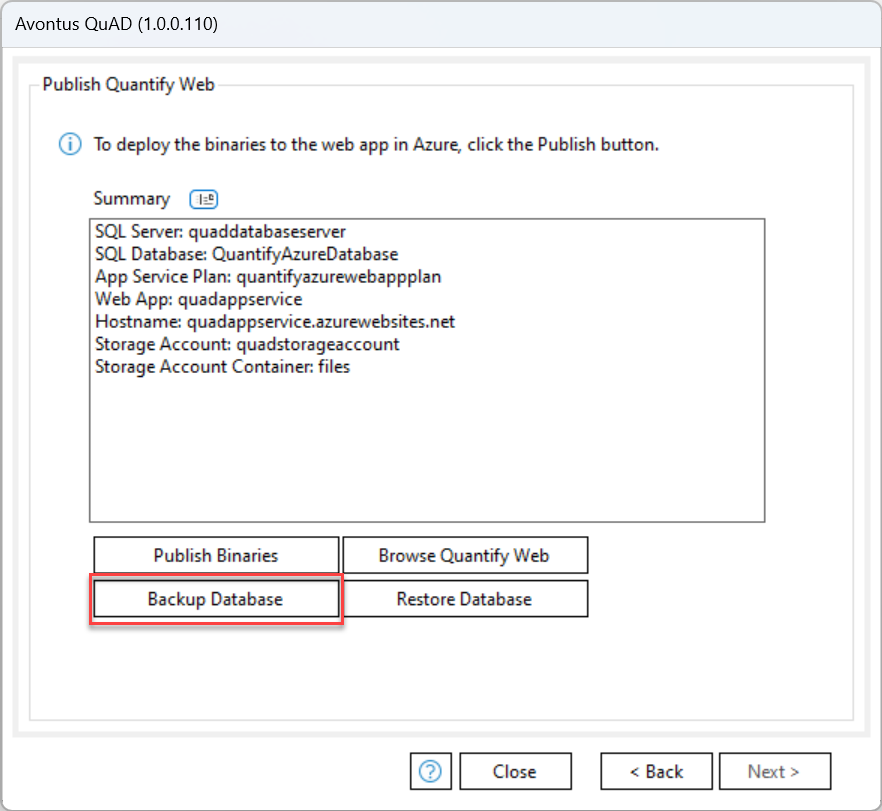
2. Click Backup
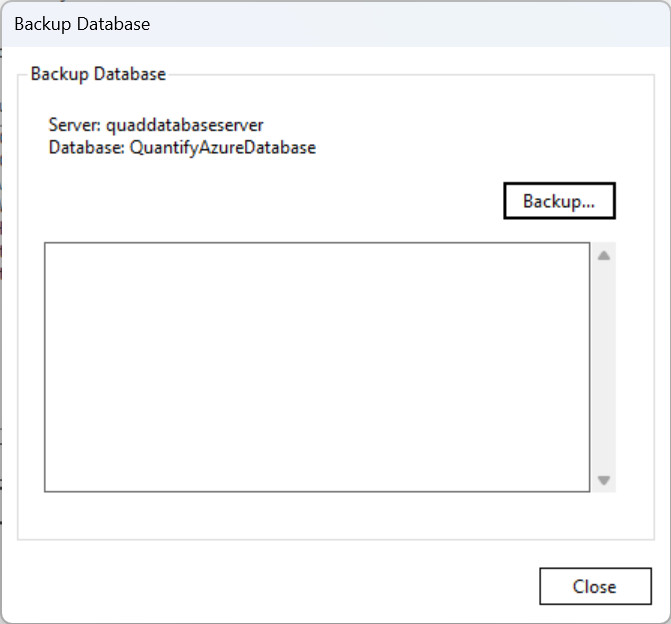
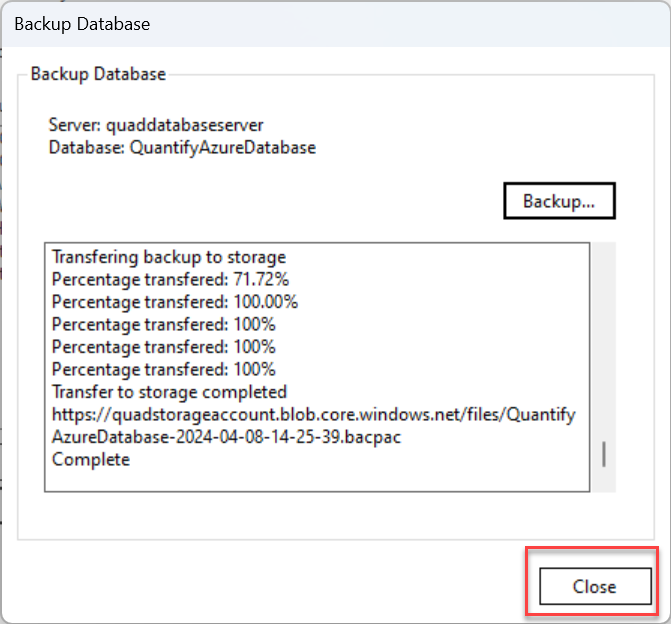
This will be backed up to your nominated Storage Container.
3. When done, click Close
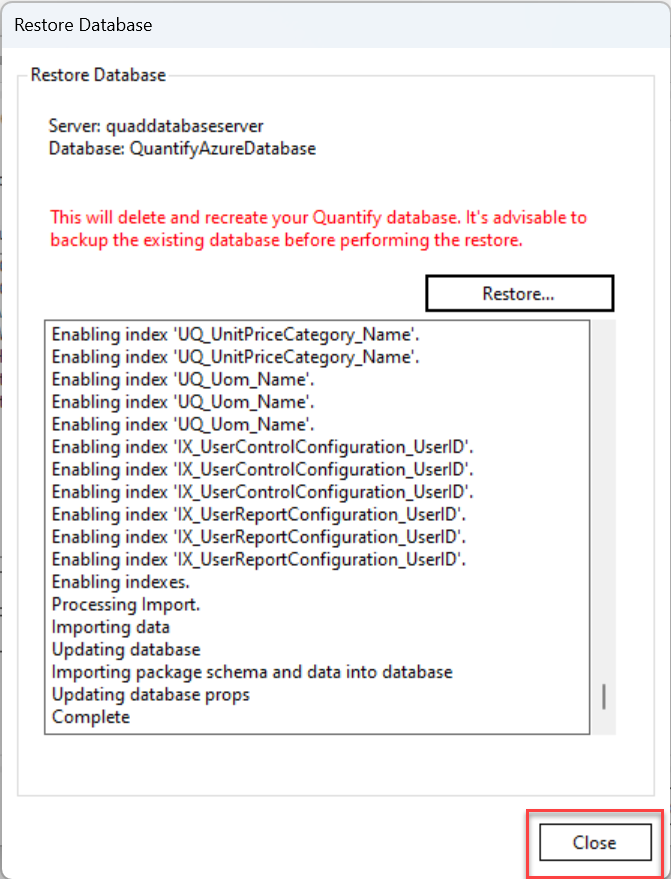
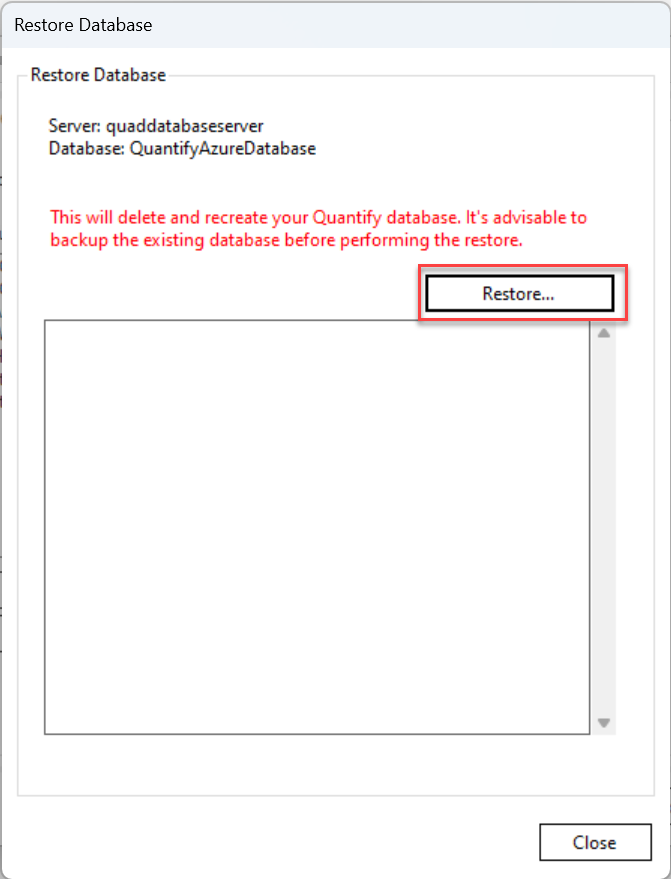
4. Click Restore Database.
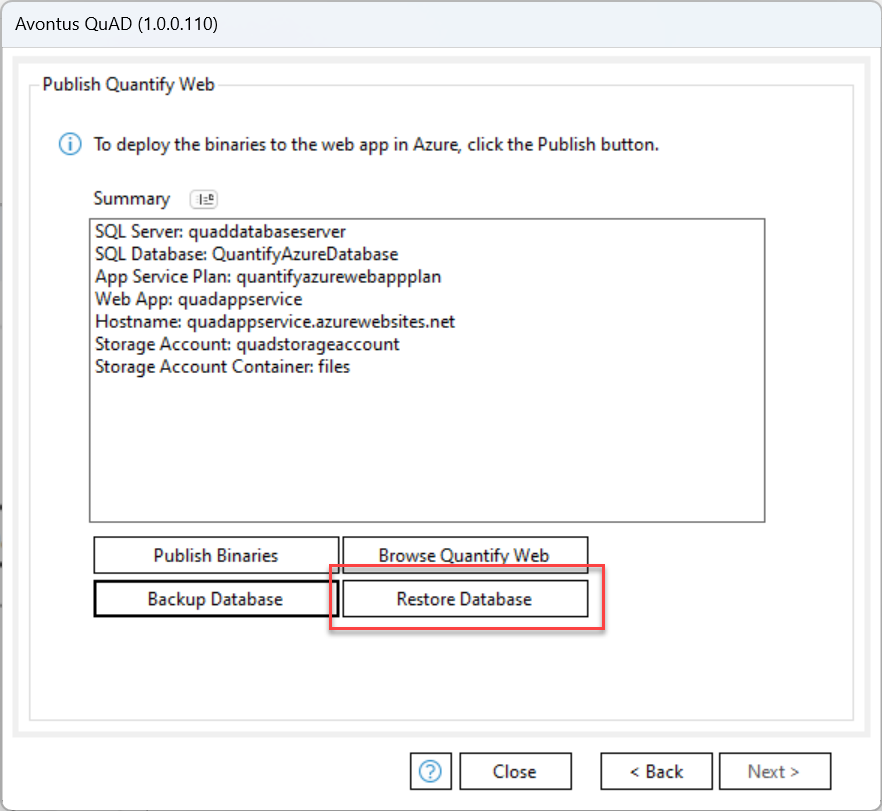
5. Click Restore.
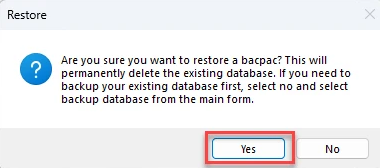
6. Click Yes.
7. Select the database to restore.

8. When done, click Close