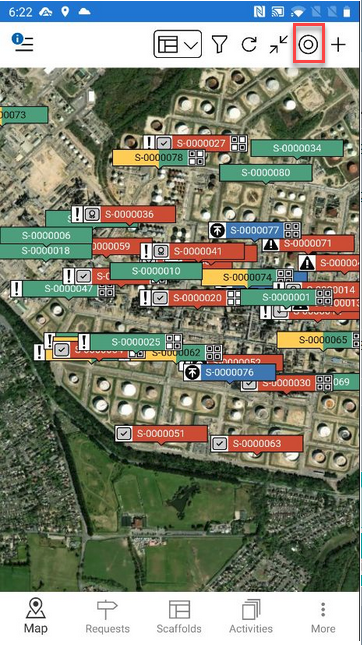
In addition to the Add and Scaffolds/Requests Filter buttons, further options include Refresh, Fit, and My Location. This article will explain their purposes.
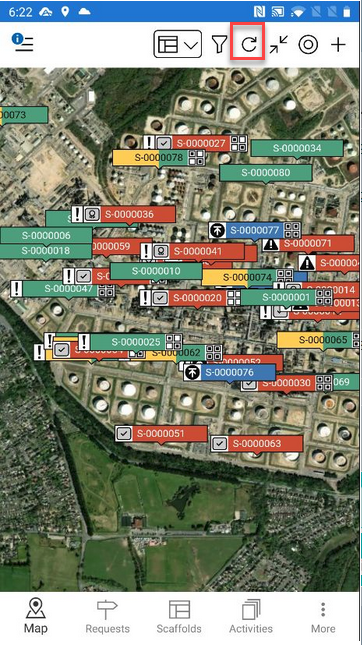
Refresh
Tap the refresh button to reload the map.
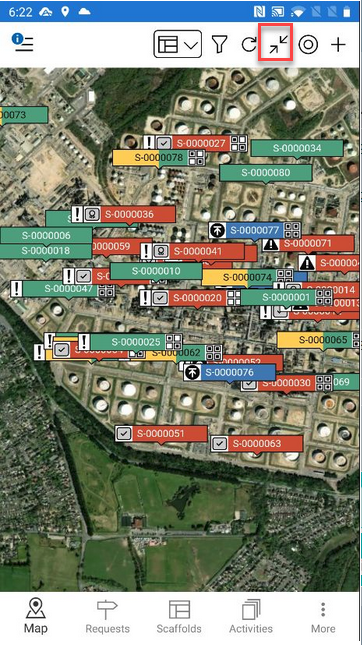
Fit
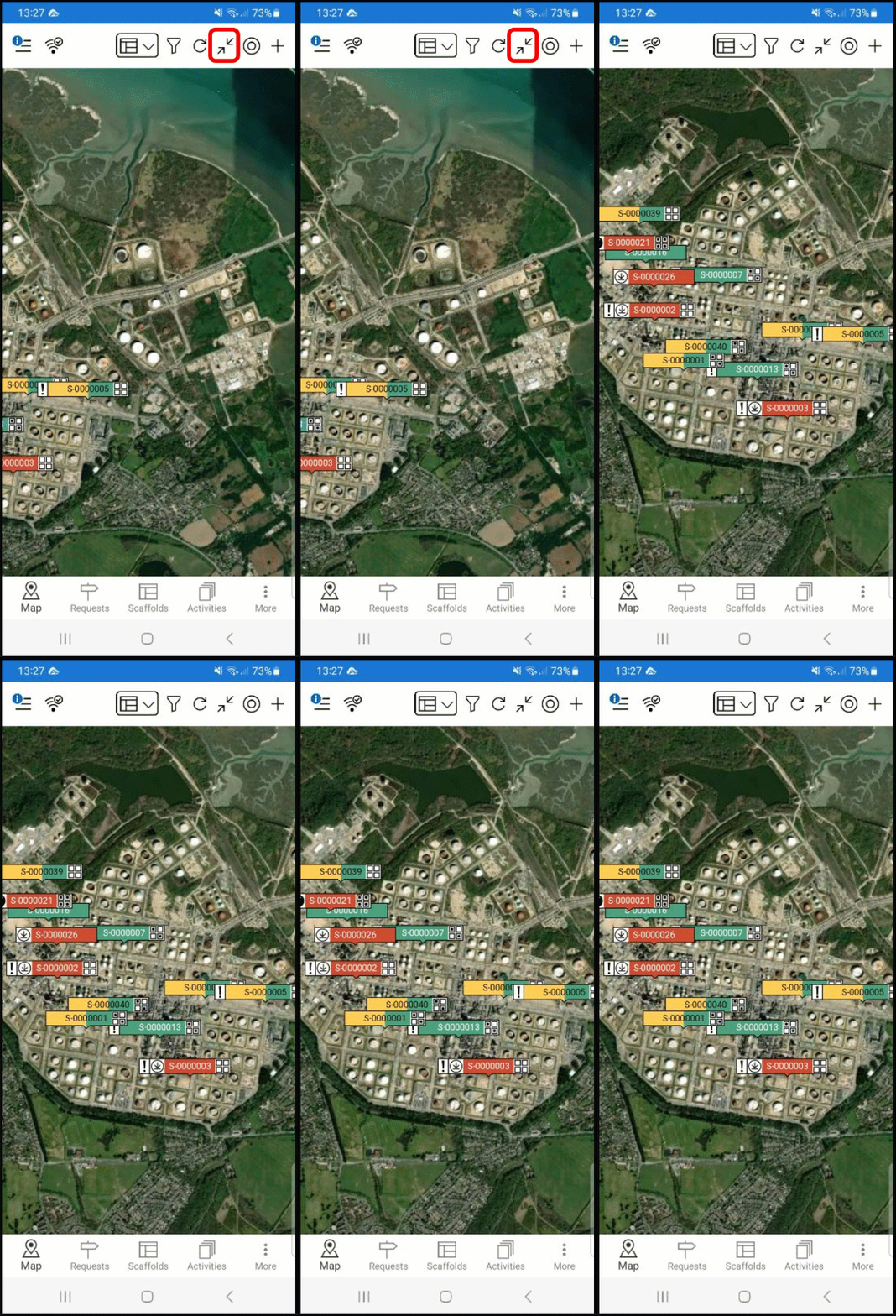
Tapping the Fit button will display all requests or scaffolds shown on the map in a single frame.
Below you can see how the screen jumps position to fit all tags into the window
My Location
Tap this button to go straight to your current location. Your location is marked by a blue circle.
Note: Please ensure your GPS is enabled on your mobile device.