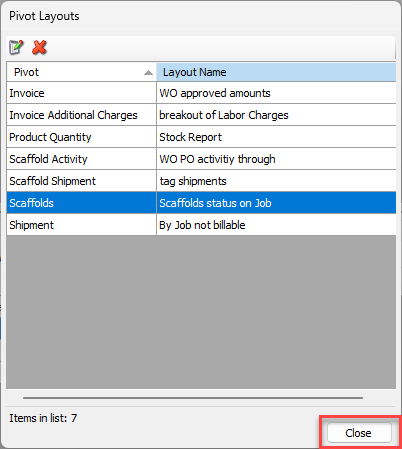
Quantify enables you to view all named pivot layouts in one dialog, and enables you to rename named pivot layouts.
To rename a named pivot layout:
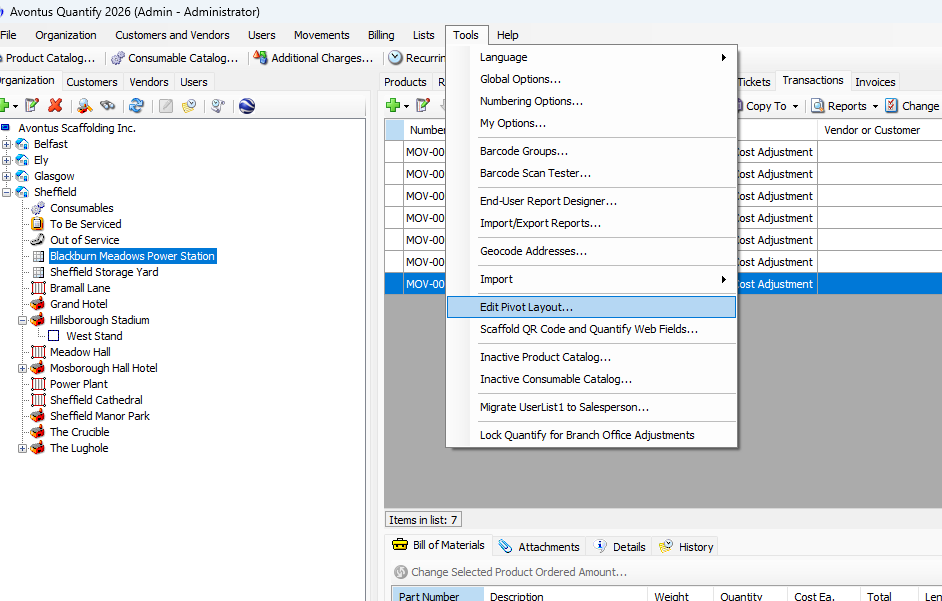
Click the Tools menu and select Edit Pivot Layout.
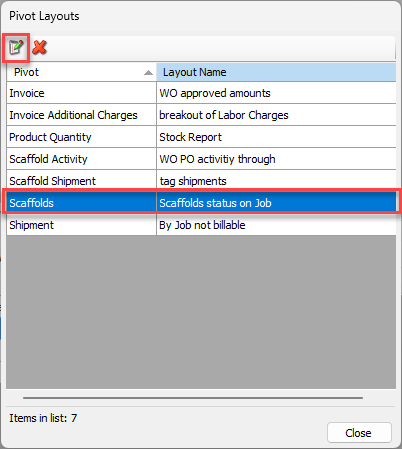
The Pivot Layouts dialog appears.Click the appropriate layout, then click the Edit button (
 ).
).
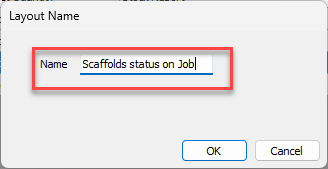
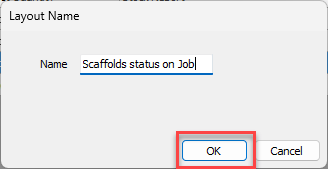
The Layout Name dialog appears.Click in the Name text field and enter the appropriate name.
Click OK.
The Pivot Layouts dialog appears.Repeat the above steps for any other pivots.
When you are done, click Close in the Pivot Layouts dialog.