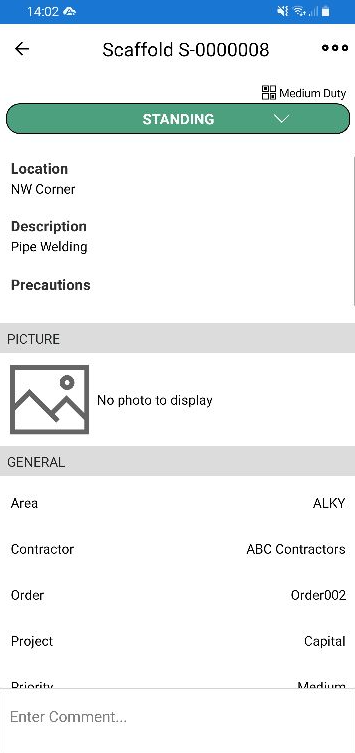
You can attach a QR code to a scaffold so that you can access the Scaffold's details by running a QR code application and aiming your phone's camera at the QR code.
For more information on finding or printing a QR Code please visit Printing A Scaffold QR Code or Viewing a Scaffolds QR code
To do this
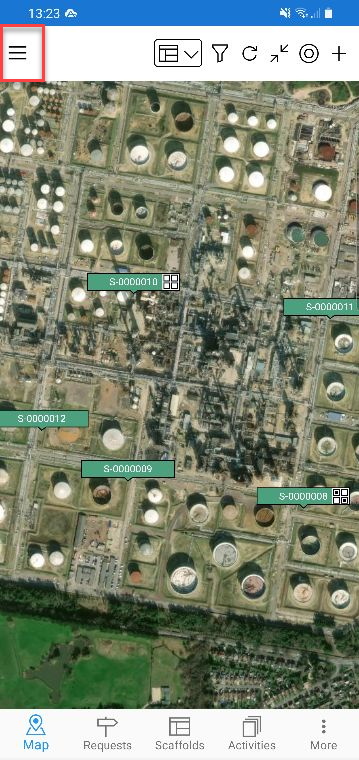
- From any screen, tap the Hamburger icon.
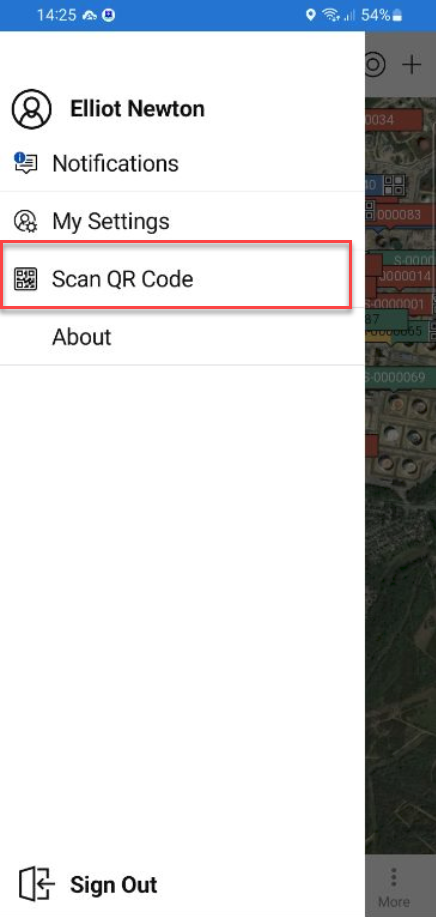
- Tap Scan QR Code.
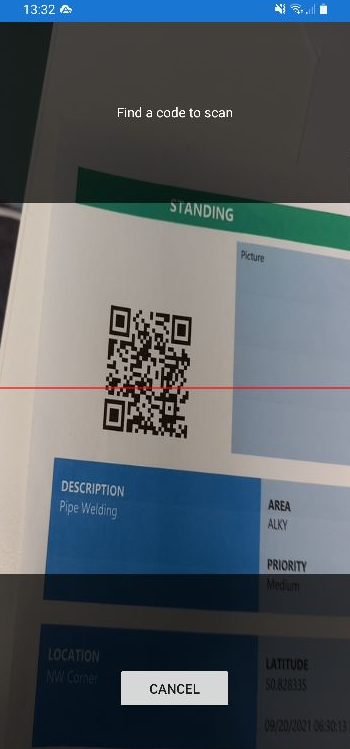
- Point the camera at the QR code.
This will launch the Scaffold Details screen of that Scaffold.