In order to move any Serialized assets to the Inactive Catalog you will need to sell them using a Sell Available Product Transaction.
To do this
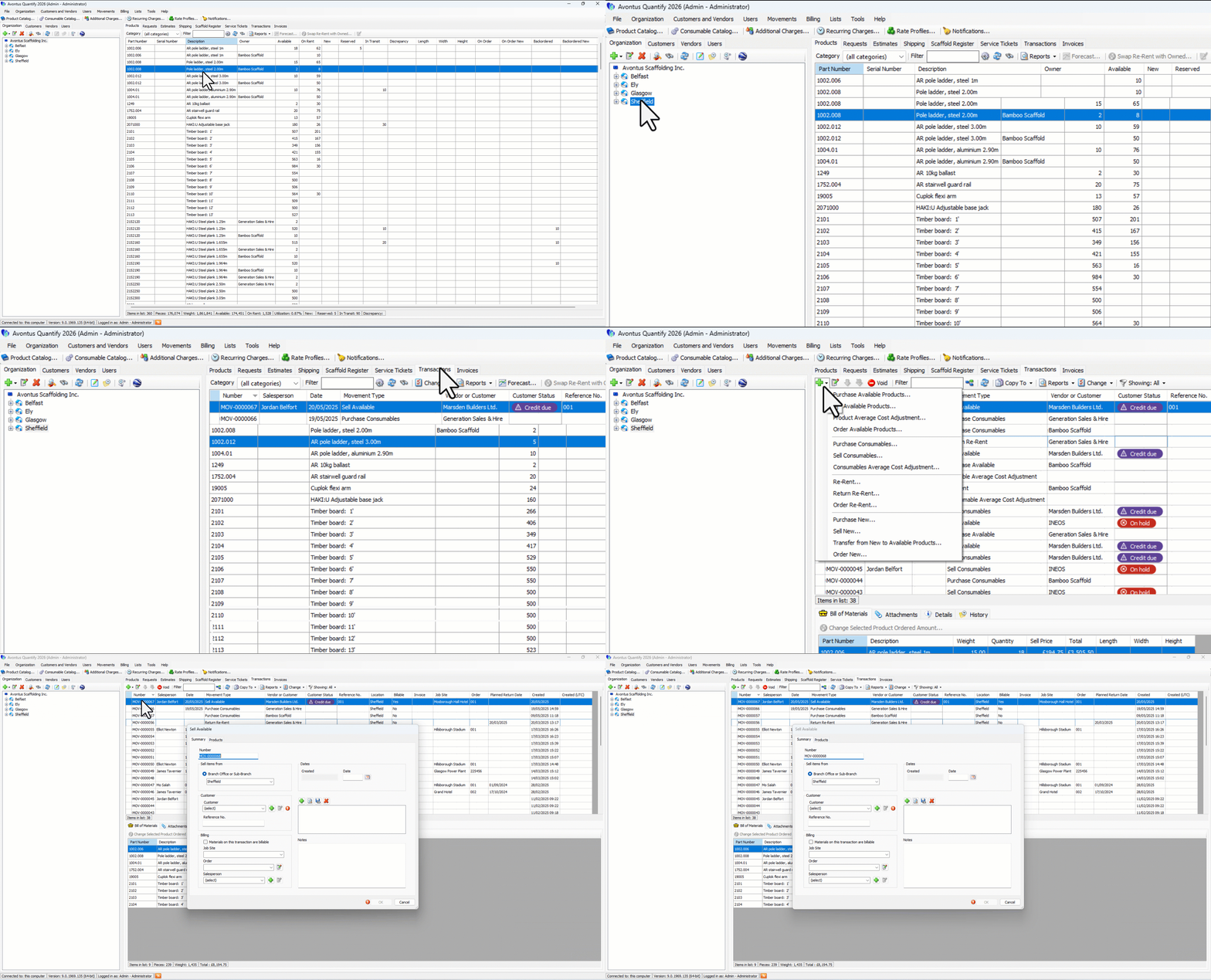
Select the Transaction Tab
Click the Green + and select Sell Available Products
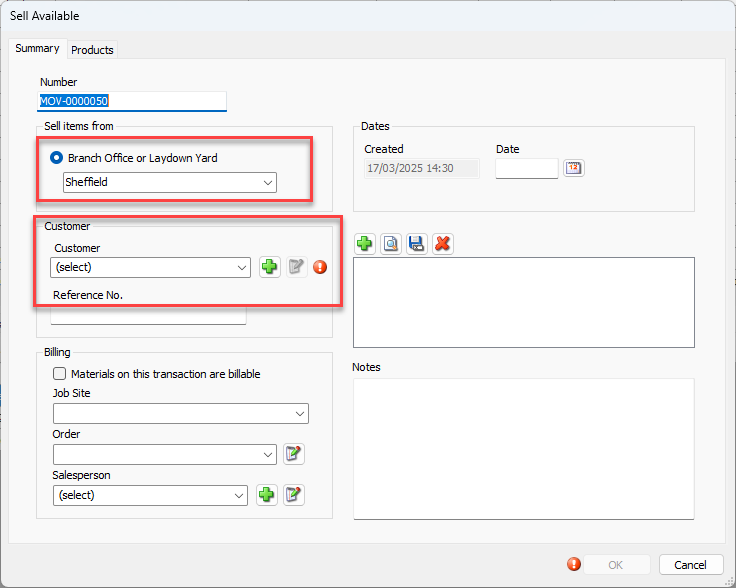
Specify the Branch Office and Customer
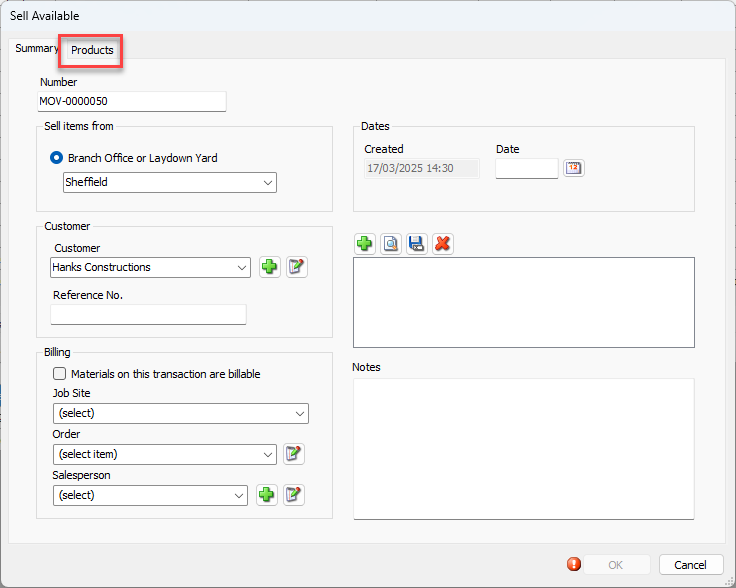
Select the Products tab
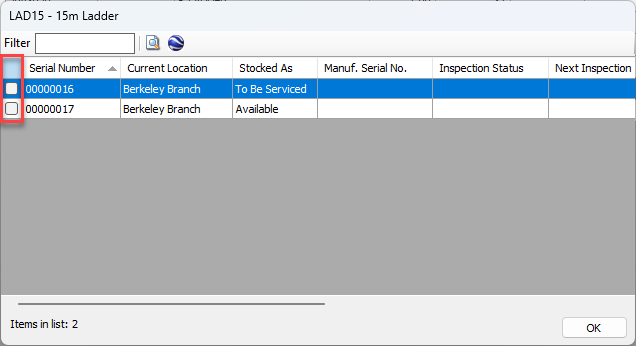
Find the Serialized parts to sell (you can use the filter to find the parts) and click … in the Serialized column.
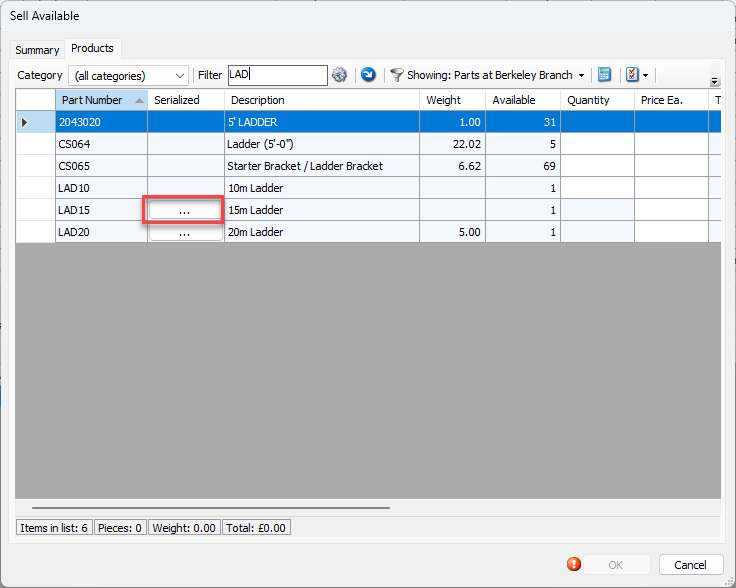
6. Click the checkbox of each part.
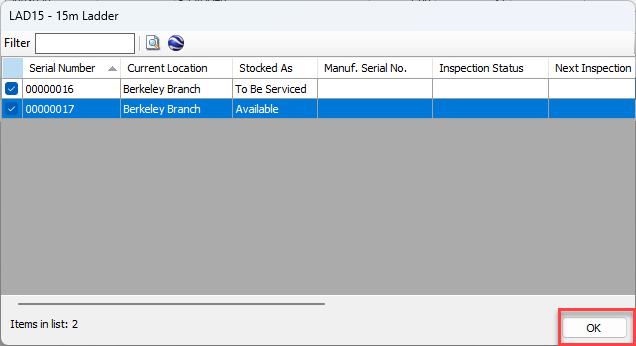
Click OK
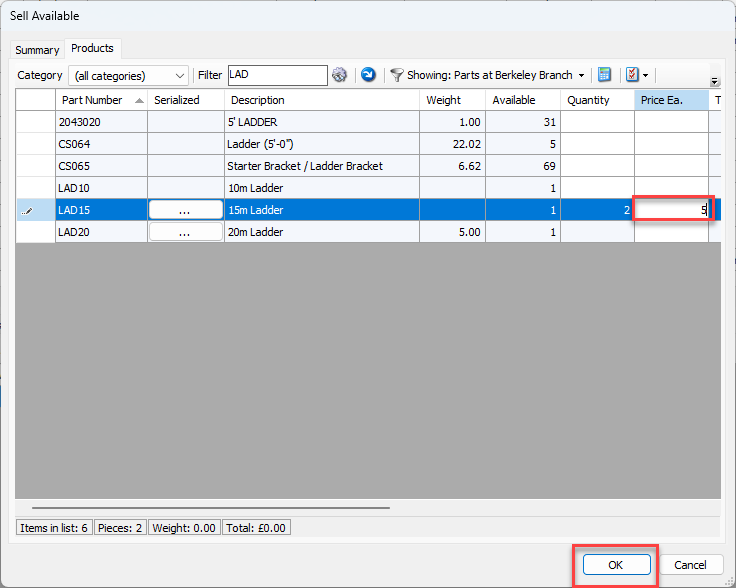
Enter a Cost Each for the parts
Click OK
Once the parts are sold, you can move them to the Inactive Catalog.