To install ScaffoldIQ you will need to go to the Play Store on your Android device
Note: You can also access the Site installation page directly by tapping the google play link on your server Provisining Complete email.
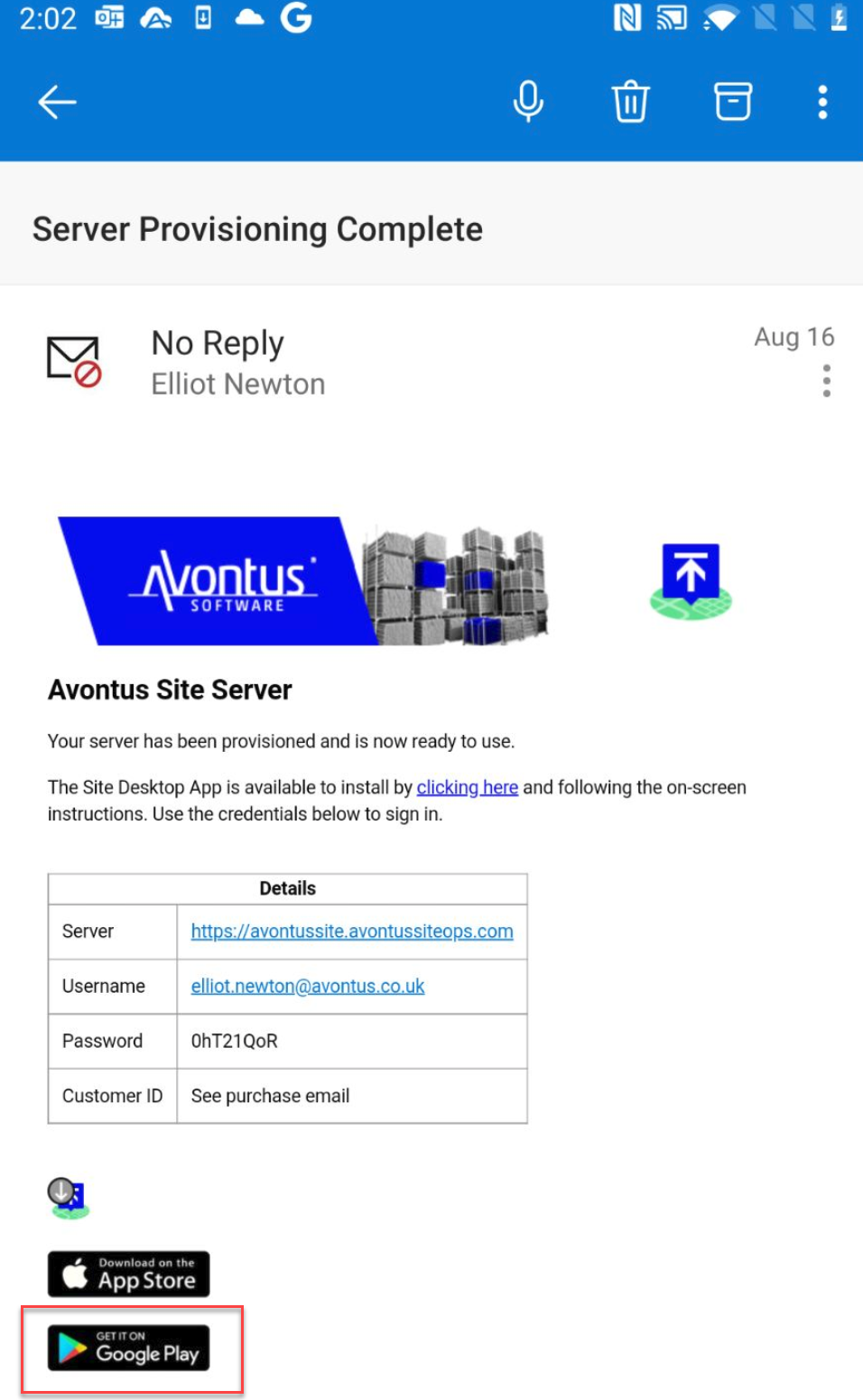
To Install ScaffoldIQ
Open the Play Store and search for ScaffoldIQ
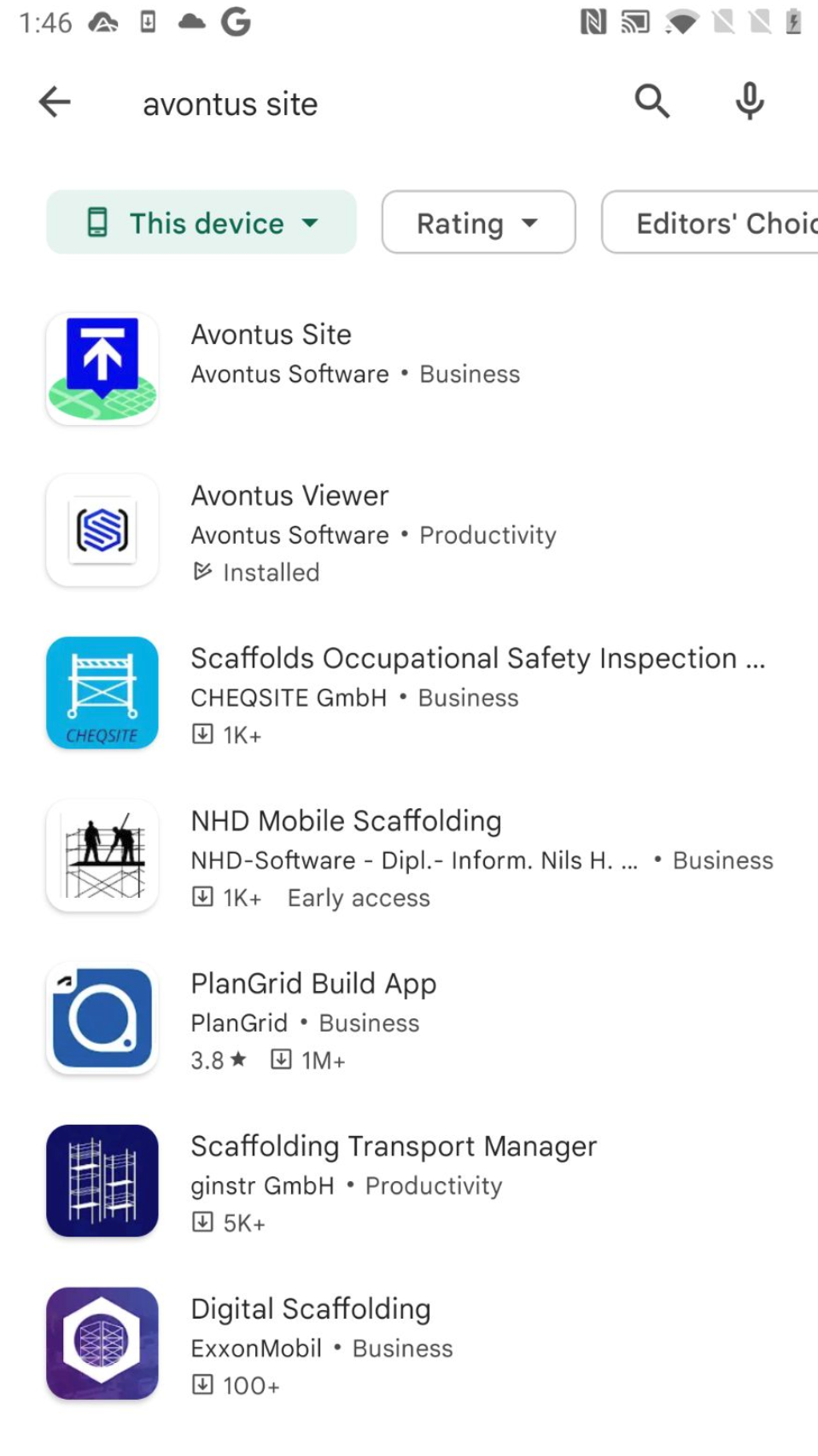
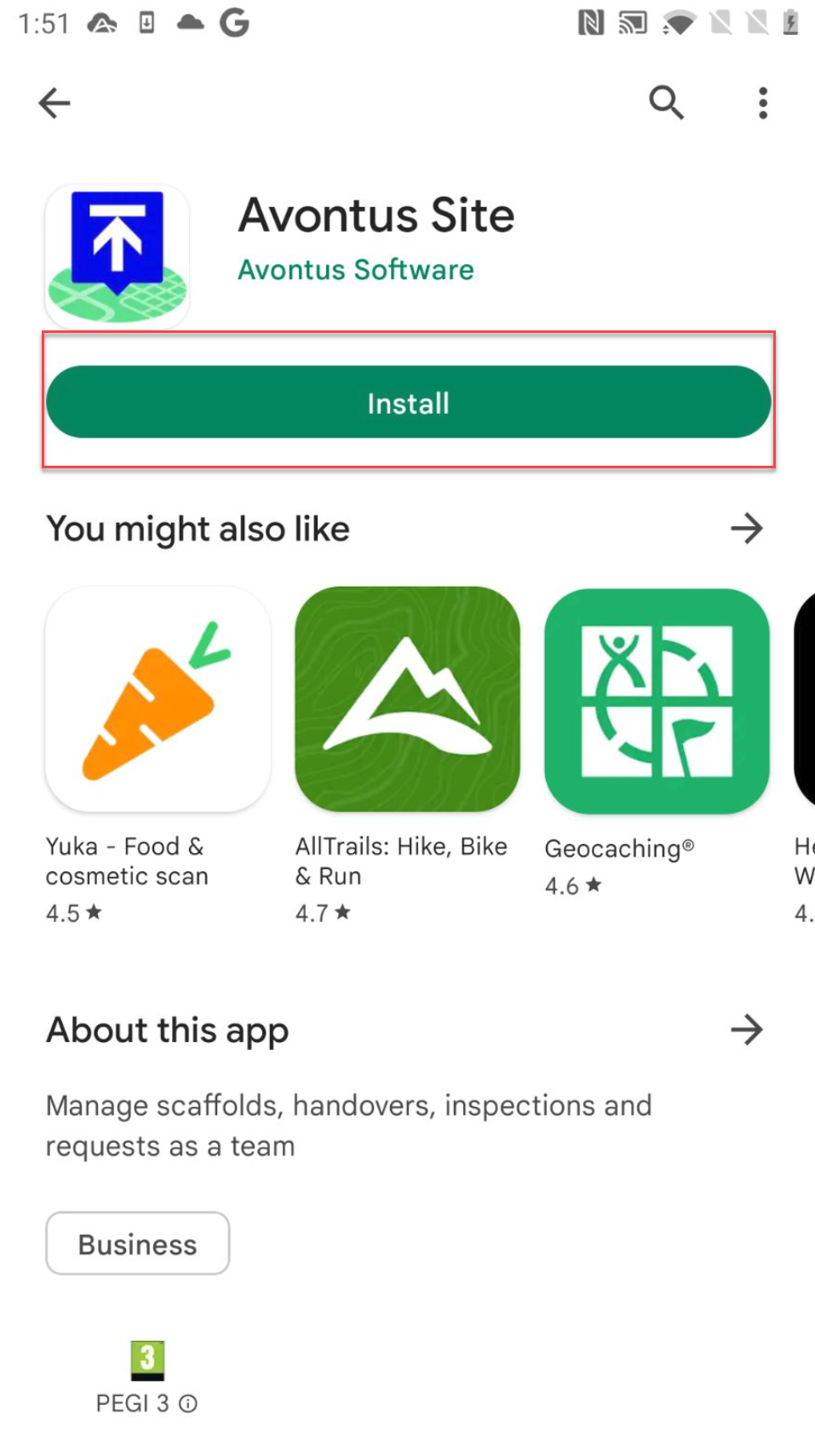
Tap on ScaffoldIQ
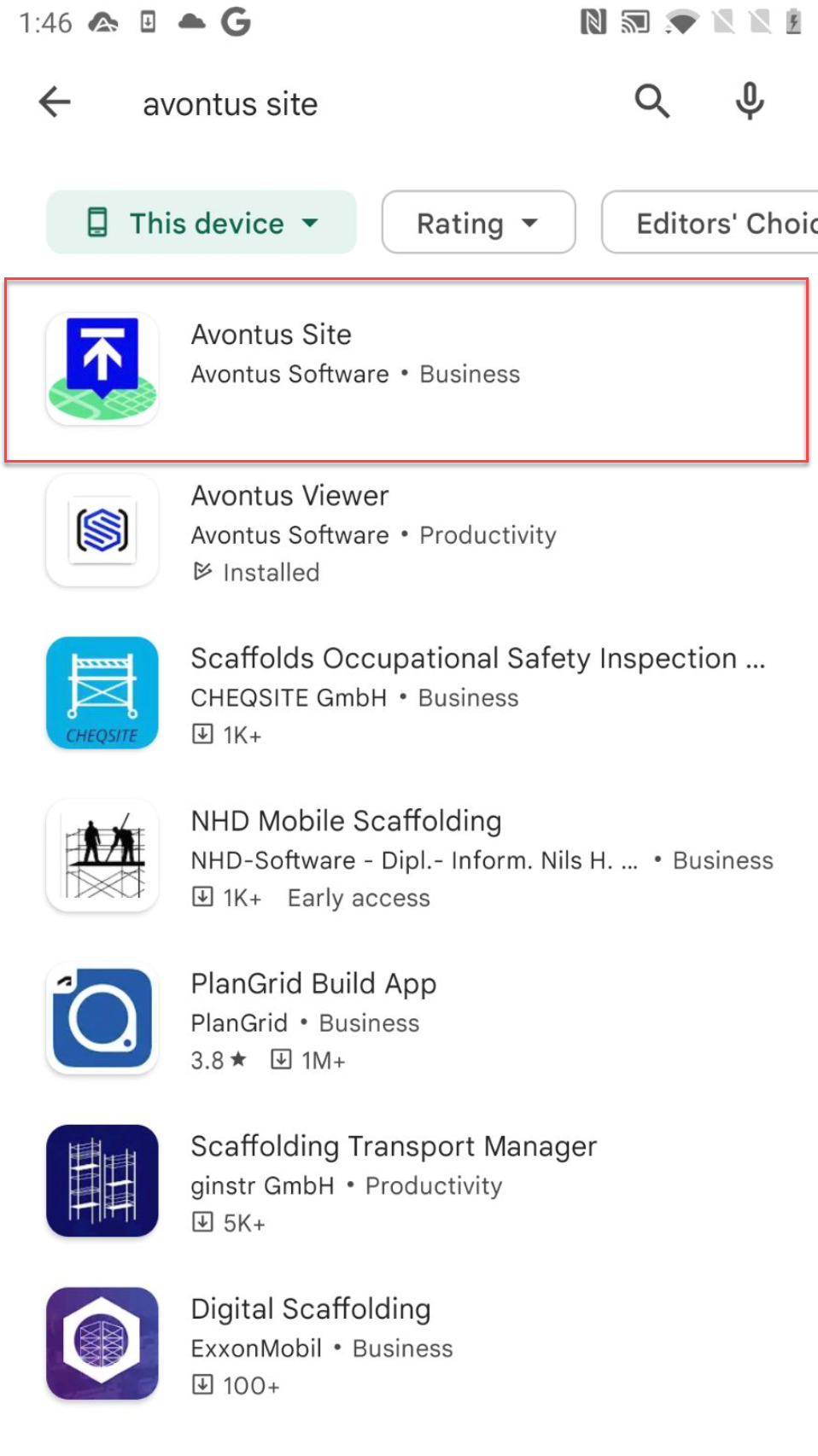
Tap Install
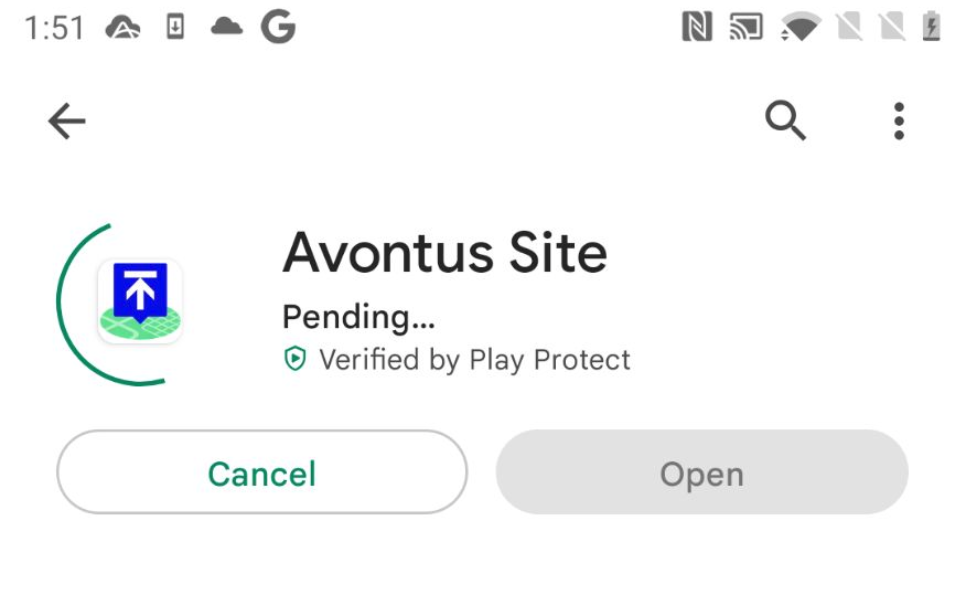
The app will begin the installation
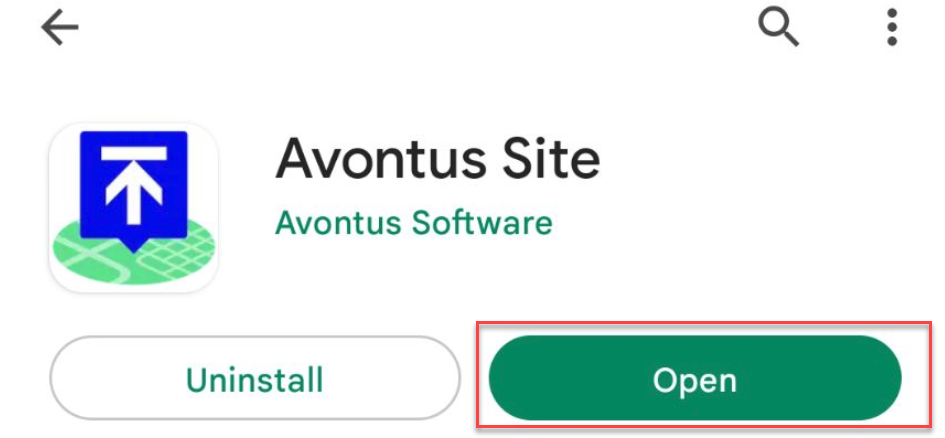
Tap open to start ScaffoldIQ
Note: You can also find the app on your phone's apps screen
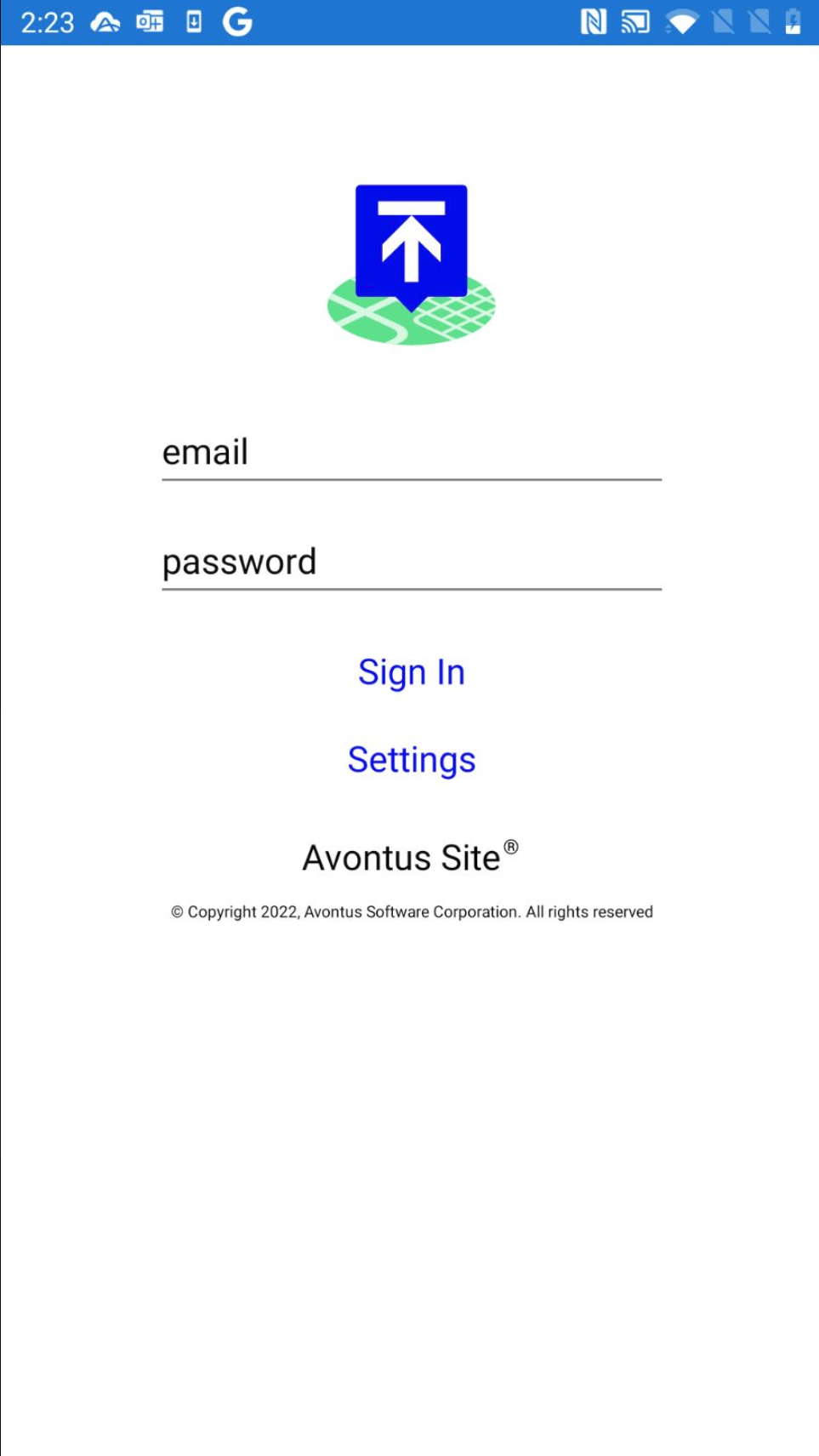
ScaffoldIQ will open and you will enter your username and password.
Please visit Logging In (Android) for more information on logging into ScaffoldIQ.