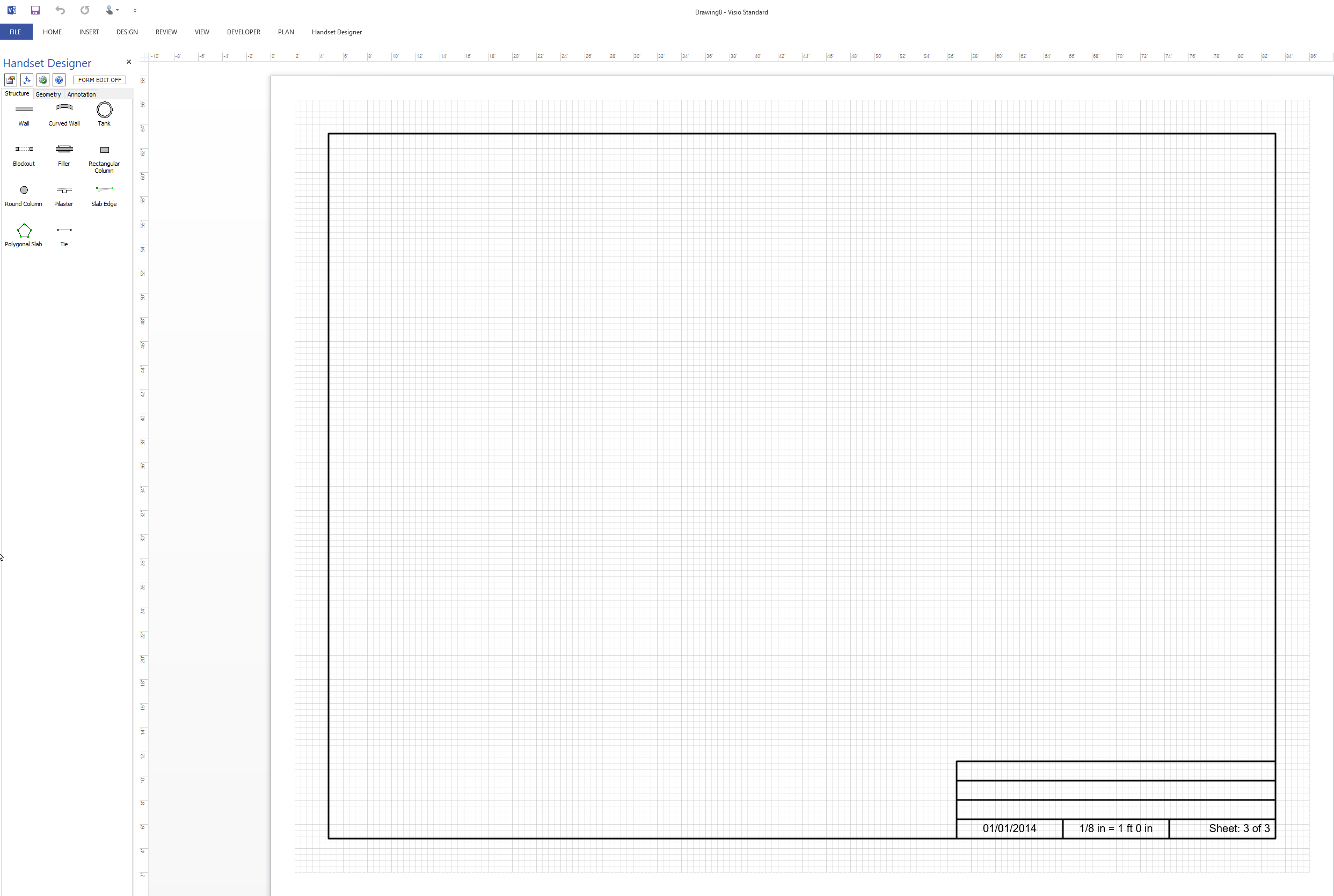
The following procedures explain how to start a new drawing from the Handset Designer template. You must use this template to start a new Handset Designer drawing.
Note: You may have multiple drawings open at the same time.
To start a new drawing:
- Click File
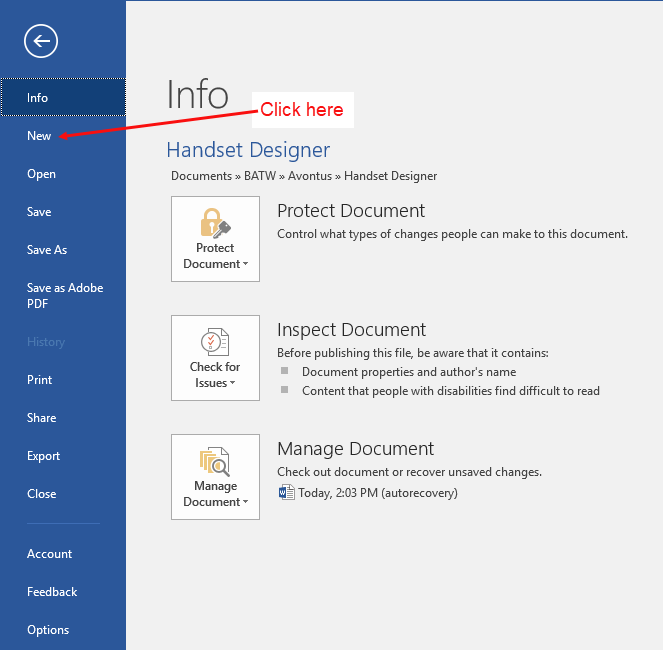
The Visio Info page appears.
- Click New.
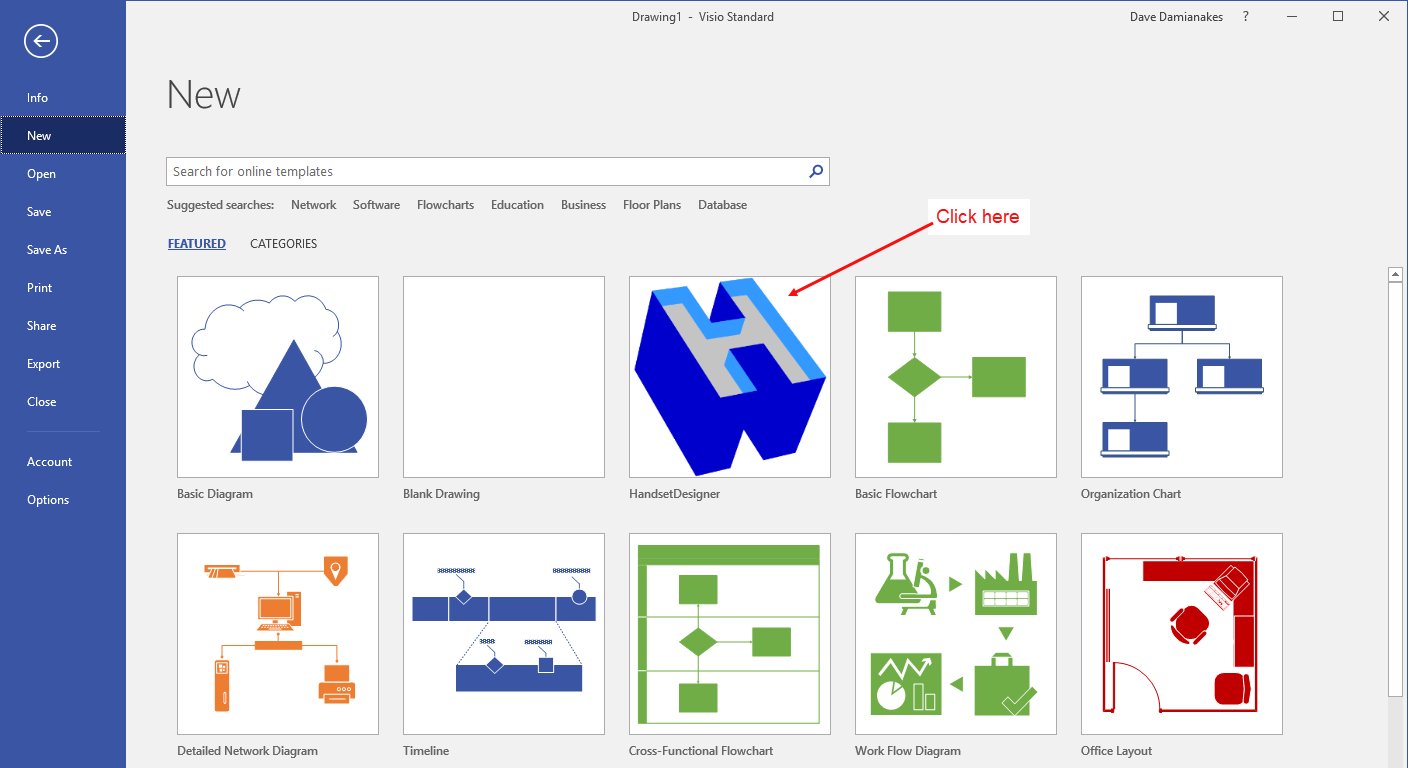
 The Visio New interface appears, displaying the Handset Designer icon..
Note: If the Handset Designer template does not appear in the FEATURED templates,click CATEGORIES. If it does not appear there, contact Avontus support. - Click the Handset Designer icon.
 The Handset Designer popup appears..
 - Click Create.
Handset Designer displays a new, blank Drawing Page.