Avontus Database Tools for SQL helps you create the Quantify database. You can also use this application to backup and restore your existing database.
To install Database Tools:
Navigate to the article titled Quantify Install Files and download the Quantify Database Tools installer.
Double-click the installer icon.
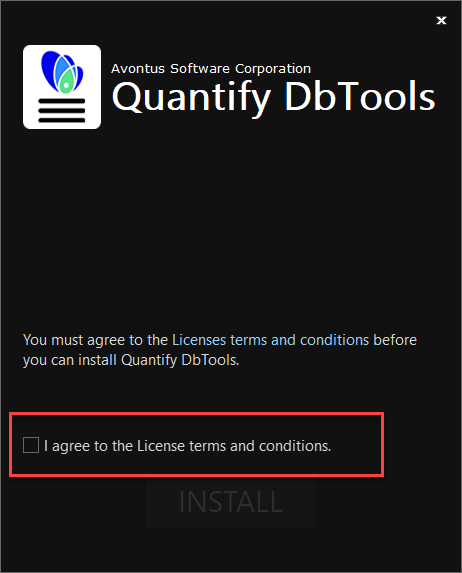
The Quantify Database Tools for SQL installer launches,m displaying the Welcome interface.Click the I agree to the License terms and conditions check box
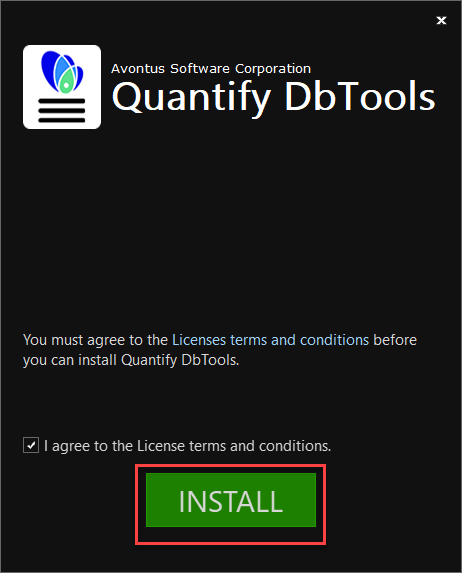
The Ready to Install interface appears.Click Install.
The installer installs and configures Quantify Database Tools for SQL and informs you when it is done.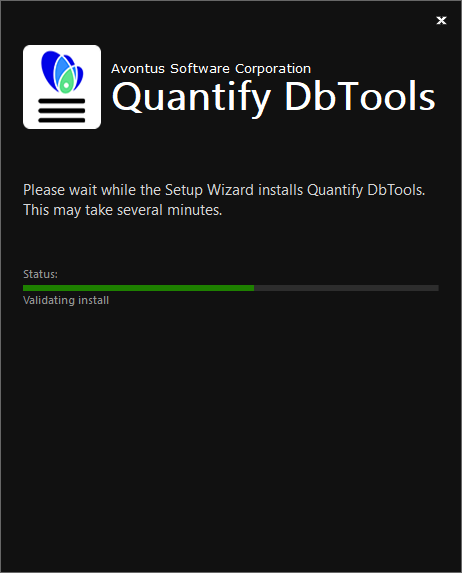
Click Finish or Run
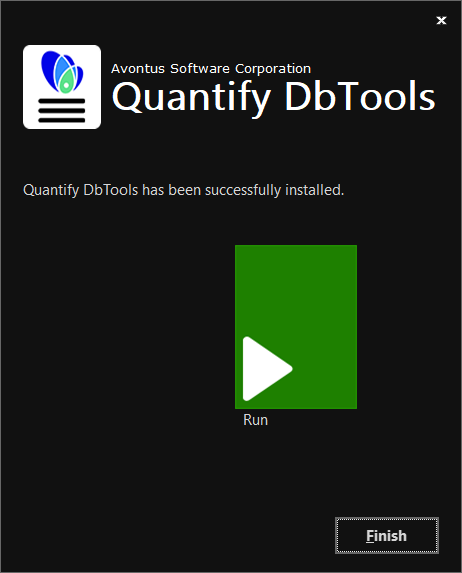
The installer quits and launches Quantify Database Tools for SQL. In the process, it will look for any updates. Once the update process is complete, Quantify Database Tools launches.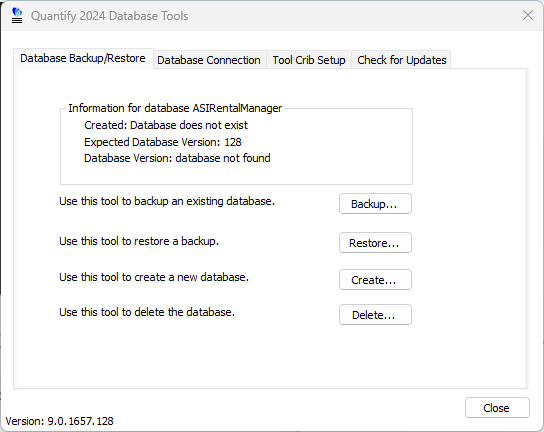
You are ready to create a Quantify database.