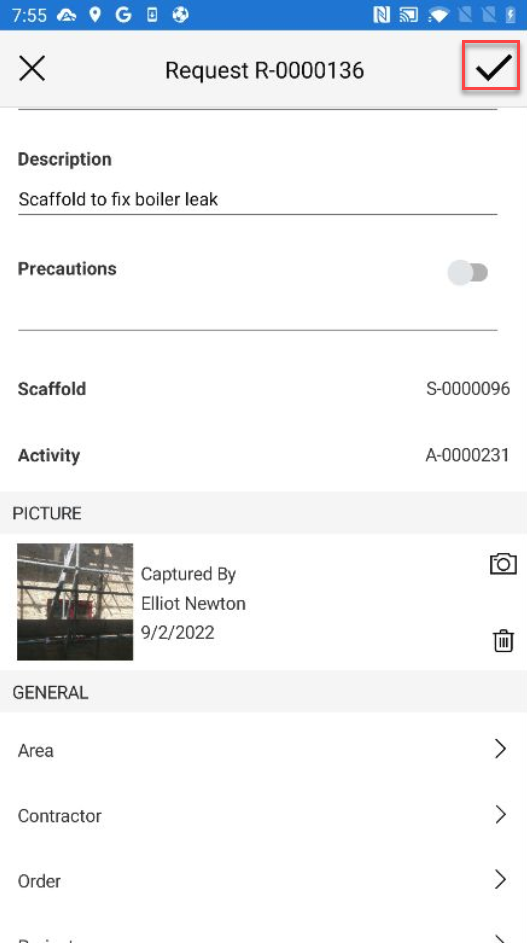
You update a picture added to a Request.
To do this:
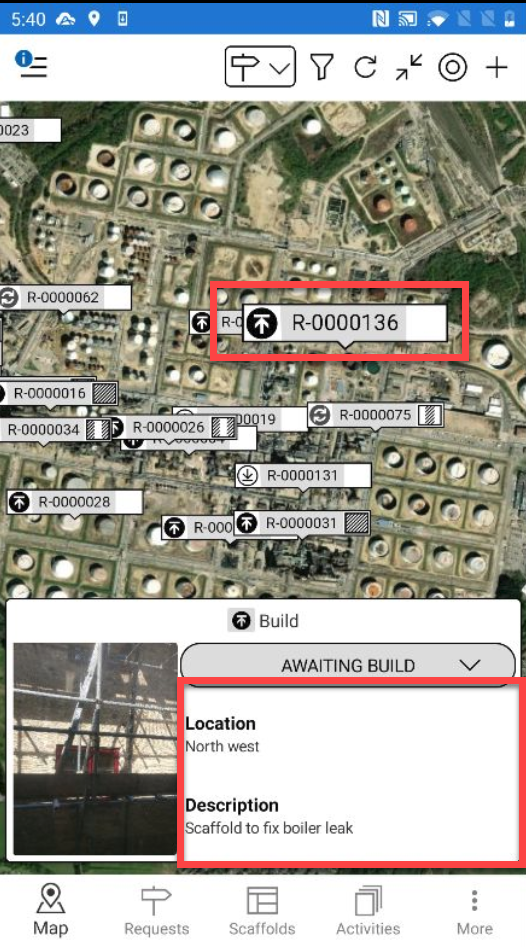
On the Map screen, locate the Request to add an image to
Note: You can also use the My Location button to jump directly to your GPS location
Tap the details section
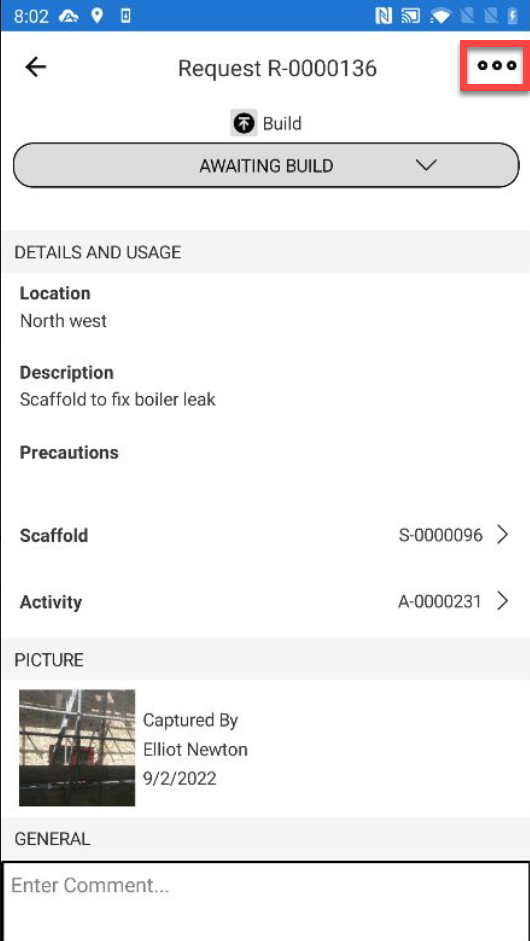
Tap the three dots in the top right
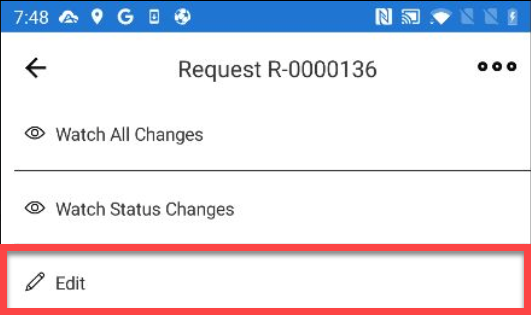
Tap Edit
In the Picture section, tap the camera icon.
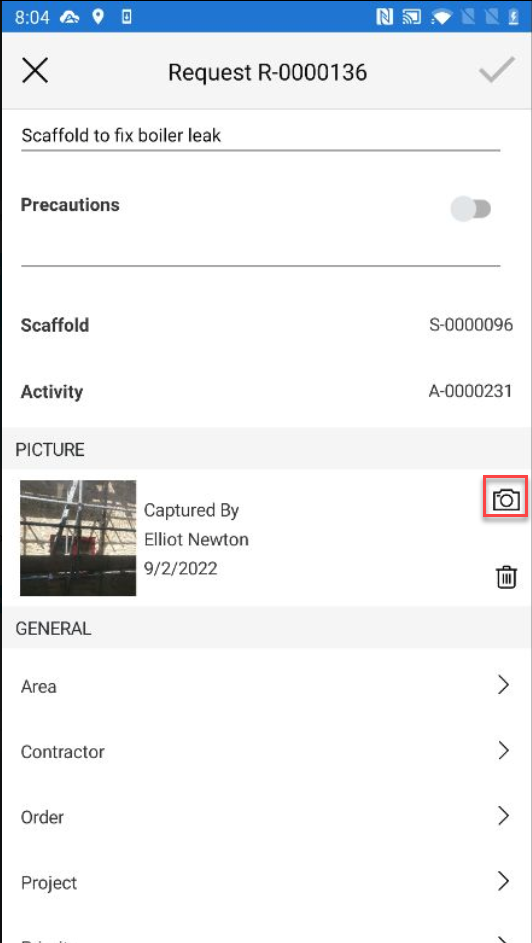
Select to take a new photo or choose a photo from your library.
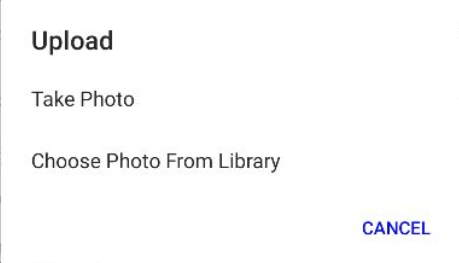
Take Photo
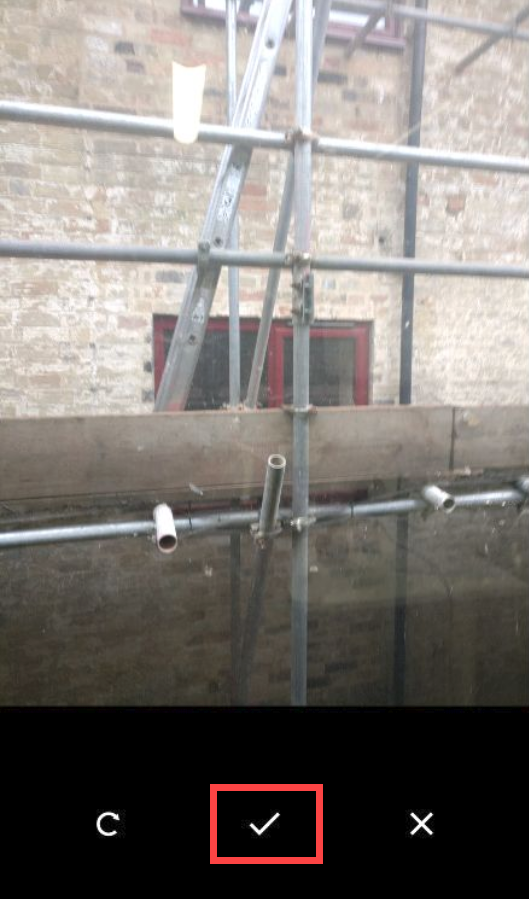
Take the photo and tap Use Photo.
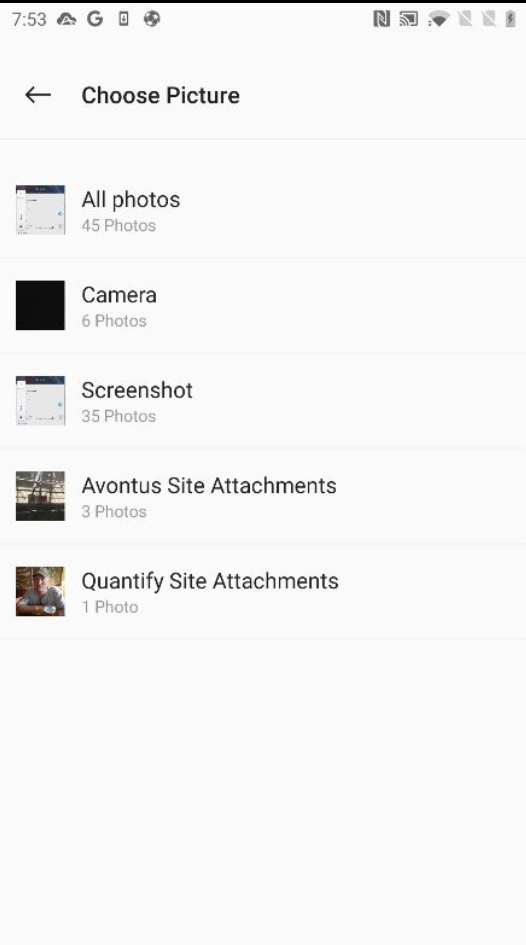
Choose Photo
Select your image from your image library.
Tap the tick icon to save your changes.