You can manually have Quantify convert addresses into the GPS coordinates (the latitude and longitude) of the physical addresses entered into Branch Office, Job Site, Group, Laydown Yard and Staging Area dialogs. You can geocode shipping, billing and business locations. This must be done in order to show these locations on Google Earth.
To update geocode locations:
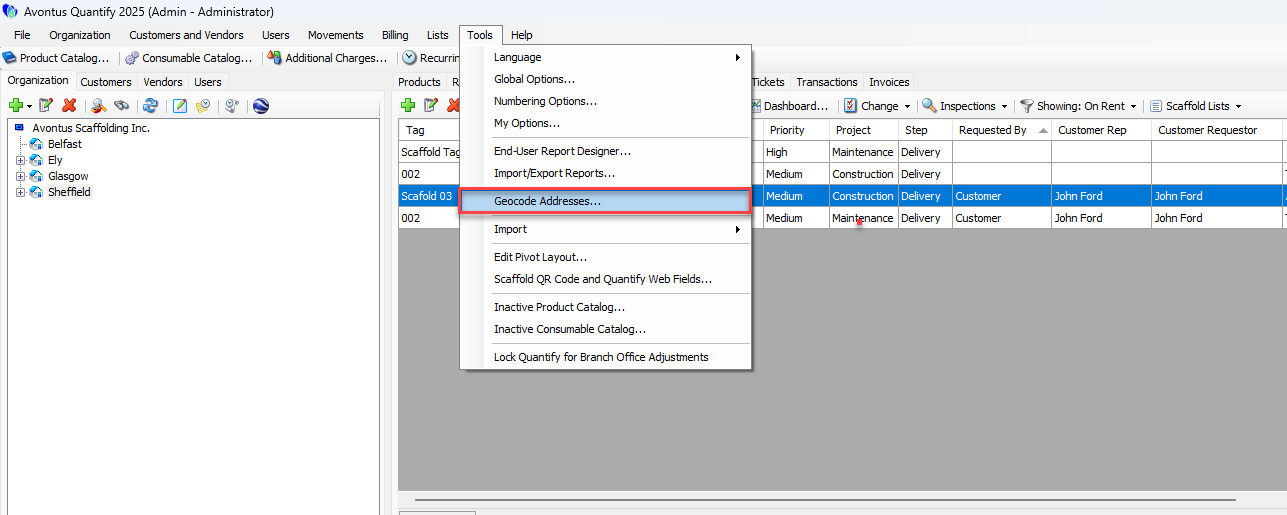
- Click the Tools menu and select Geocode Addresses.
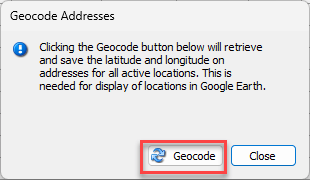
 The Geocode Addresses dialog appears.
 - Click Geocode.
Quantify update the locations.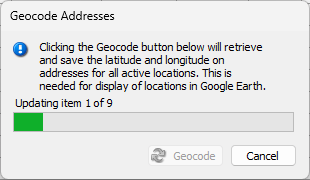
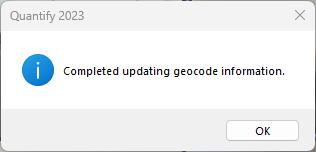
A confirmation dialog appears when it is done. - Click OK.