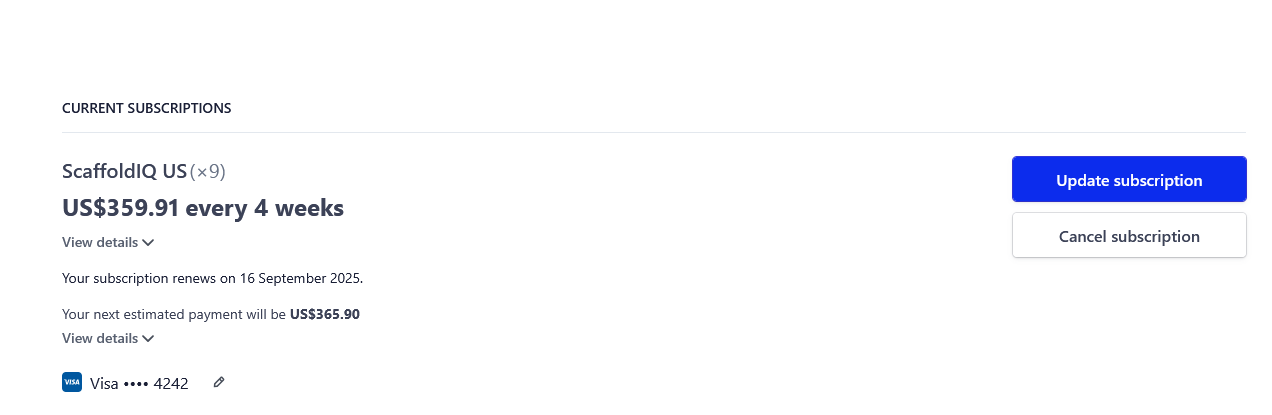
The Current Subscriptions section allows you to edit the number of users on your plan and the credit card information used to pay for ScaffoldIQ.
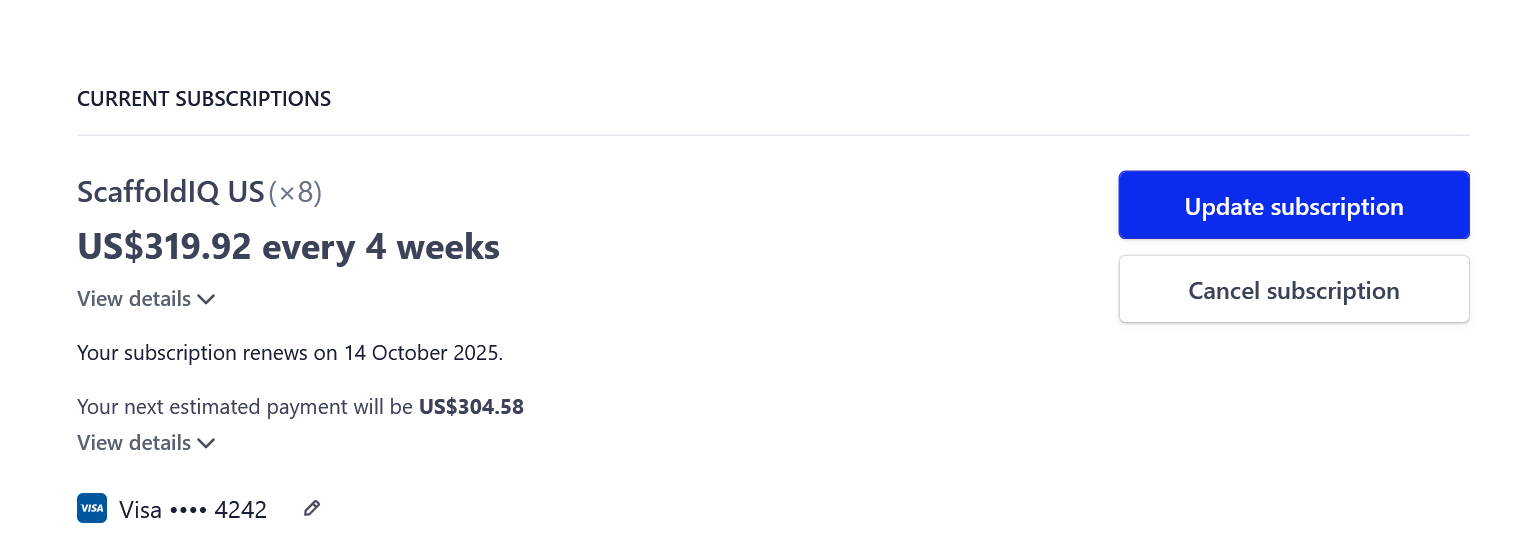
Updating the number of users
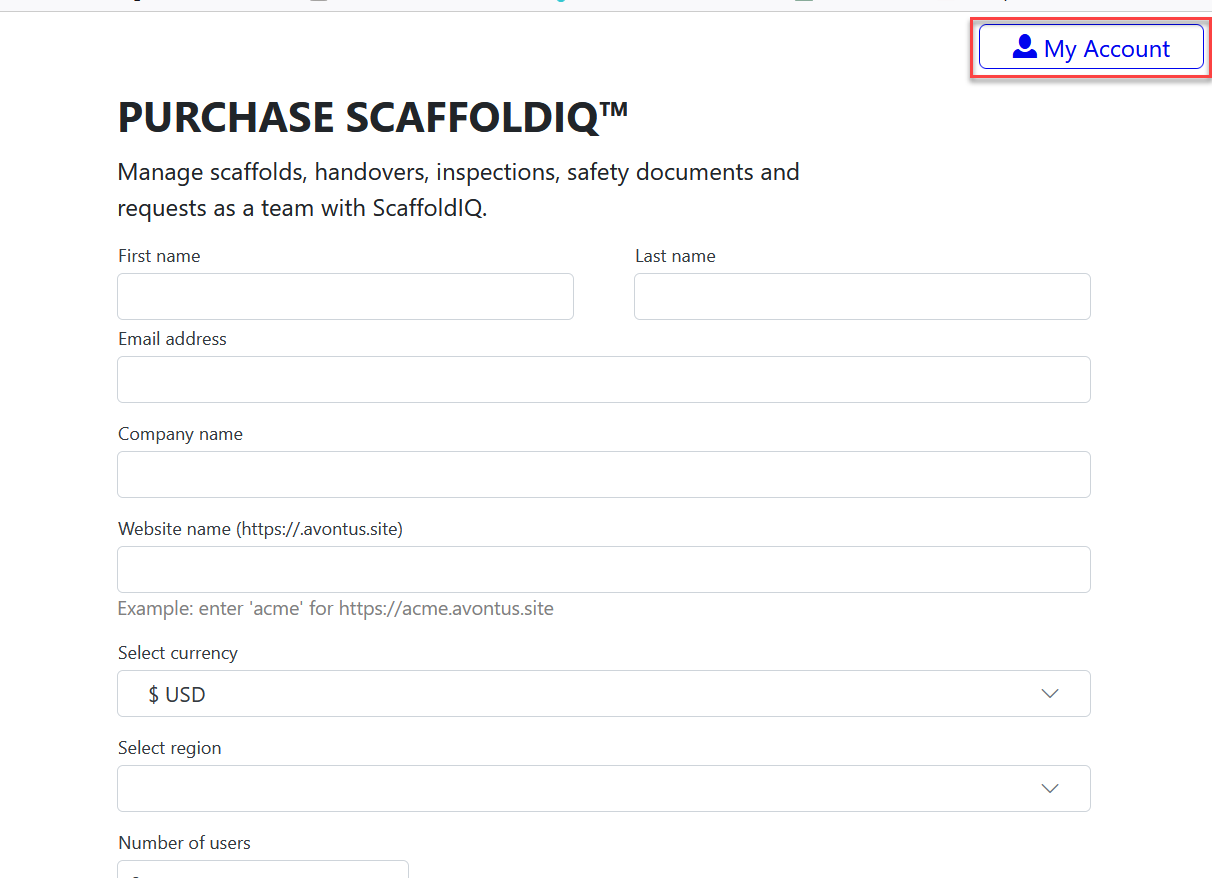
Access https://store.avontus.com/
Select My Account
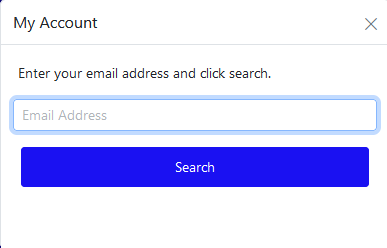
Enter your email and click Search
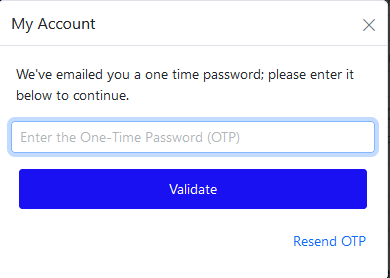
Enter the one-time password and click Validate
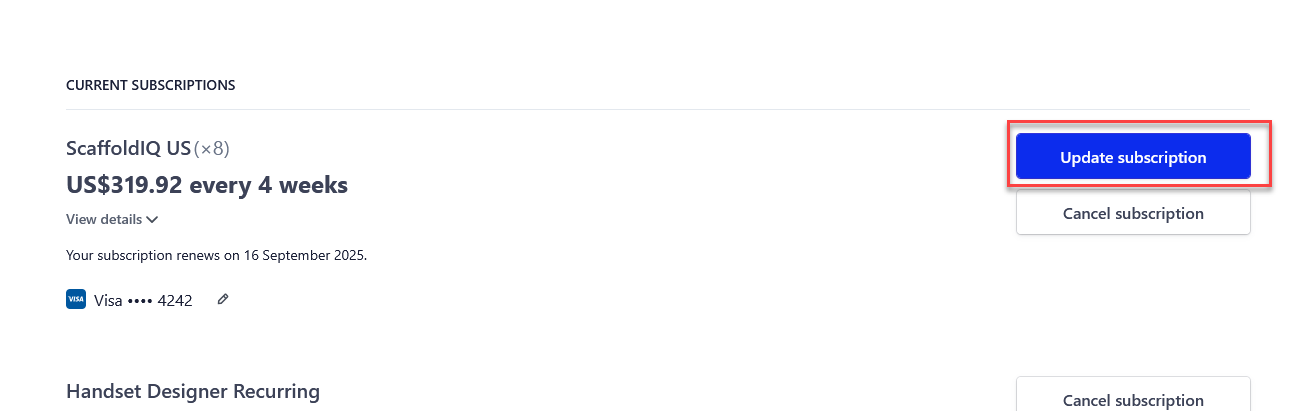
In the Current Plan section, select Update Quantity
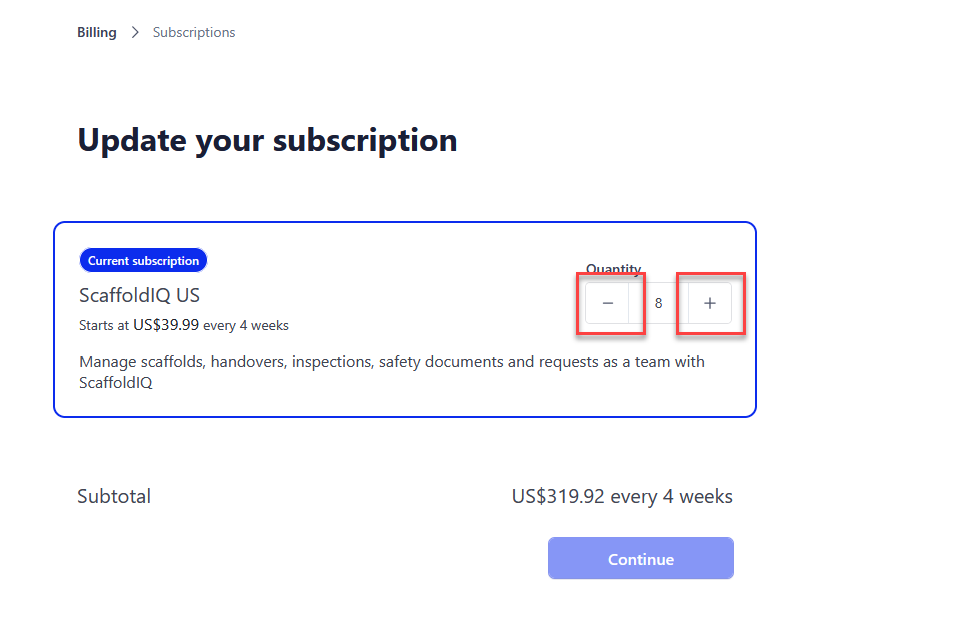
Click the + or - icon to add to remove users
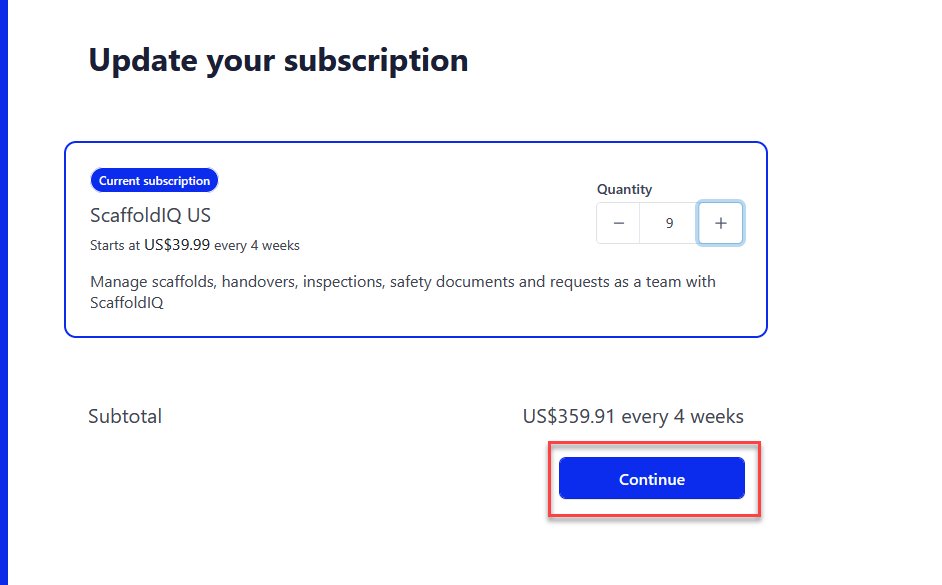
Select Continue
Click Subscribe and Pay
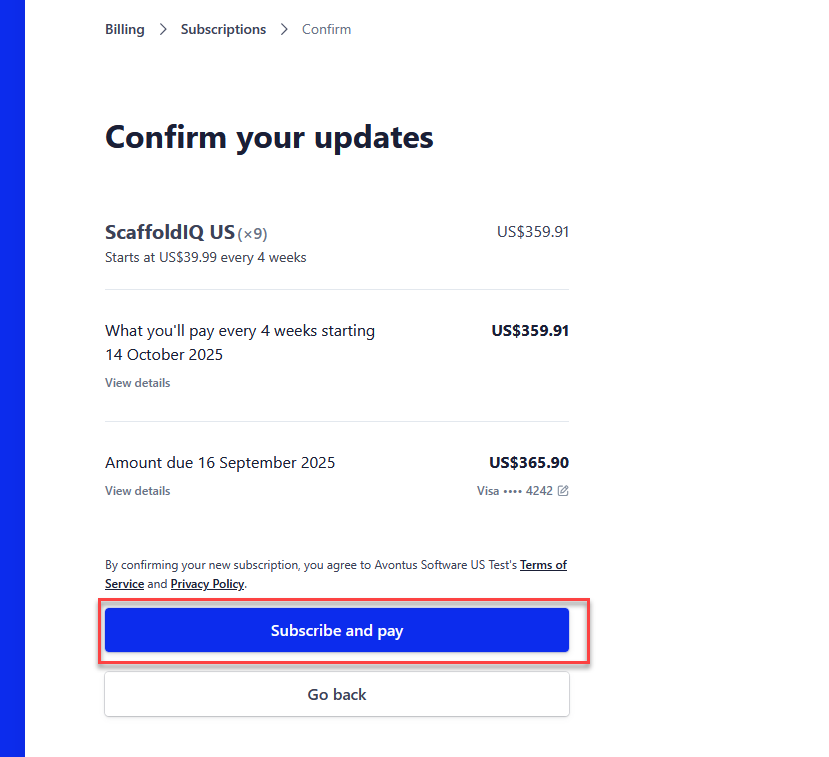
Your new changes will be applied.