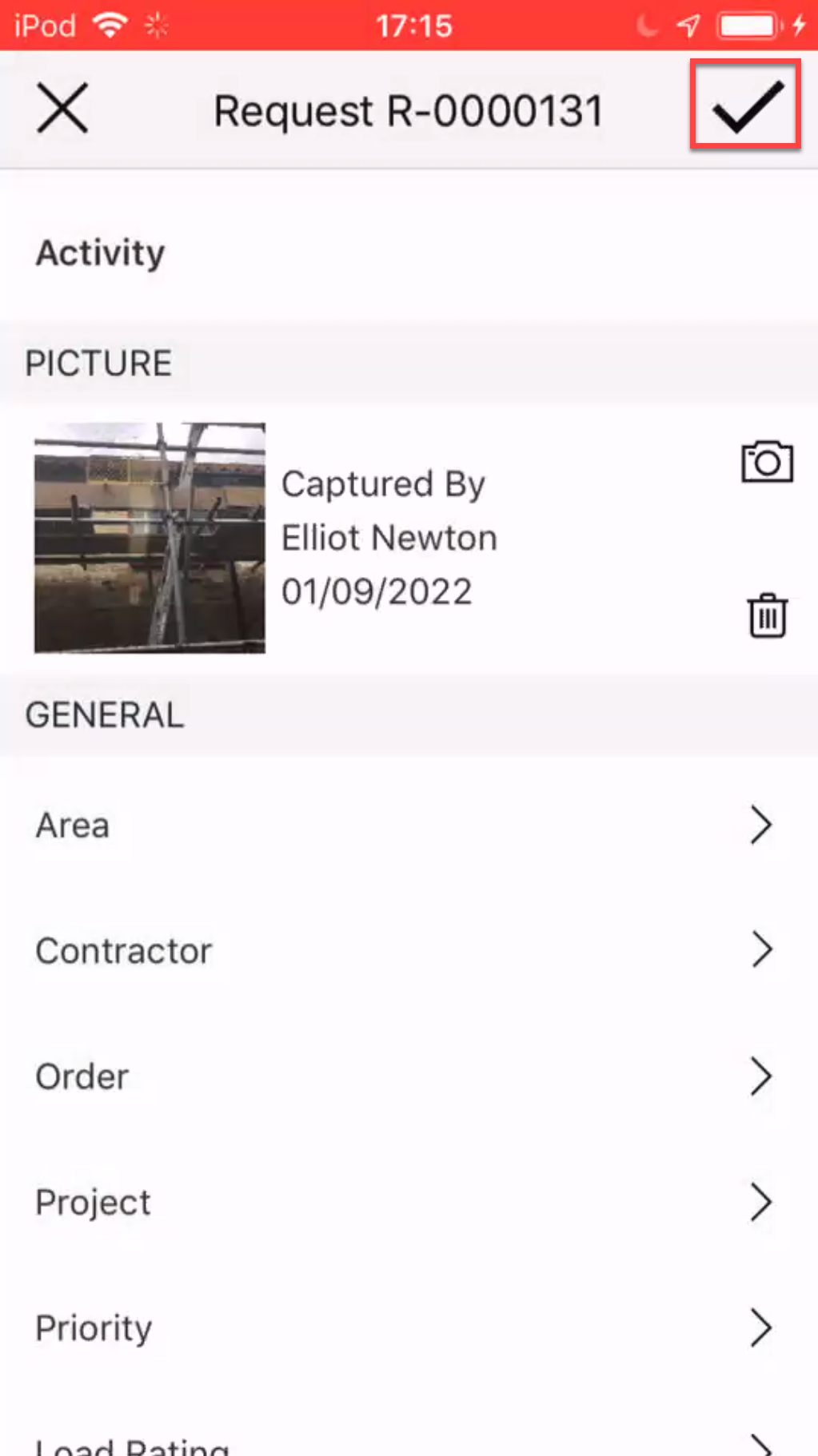
You can upload a picture to the Request. This could be an image of where the Scaffold is to be erected. This allows for easier identification of where the Scaffold is to be erected.
To upload a picture to a request.
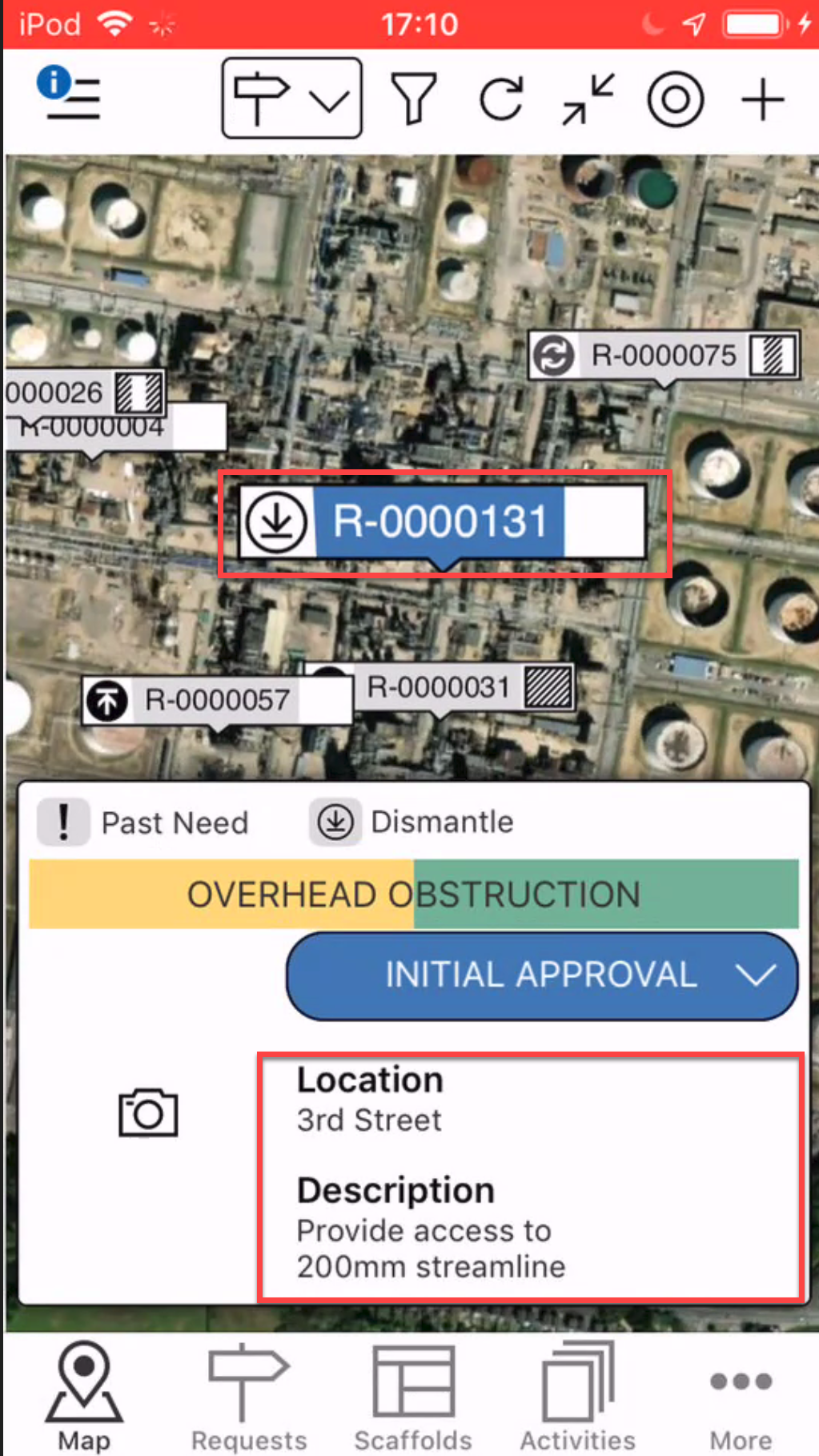
- On the Map screen, locate the Request to add an image to
- Tap the details section
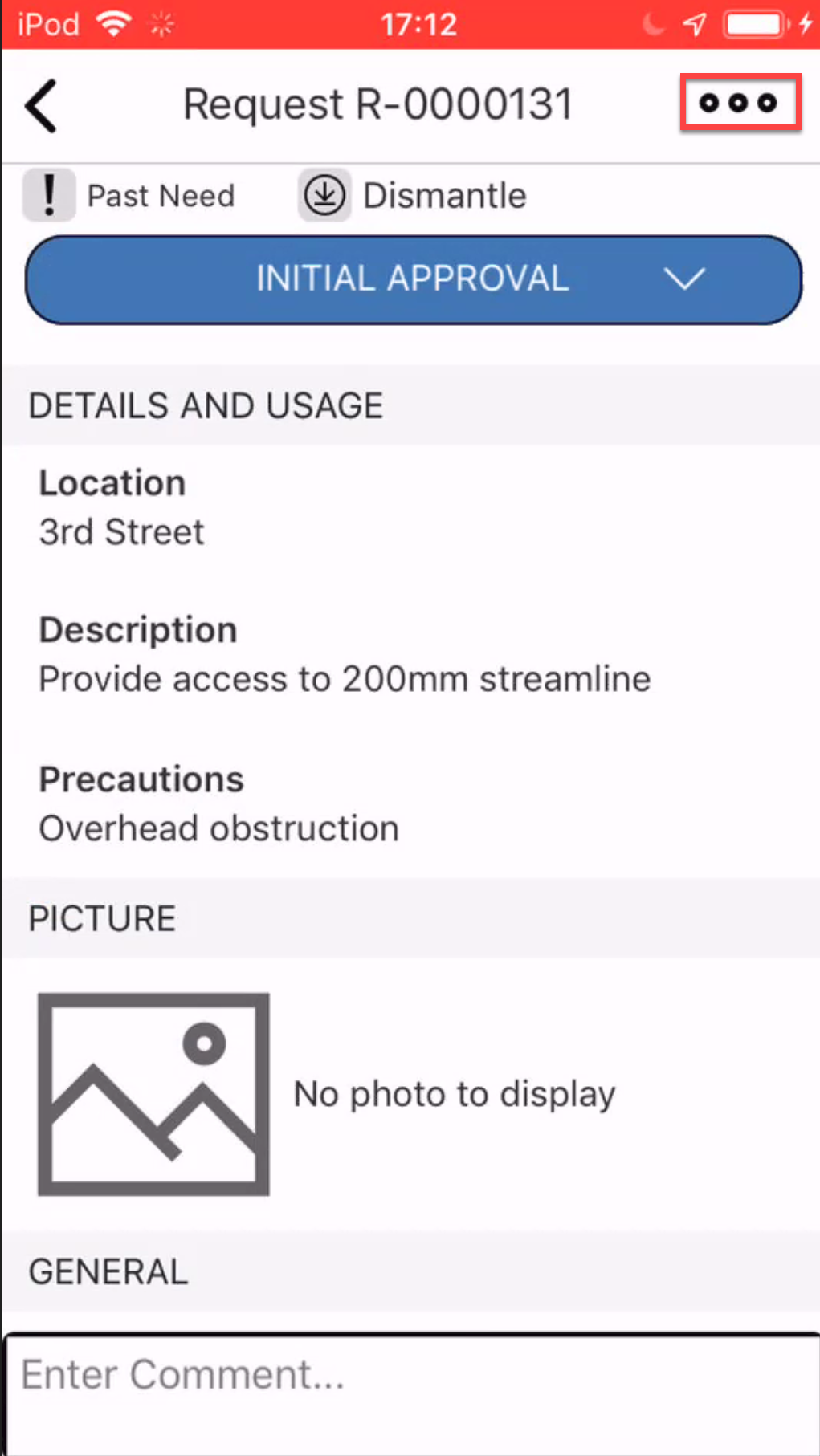
- Tap the three dots in the top right
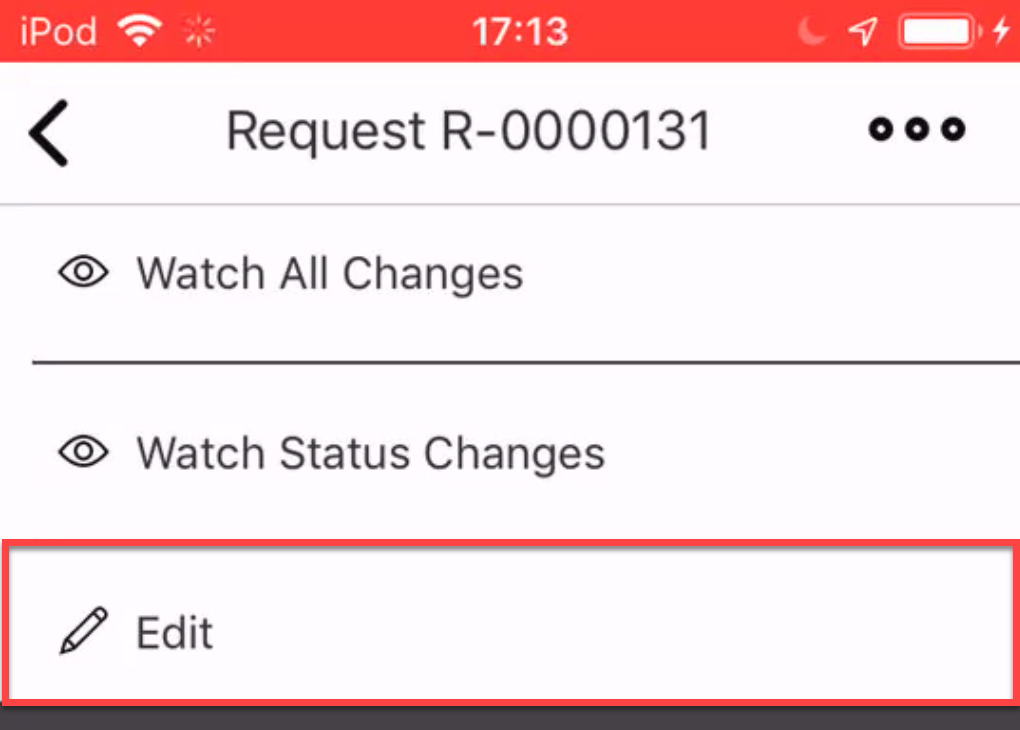
- Select Edit.
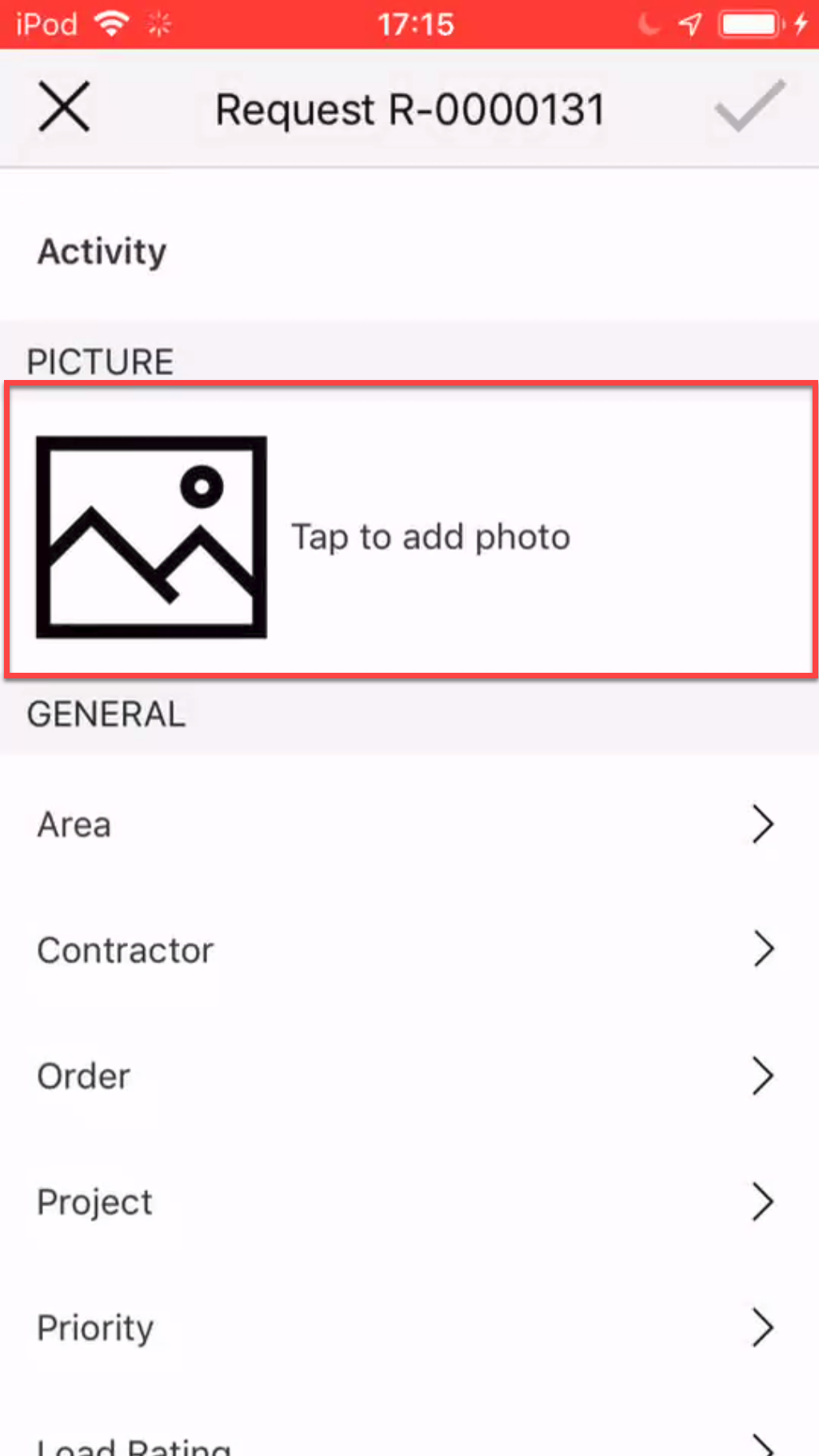
- Tap within the Picture section
- Select to take a new photo or choose a photo from your library.
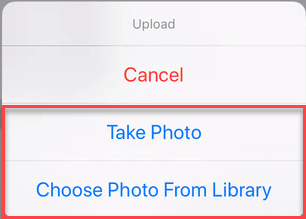
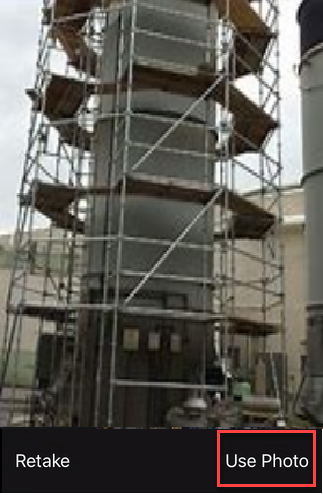
Take Photo - 7a. Take the photo and tap Use Photo.
Choose Photo
7b. Select your image from your image library.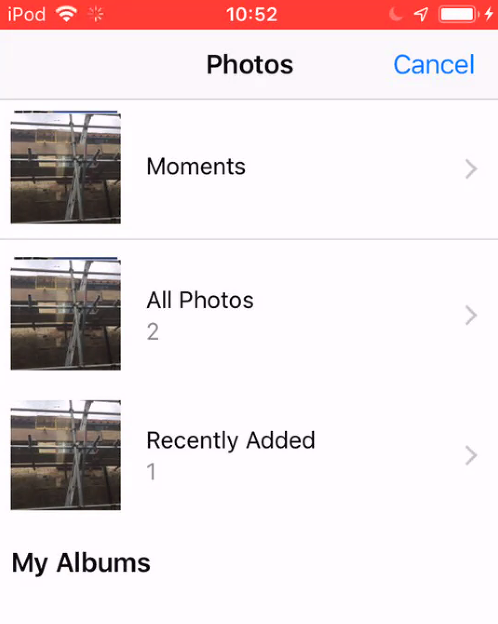
- Tap the tick icon to save your changes.