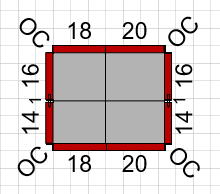
You can use the Shape Data popup to set a Column's elevations.
To use the Shape Data popup to set a Column's elevations:
- Right-click the Column shape and select Shape Data from the Data sub-menu.
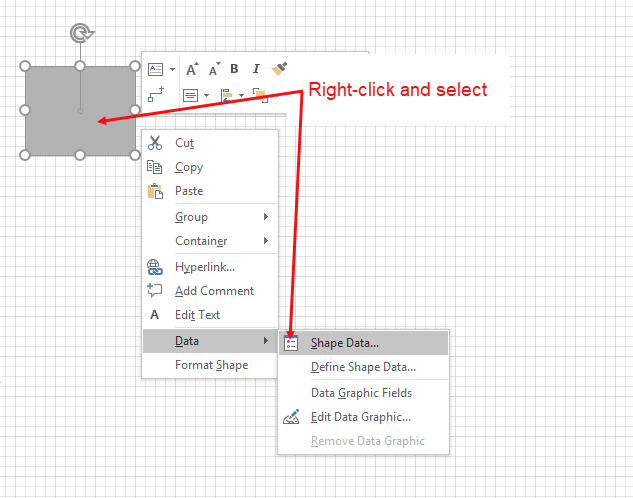
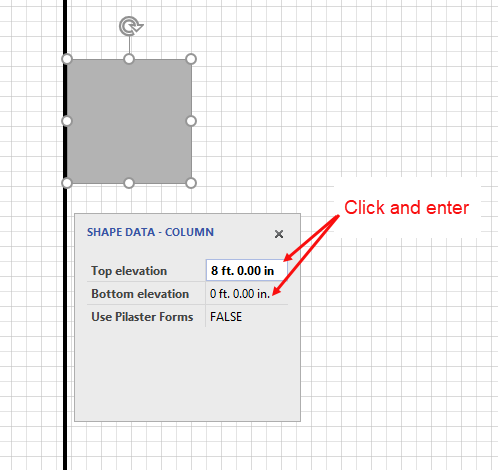
The Shape Data popup appears.
As necessary: - Click in the Top elevation text field and enter a new value.
- Click in the Bottom elevation text field and enter a new value.
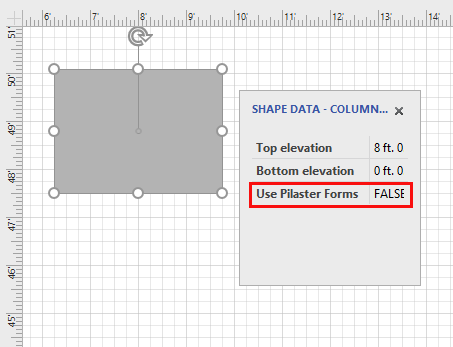
Note: If the Column has no Walls connected to it, ignore the Use Pilaster Forms dropdown. This option is only valid when Columns are connected to Walls, in which case they are Pilasters. (Refer to Working with Pilasters for more information.)
Note: If Formwork design dictates splitting a Column into several parts, the design may sometimes include Ties.