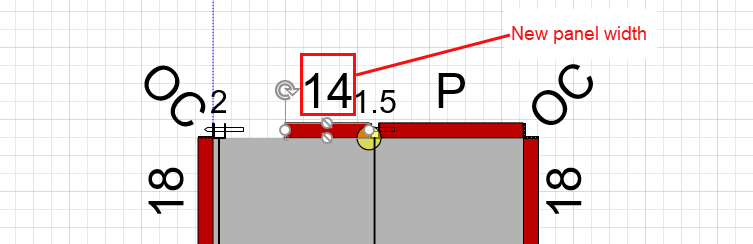
Like other shapes, you can edit Formwork parts and pieces. Using the Formwork shape's handles is one method you can use to change the shape's dimensions.
Note: Editing Formwork parts can sometimes have undesirable results. Refer to Editing Formwork for more information.
Note: Editing Formwork parts can sometimes have undesirable results. Refer to Editing Formwork for more information.
To use the shape handles to change dimension:
Click the Formwork part you want to modify, to select it.
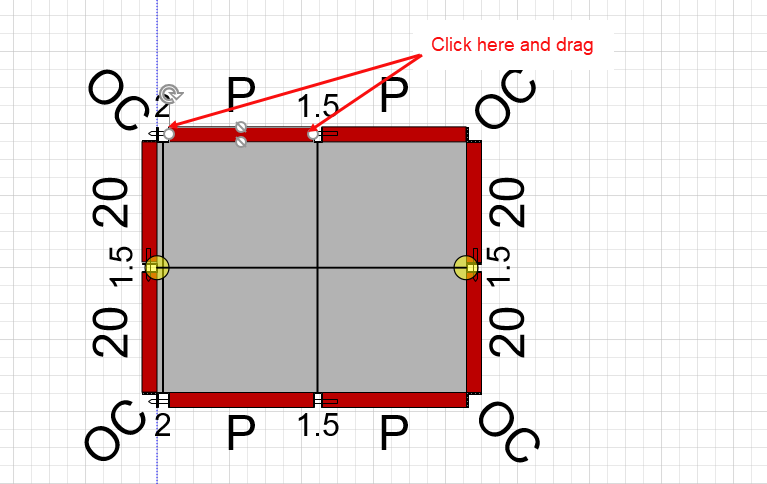
Click and drag the shape handles on either end of the shape.
The shape (in this example, a Panel) reflects the new dimension.