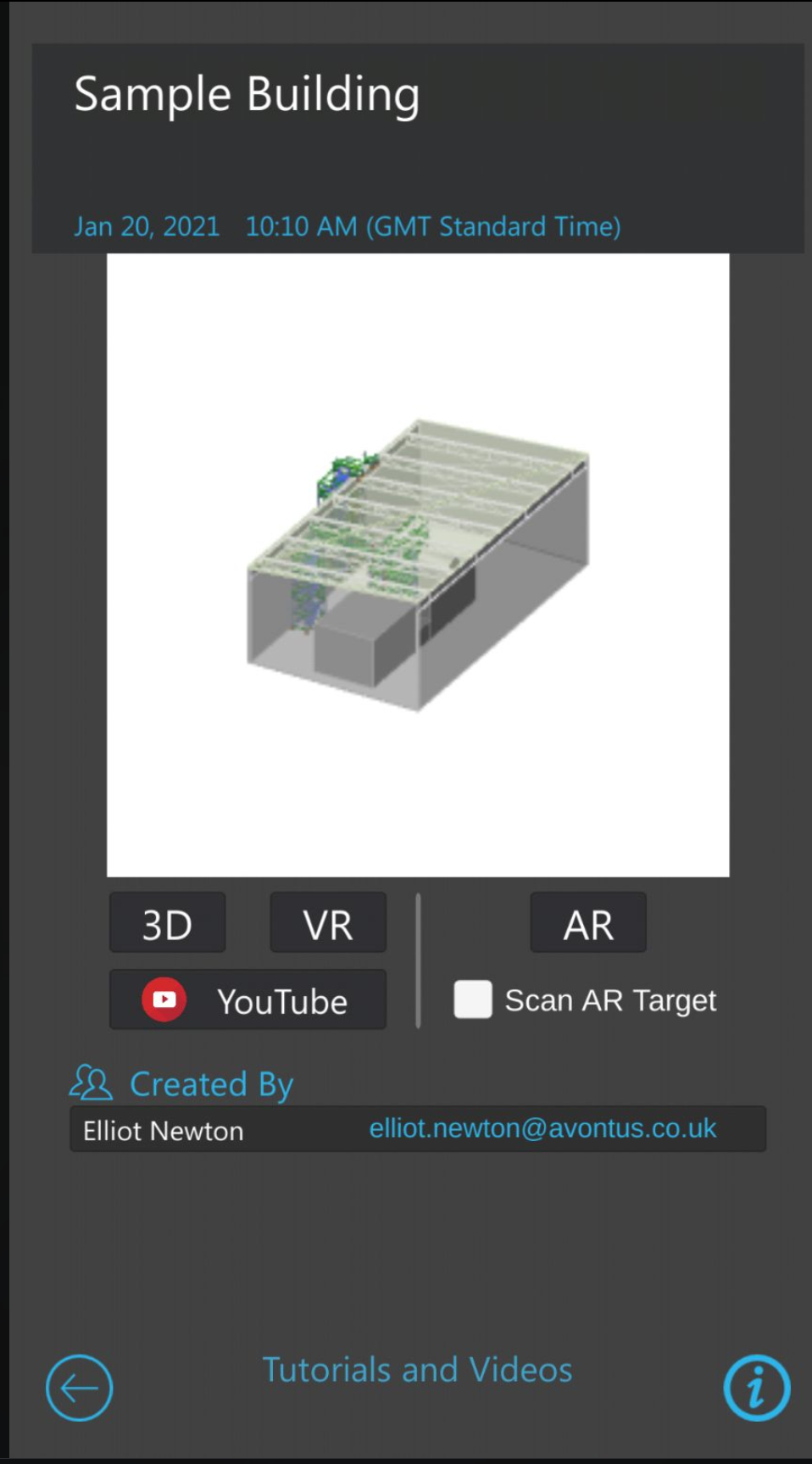
From ScaffoldIQ, you can use Avontus Viewer to view a model 3D you created using Avontus Designer.
Note: You will need an Avontus Viewer account and you will need to have Avontus Viewer installed on your device.
To upload a new model
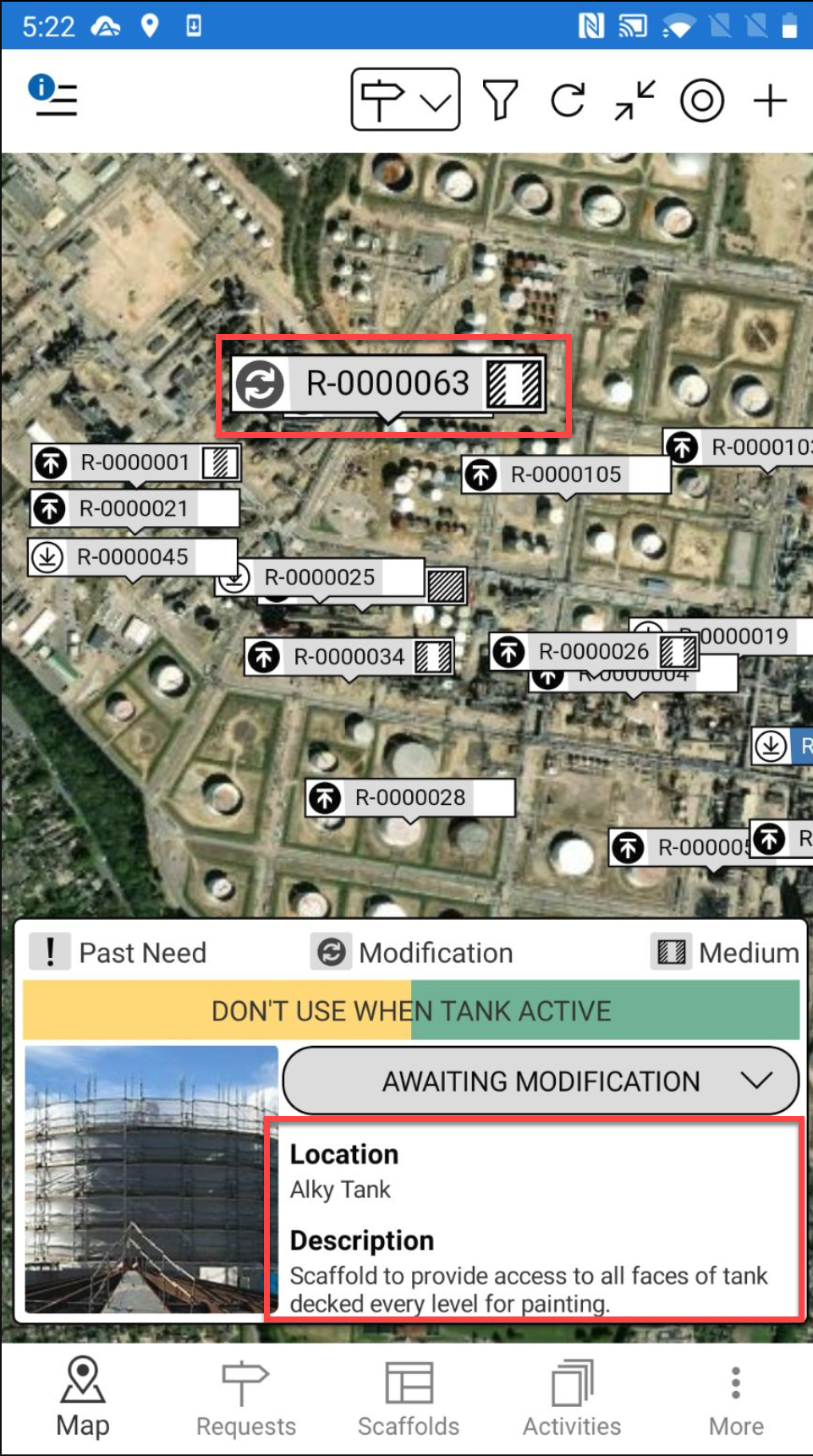
Tap the request pin and tap the details section
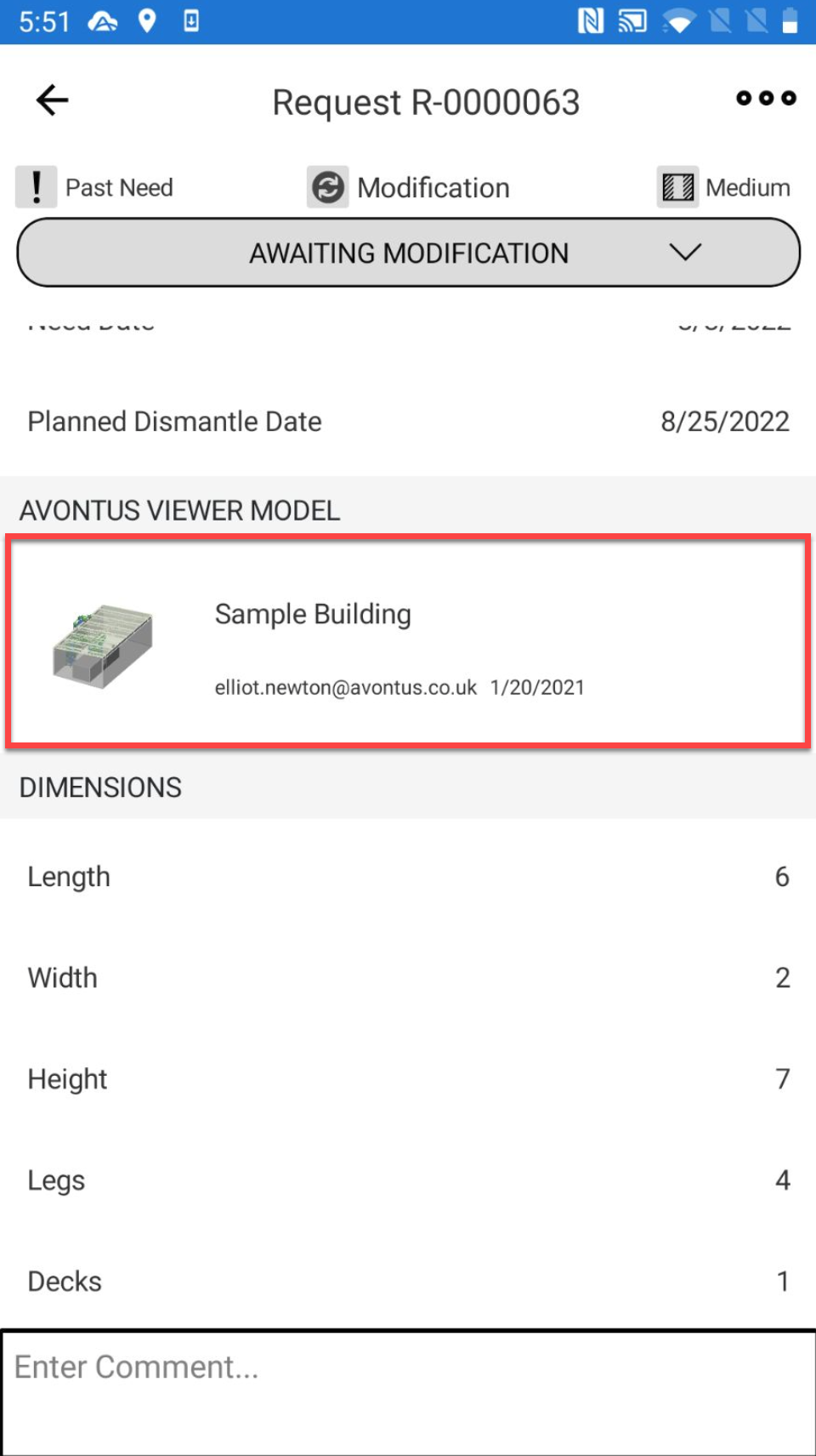
Note: You can also access the Request Details from the Request screenScroll down to the Avontus Viewer Model section and tap within that section.
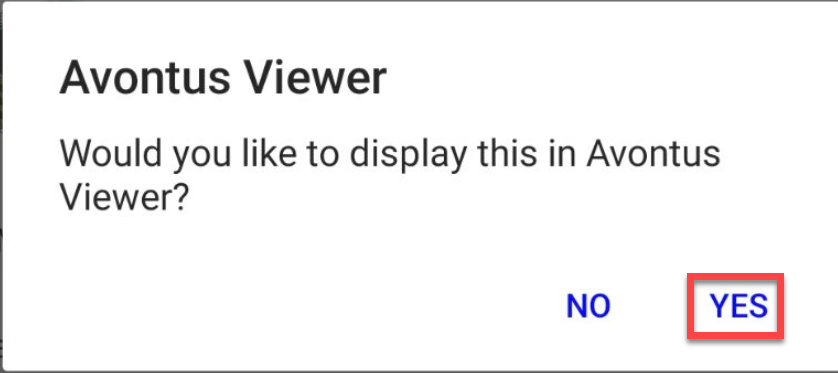
Tap Yes
The model will be displayed.