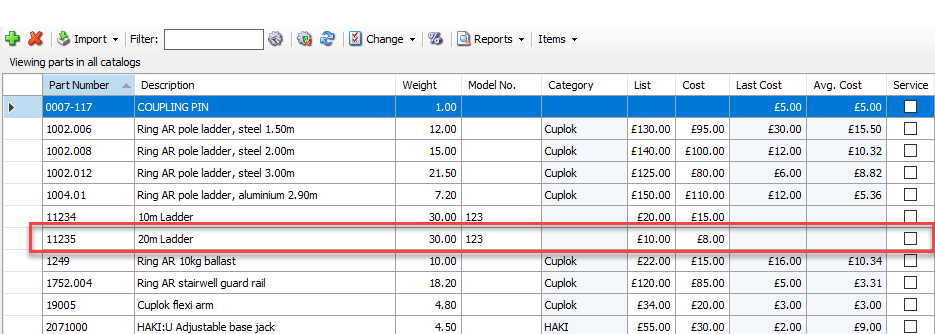
When an item is no longer needed, it can be moved to the Inactive Catalog. It is possible to send the item back to the Product Catalog, this is so a mistake can be rectified when a product was erroneously sent to the Inactive Catalog.
To do this:
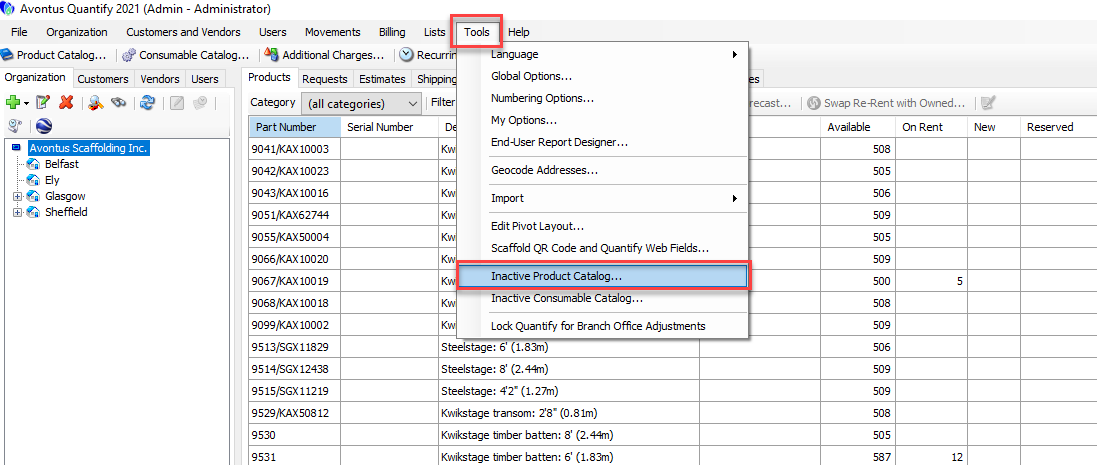
- From the main Quantify screen, click Tools and then select Inactive Product Catalog
- Right-click on the product to move and then select Move Selected to Active Catalog
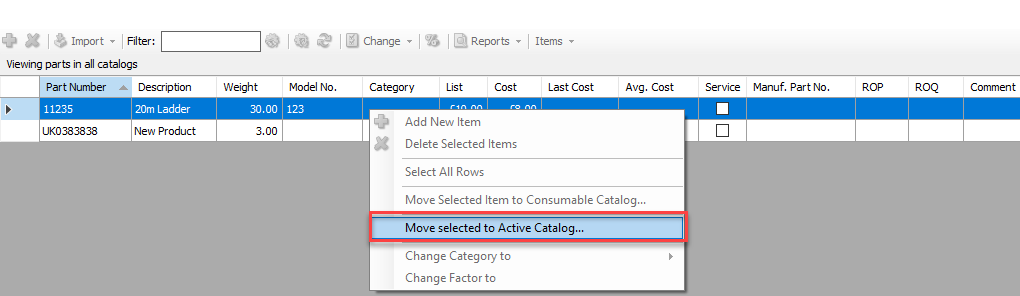
The product will be moved to the Product Catalog.