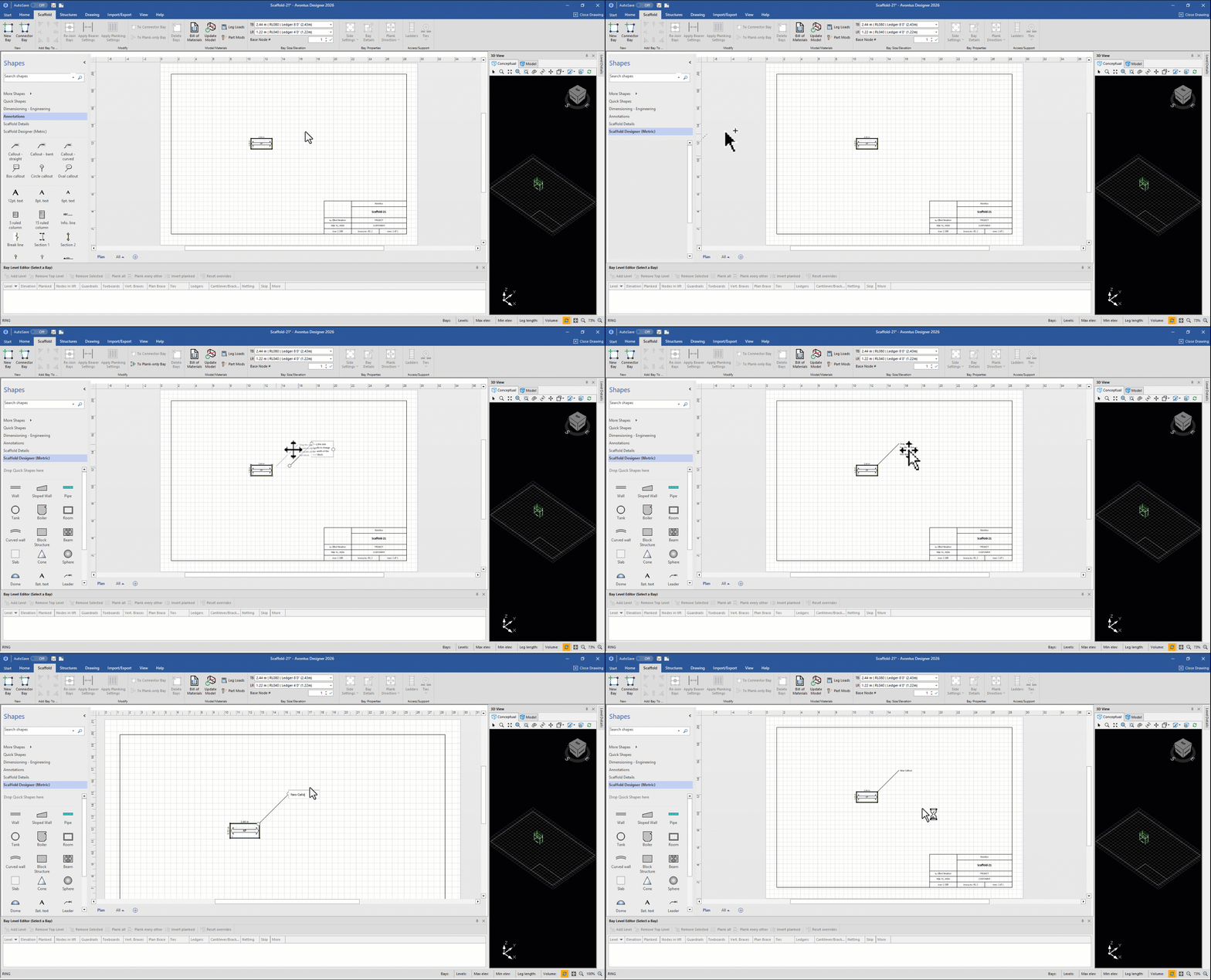
There are numerous occasions where you will want to point out important details to the end user of your drawings. No drawing is complete without text of some kind.
The shapes on the Annotation tab enable you to easily add dimensions, plain text and leaders to your drawing. Simply drag and drop any of these shapes onto the drawing page.
This section includes tools for adding text boxes, comments, callout boxes, reference objects, etc.
You can view annotations by selecting the Annotations option in the Shapes panel
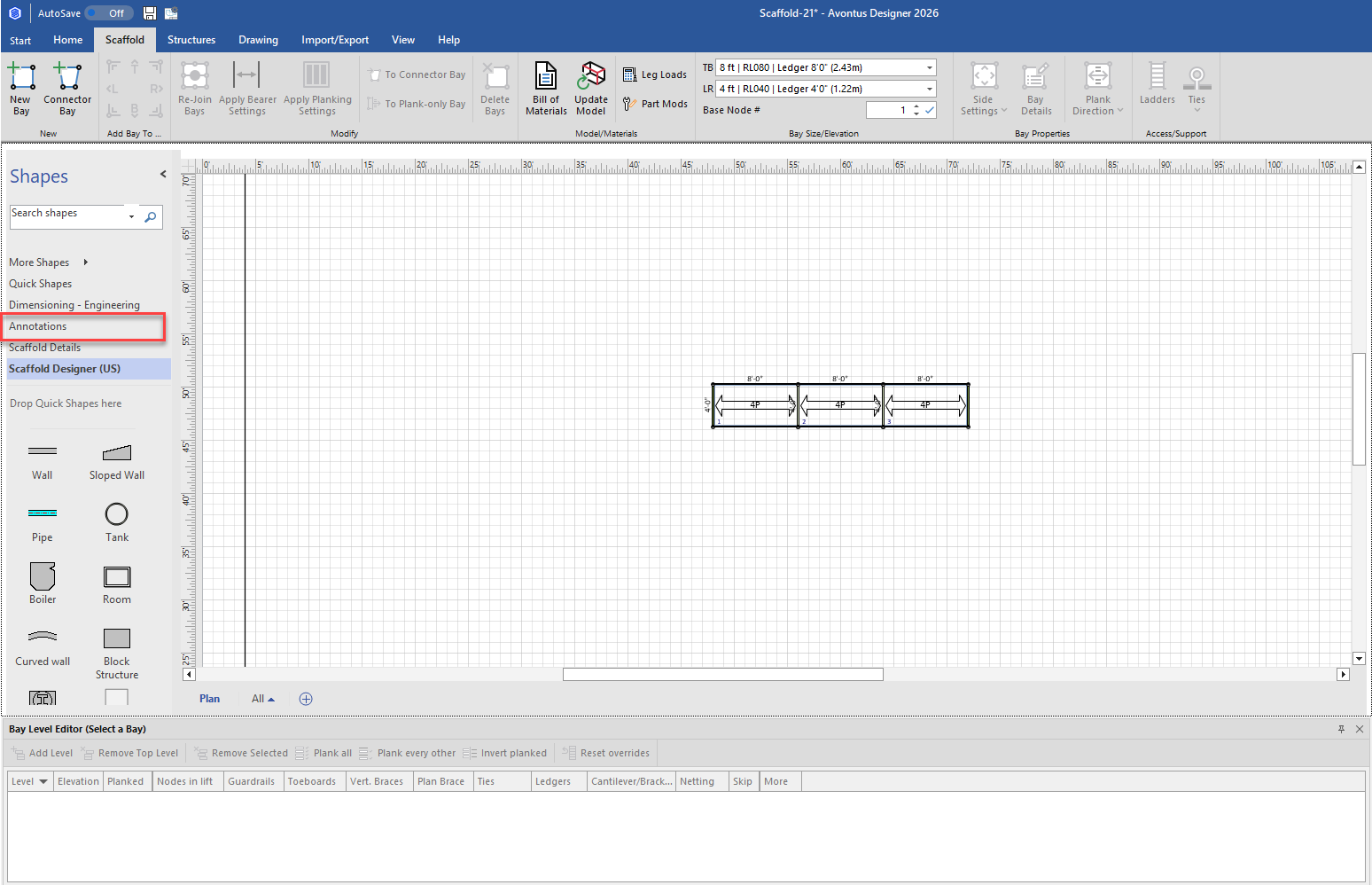
You can then drag an annotation onto the design page.