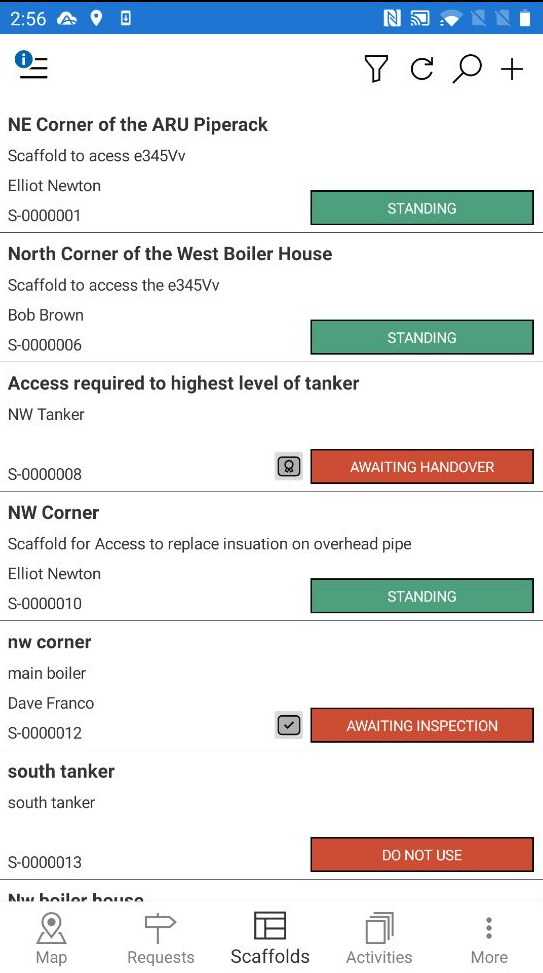
The Scaffold screen allows for the managing and monitoring of all scaffolds on your job site. It is where you can view the details of the scaffolds such as its location and planned dismantle date. You can also change the status of a scaffold should, for example, a standing scaffold ever be dismantled.
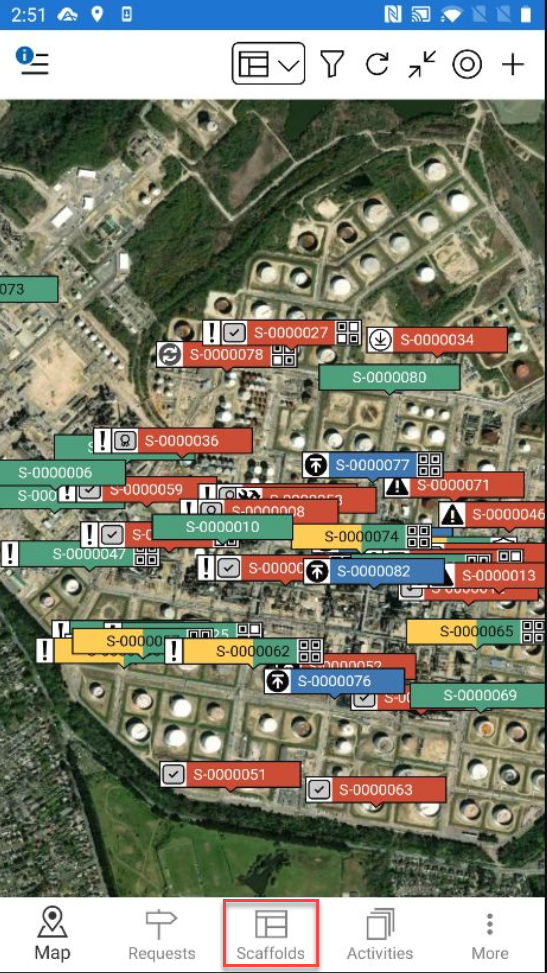
To access the Scaffolds screen, tap Scaffolds on the bottom menu.
Once you have tapped Scaffolds, the Scaffold screen will appear. This will display all scaffolds on your Jobsite or the scaffolds you have selected to see using the filter.
Tap a scaffold to go to the Scaffold Details screen where you can see more information on the selected scaffold.
For more information on the Scaffold Details, please visit the Scaffold Details section.