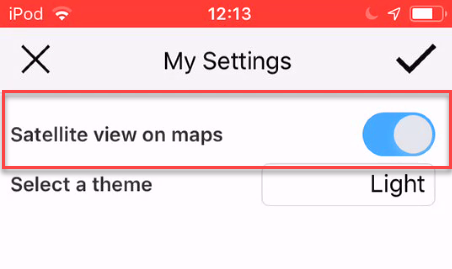
In My Settings you can select whether to use Satellite view on Maps and choose a theme.
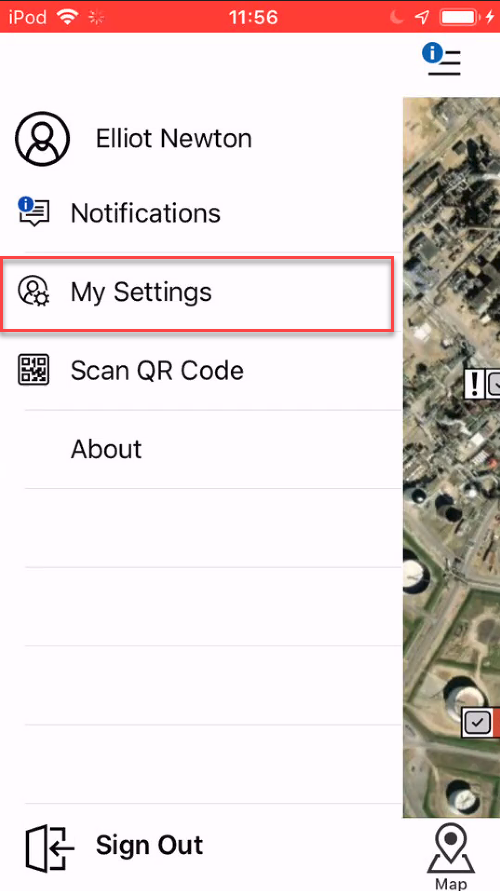
My Settings is found by tapping the Hamburger icon
and then selecting My Settings.
Satellite view
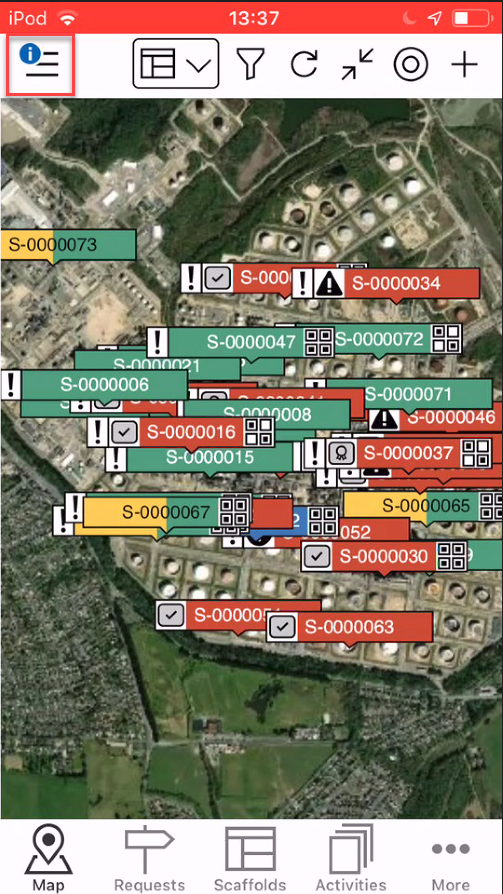
Tapping the slider button into the position indicated below will enable Satellite maps.
The map screen will then look like this.
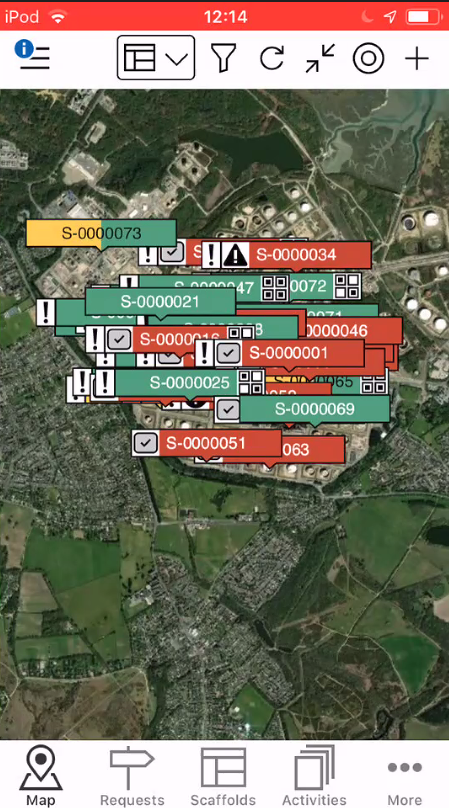
Map view
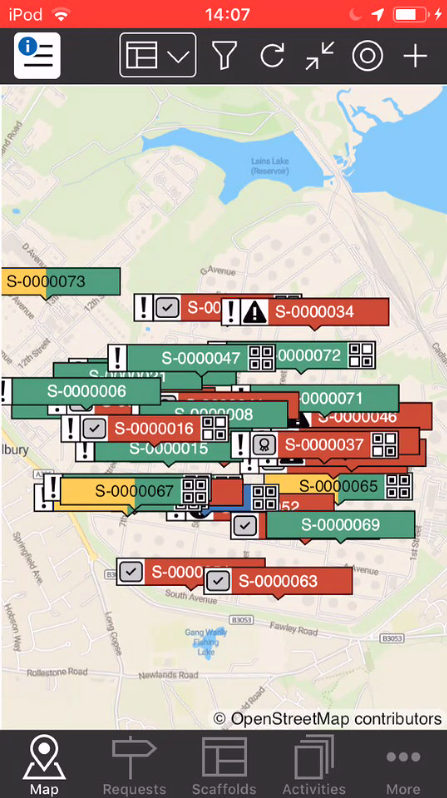
Tapping the slider button into the position indicated below will disable satellite maps.
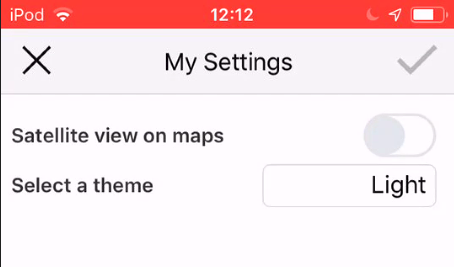
The map screen will then look like this.
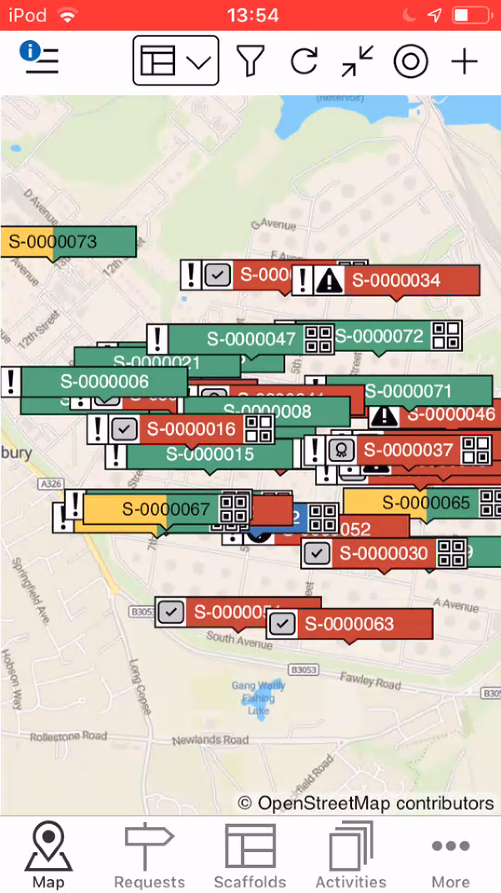
Note: You will need an admin to provide Mapbox API key to use Mapbox Satellite maps.
Theme
You can select your ScaffoldIQ theme. Select from
Default
Light
Dark
Phone default is what is set as the phone's theme in the Phone's settings (if available)
Light will have a blue and white colour theme
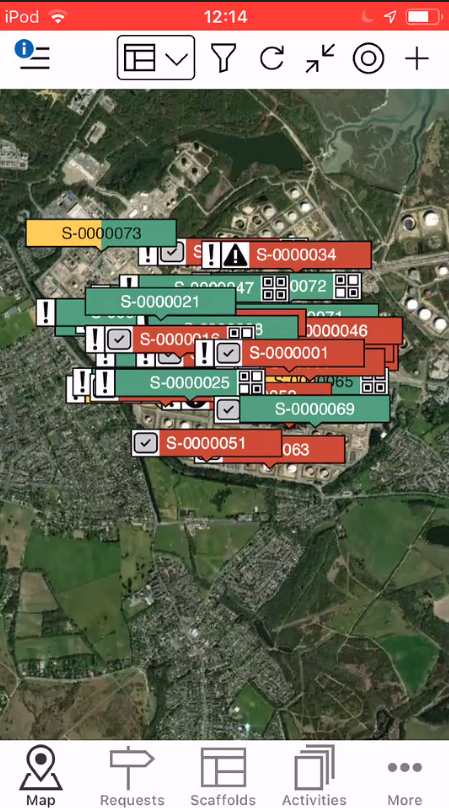
Dark will have a black and white colour theme