The next step is adding the Pilasters and Walls that will connect to the curved Wall at the head of the building
To add Pilasters and remaining straight Walls:
- Click the Pilaster shape and drag it so that it is centered on top of the right Wall.
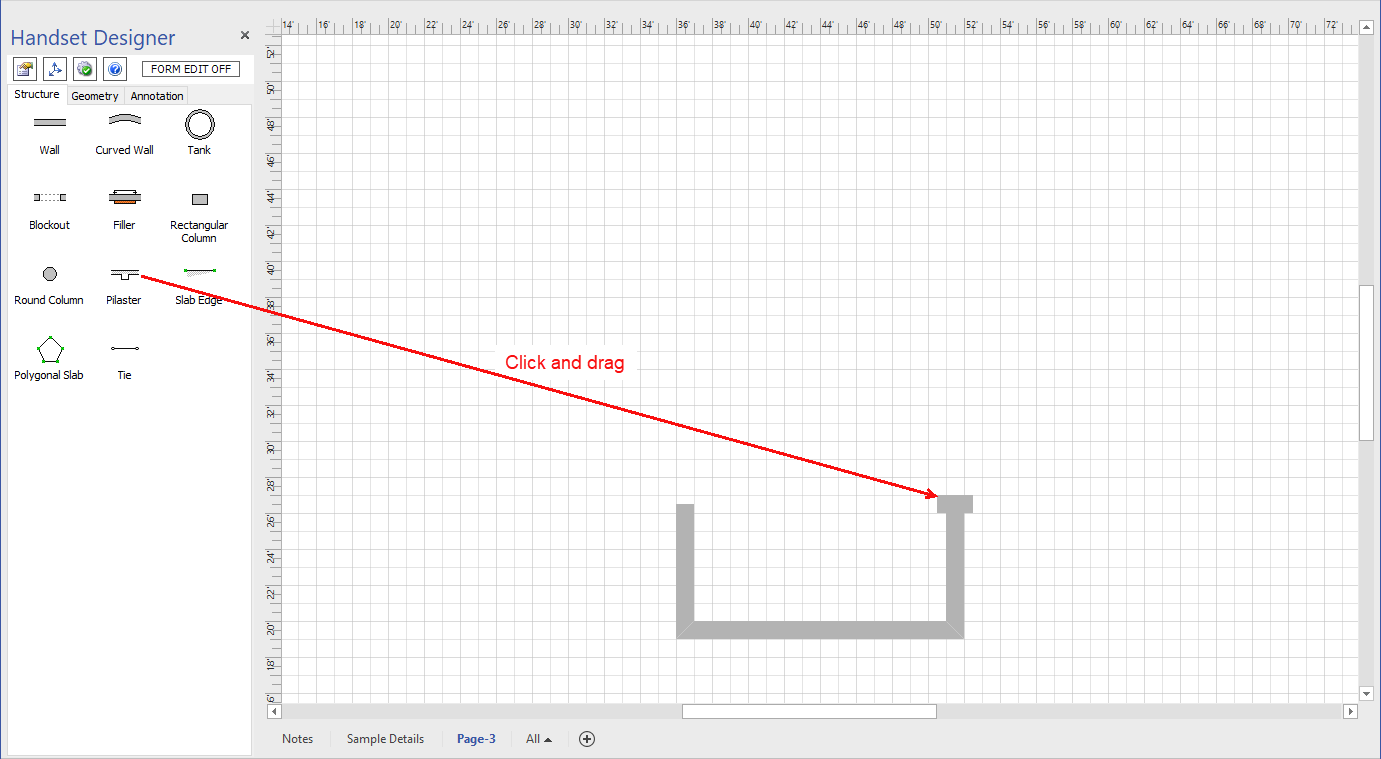
- Repeat the above step for the left Wall.
- Make two vertical Walls 14 ft. 6 in. long, with right and left reference lines.
- Click the Wall with the reference line on the right and drag it so that it is glued to the outside corner of the right Pilaster.
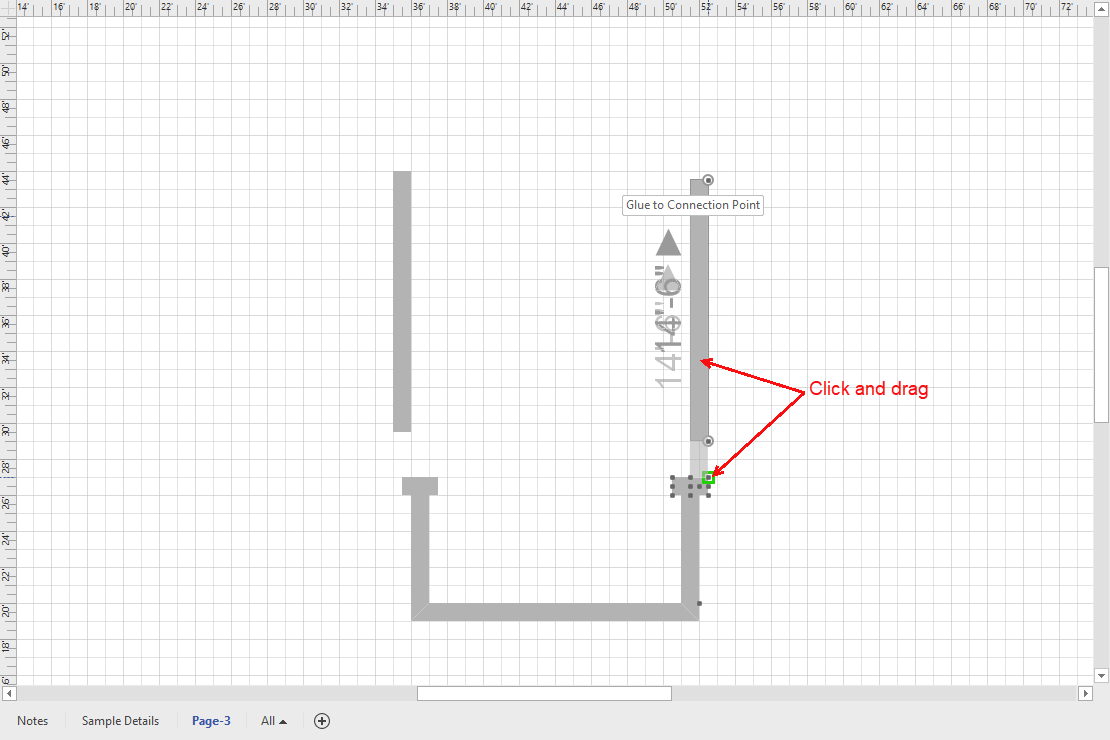
- Repeat the above step for the left Wall, then add the curved Wall.