To add the Slab, you will join four Slab Edges together and put them in place around the structure.
To add the Slab:
- Click the Slab Edge shape and drag it onto the drawing page.
- Click the Size and Position button.
The Size and Position popup appears.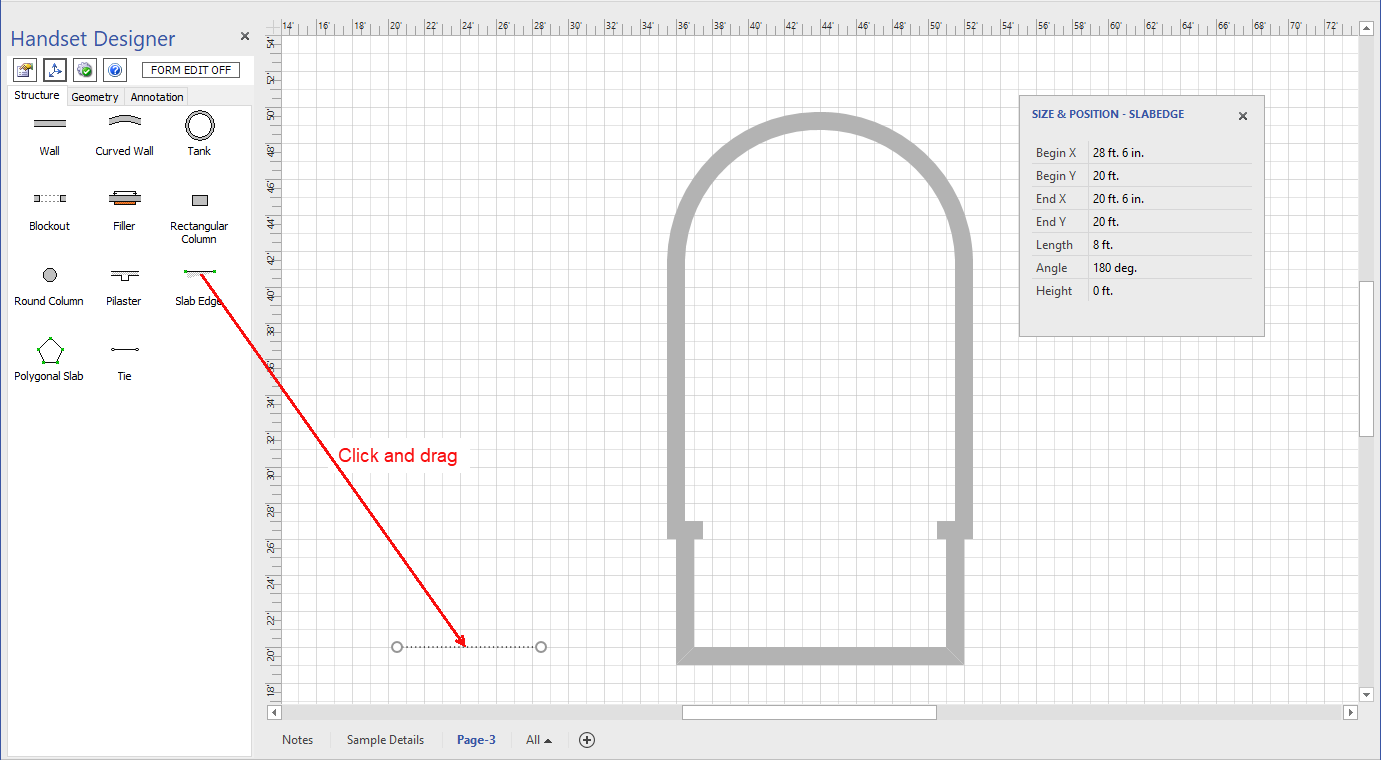
- Click in the length text field and enter 19 ft long, then make a copy of it.
- Drag another Slab Edge onto the Drawing Page, then click and drag it so that is it vertical.
- Use the Size and Position popup to make the Slab Edge 32 ft 6 in long, then make a copy of it
- Glue the Slab Edges together so that they make a vertically aligned rectangle.
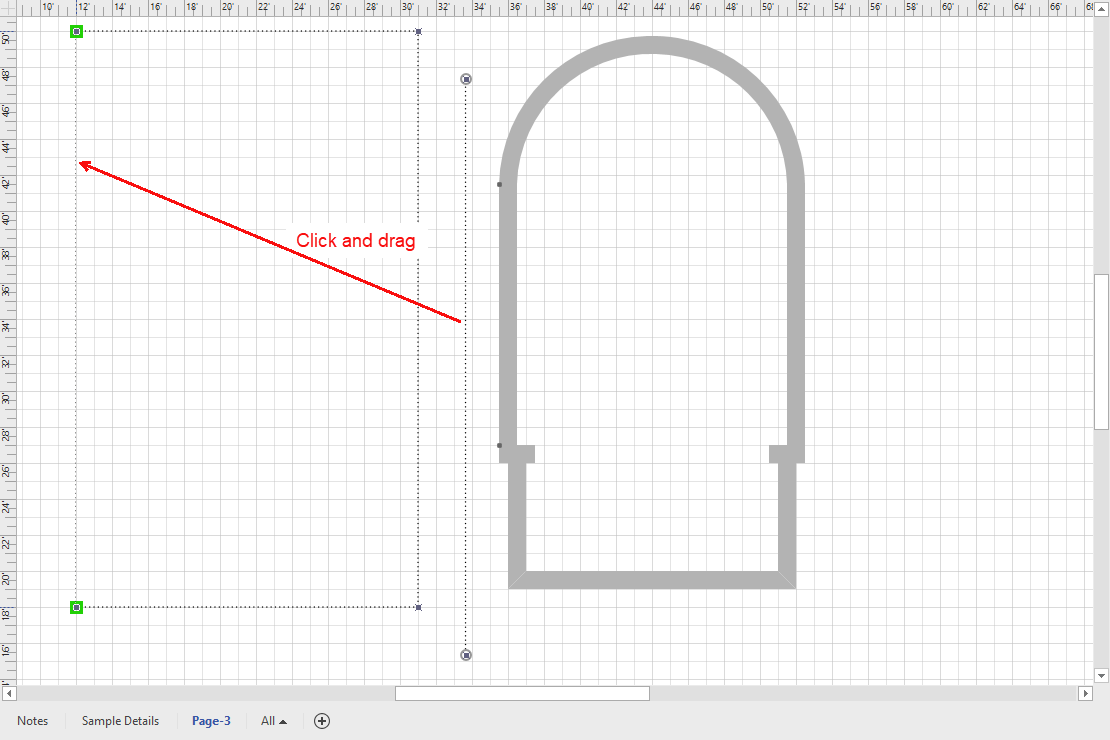
- Select the Slab Edge box and place it evenly around the structure.
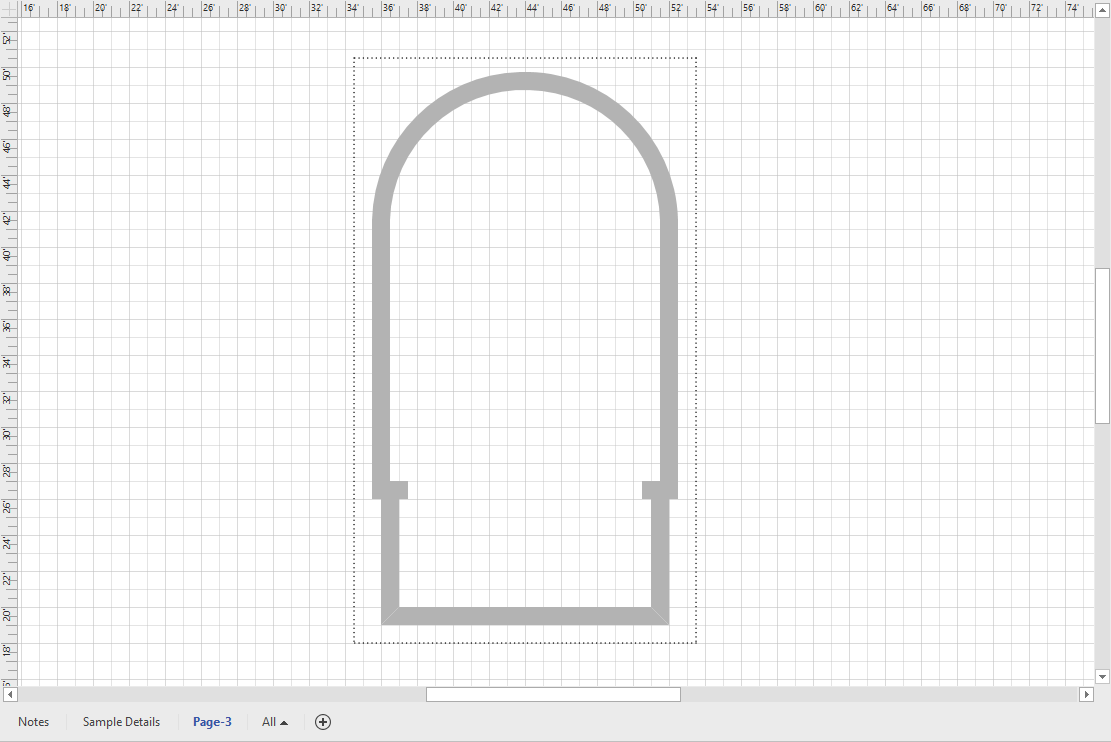
You can now draw the formwork.