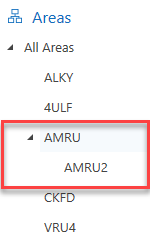
You can add areas, and assign Requests and Scaffolds to a newly created area.
To add a new area
- Go to either the Map, Requests, Scaffolds, Activities or Inspections screen on the left-hand side.
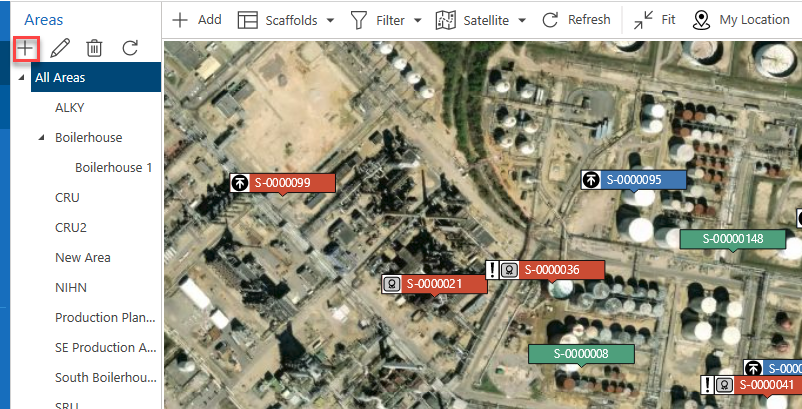
- At the top of the Area section, click the + icon.
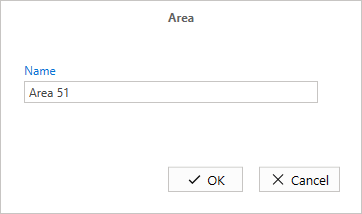
- Specify the new area name and click OK.
The new area will be added to the current list of areas.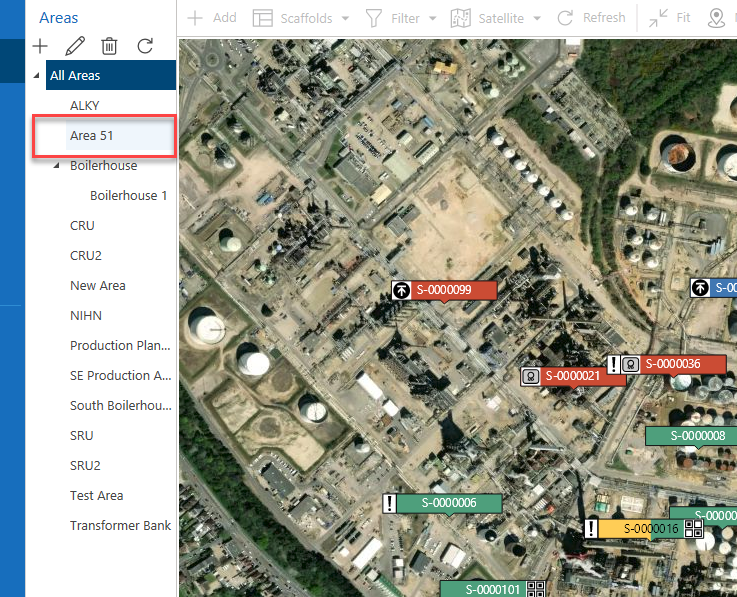
Note: It is possible to add an area that is a subarea to another area.