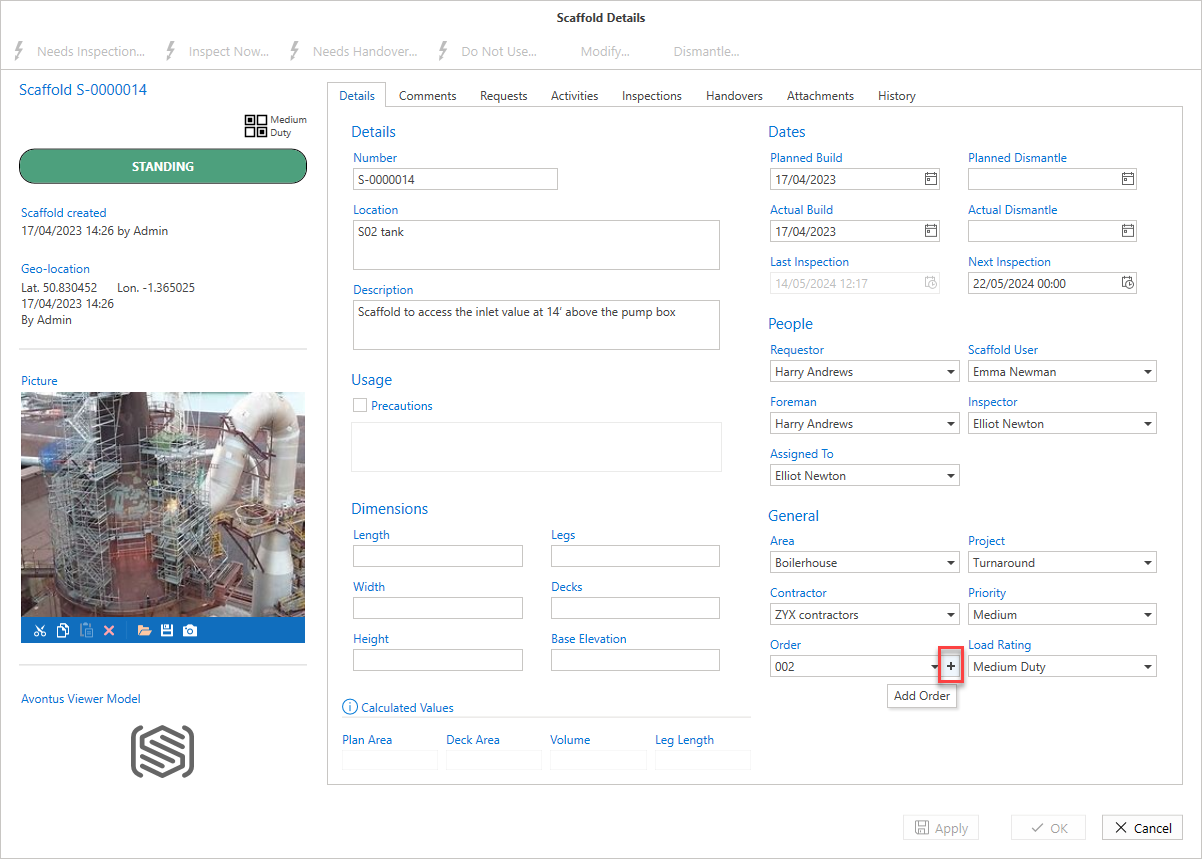
You can add an order and assign it a Request or Scaffold.
To add an order
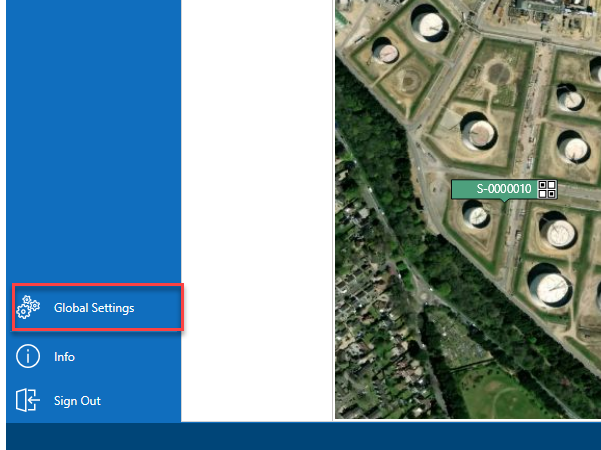
- From the Map screen, select Global Settings on the panel to the left.
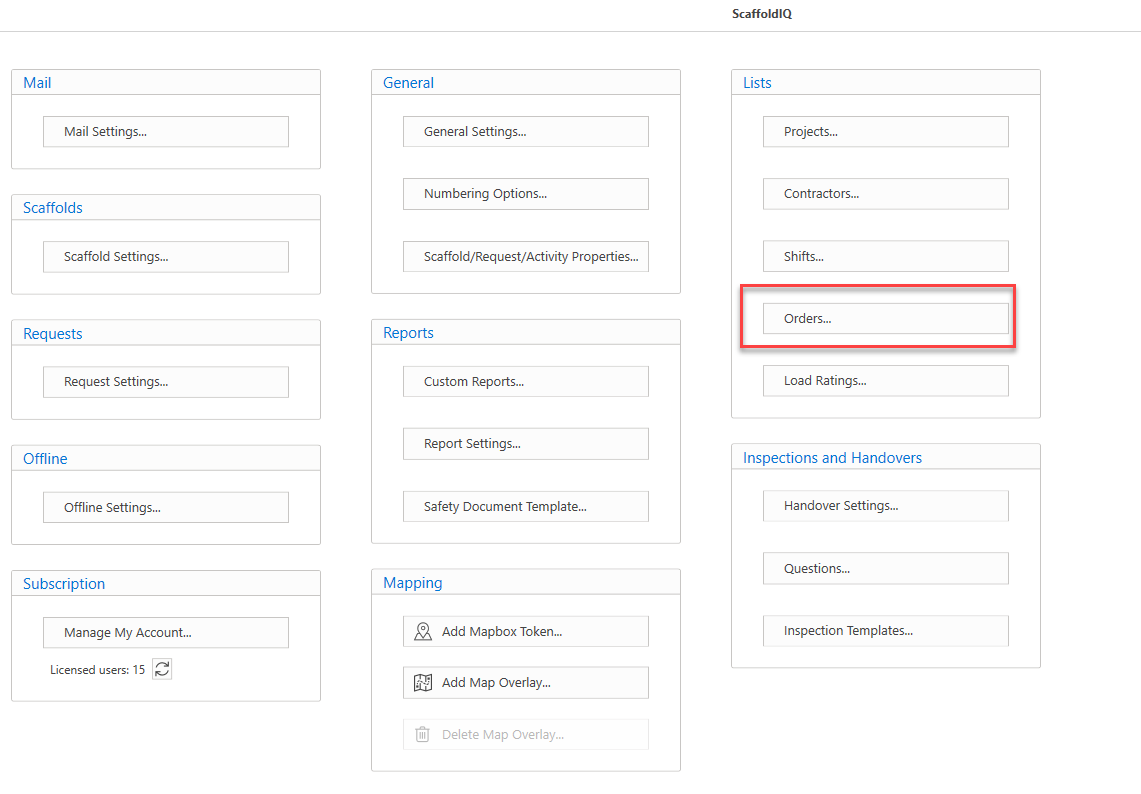
- In the Global Settings screen, click Orders.
- In the Orders screen, click Add
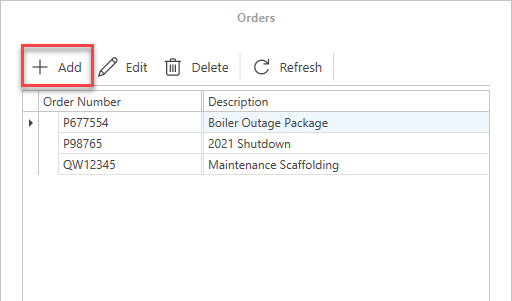
- Specify the order number and provide a description
- Click OK
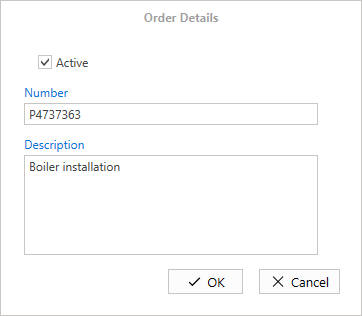
The order will be added.
You can also add an order to a request or Scaffold on the Request/Scaffold Details screen.